
A good WordPress travel theme should do three jobs: show places and trips in a way that makes people want to go, take bookings or enquiries without friction, and load fast on a phone. Most visitors will be planning on a mobile while comparing several options, so the theme you pick decides how many of them stay.
This guide explains what to look for in a WordPress travel theme, which type fits a travel blog, a tour operator or a booking site, and how to choose between a WordPress theme and an HTML template. It also covers the plugins you will probably need and the mistakes that slow travel sites down.
Travel is a visual, high-consideration purchase. People look at photos, read about the itinerary, check the price and then decide whether to book. A strong WordPress travel theme supports that journey with a handful of layouts.
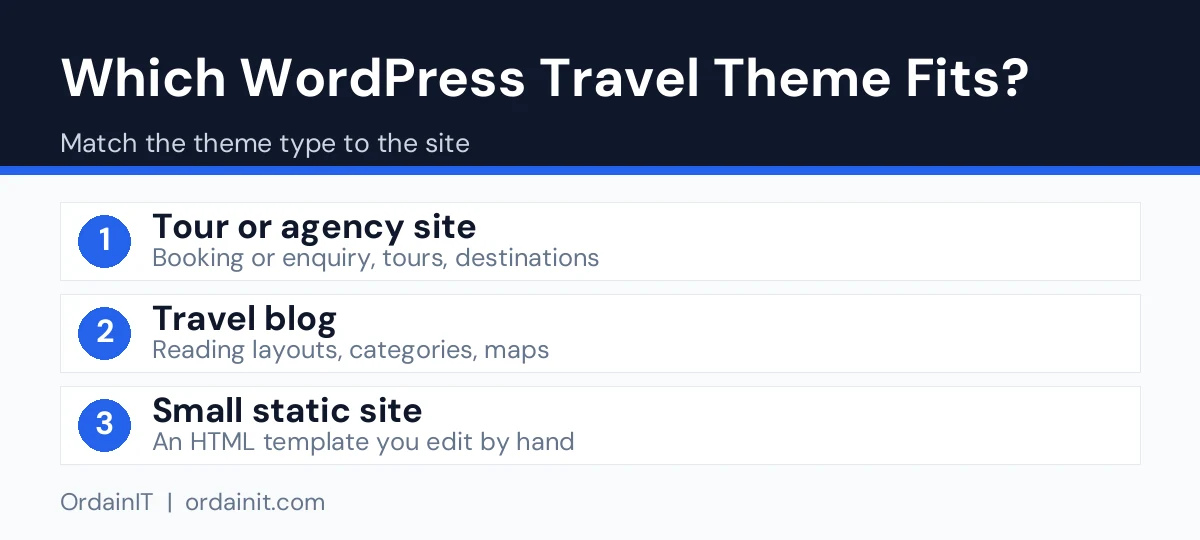
Not every theme includes all of these. Some are built for bloggers, some for agencies and some for hotels. Decide which of the three you are before you compare designs.
A short comparison helps if you are choosing a WordPress travel theme for a specific type of site. We opened each item page on ThemeForest on 14 November 2026. Prices, sales and ratings change, so confirm them on the item page before you buy. We link to the official pages only, we earn nothing from these links, and the screenshots stay on the seller pages.
Gofly is an Elementor theme with hotel and experience booking modules, 360 sales and a 4.50-star rating at $49. GoTravel is a WPBakery theme with Tour and Destination post types, 1,381 sales and a 4.30-star rating at $85. Tourm has 1,185 sales and 4.46 stars from 59 reviews.
Trawell has 2,649 sales and 4.92 stars from 88 reviews at $69, and it works with the block editor. Ofelia costs $27 with 20+ blog layouts and a 5.00-star rating from 11 reviews.
OrdainIT does not sell a travel-only WordPress theme. Travello is our HTML option for tour sites, and Buconz is our multipurpose WordPress theme that you can shape into a travel site with Elementor or WPBakery.
A blog needs strong typography, a flexible post grid and good image handling. Booking features are not required. Look for clear category pages and fast loading, because blogs rely on search traffic.
These need tour listings, itineraries, price tables and enquiry or booking forms. The theme should make it easy to add many tours without rebuilding pages each time.
These lean on room pages, galleries, availability and a booking button. If you run one property, you may need only a clean layout and a contact form, and the booking engine can come from a plugin or service.
Both are valid, and the right choice depends on how you will manage the site. WordPress gives you a dashboard, plugins and the ability to add tours, posts and pages without touching code. An HTML template gives you a fast, simple set of static pages and suits small sites that change rarely.
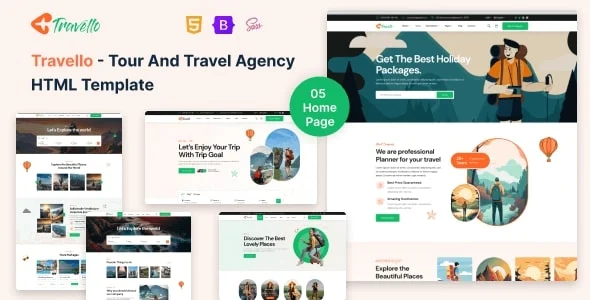
OrdainIT sells both. Travello is an HTML tour website template with 5+ home pages and 28+ valid HTML5 pages built with HTML5, CSS3 and Bootstrap 5.x. It has layouts for tour packages, itineraries and bookings, integrated Google Maps and free lifetime updates.
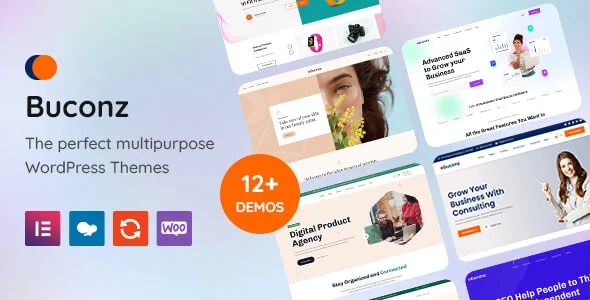
If you prefer WordPress, Buconz is a multipurpose business WordPress theme with 12 homepages, Elementor and WPBakery versions, a mega menu, 4 WooCommerce shop pages and one-click demo import. It is not a travel-only theme, so it suits a small agency or tour business that wants to build its own tour and booking pages with a page builder.
Be clear about what you are buying. A multipurpose theme is flexible but needs more setup than a travel theme with tour layouts built in, so allow time for building your own tour template.
A theme alone rarely covers everything. Typical add-ons include a booking or reservation plugin, a form plugin for enquiries, an SEO plugin, a caching plugin and a security plugin. Choose plugins with recent updates and good reviews, and test each one on a staging copy first. Too many plugins slow a site down, so install only what you need.
Travel pages are heavy with photos, so speed deserves extra care. Resize images before you upload them, use modern formats where possible and avoid sliders that load many large pictures. Google’s web vitals guidance lists the loading, interactivity and stability measures to meet.
For search, give each destination or tour its own page with a clear title and heading, add descriptive alt text to images and write original descriptions rather than copying supplier text. Google’s SEO Starter Guide explains the basics. Related reading: our guides to the travel blog WordPress theme, the travel agency WordPress theme and the travel agent website.
The most common error is choosing from a demo screenshot alone. Open the live demo on your phone, test the menu and forms, and check how long the page takes to load. Another is buying a theme that is far bigger than you need, which adds weight and setup time. A third is ignoring updates, so check that the seller still maintains the theme and offers support. Finally, make sure the licence covers your use, especially if you build sites for clients.
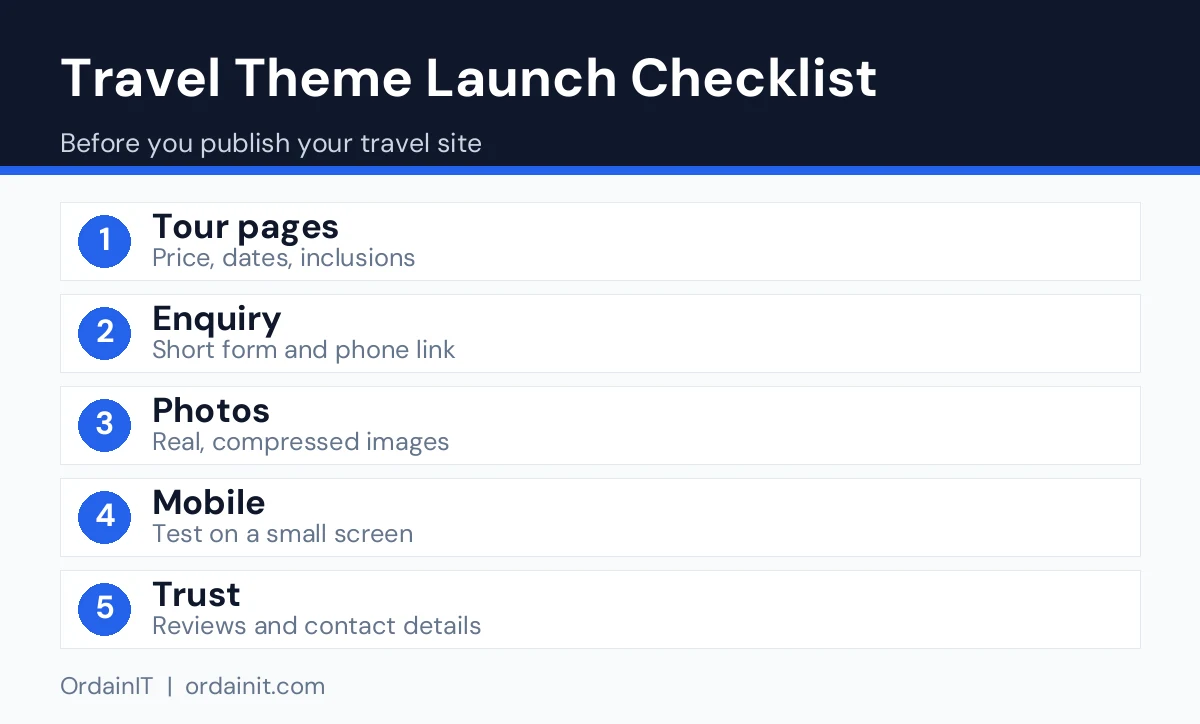
Before you pay for any WordPress travel theme, run the same short test on every demo you are considering. Open it on your phone over a mobile connection, not just on a fast desktop, and note how long the first screen takes to appear. Tap through the menu, open a tour or destination page and try the enquiry form to see if every field is easy to use.
Next, imagine your own content in the layout. A demo is filled with perfect photos and short titles, but your real tours may have long names, many inclusions and photos of different sizes. Check whether the layout copes with that. Look at the blog or guide pages too, because articles about destinations are one of the best ways to attract search traffic over time.
Finally, read the documentation and the seller information. Good documentation shortens setup, and clear update and support terms protect you after launch. Keep a short scorecard for each theme, rating speed, mobile use, tour pages, booking or enquiry options and support from one to five. The totals usually make the choice obvious, and they help you explain the decision to a client or a partner.
Data from the ThemeForest item pages we opened on 14 November 2026. “Not listed” means the page did not show the figure. OrdainIT sells its own templates, so we state that openly, and we earn nothing from these links.
| Theme | Price | Sales | Rating (reviews) | Last update shown | Builder |
|---|---|---|---|---|---|
| Gofly | $49 | 360 | 4.50 (16) | 16 Jun 2026 | Elementor |
| GoTravel | $85 | 1,381 | 4.30 (47) | 22 Dec 2025 | WPBakery |
| Tourm | Not listed | 1,185 | 4.46 (59) | 16 Nov 2025 | Elementor |
| Trawell | $69 | 2,649 | 4.92 (88) | 3 Mar 2026 | Block editor |
| Ofelia | $27 | 159 | 5.00 (11) | 13 Nov 2026 | Elementor, block editor |
Pick by site type: tours and booking need a theme with booking modules, while a travel blog needs strong post layouts. Check that the builder matches the one you already know, and confirm PHP and WordPress requirements on the item page.
The best WordPress travel theme is the one that matches your type of site. A blog needs strong post layouts, an agency needs tour and booking pages, and a hotel needs room pages and a booking button. Test the live demo on a phone before you decide.
Yes, if it is flexible. A multipurpose theme with a page builder can be shaped into tour and destination pages, but it takes more setup than a theme designed for travel from the start.
Only if you take bookings on the site. Many small operators start with an enquiry form and add a booking plugin or an external booking service later.
Not always. An HTML template is simple and fast but you edit files by hand. WordPress is easier to update and extend if you add tours and posts often.
Compress and resize photos, limit sliders and plugins, use caching and test on a mobile connection. Faster pages keep visitors on the site and help search visibility.
Chosen a theme or template? The OrdainIT team, which designs and builds its own WordPress themes and templates, can also get your website live. Pick a fixed-price service:
Want a design to start from? Browse OrdainIT React and Next.js templates, with lifetime updates, or see all WordPress services. Not sure what you need? Contact OrdainIT for a free, no-obligation quote.
See OrdainIT’s themes and customer ratings on OrdainIT’s ThemeForest profile.