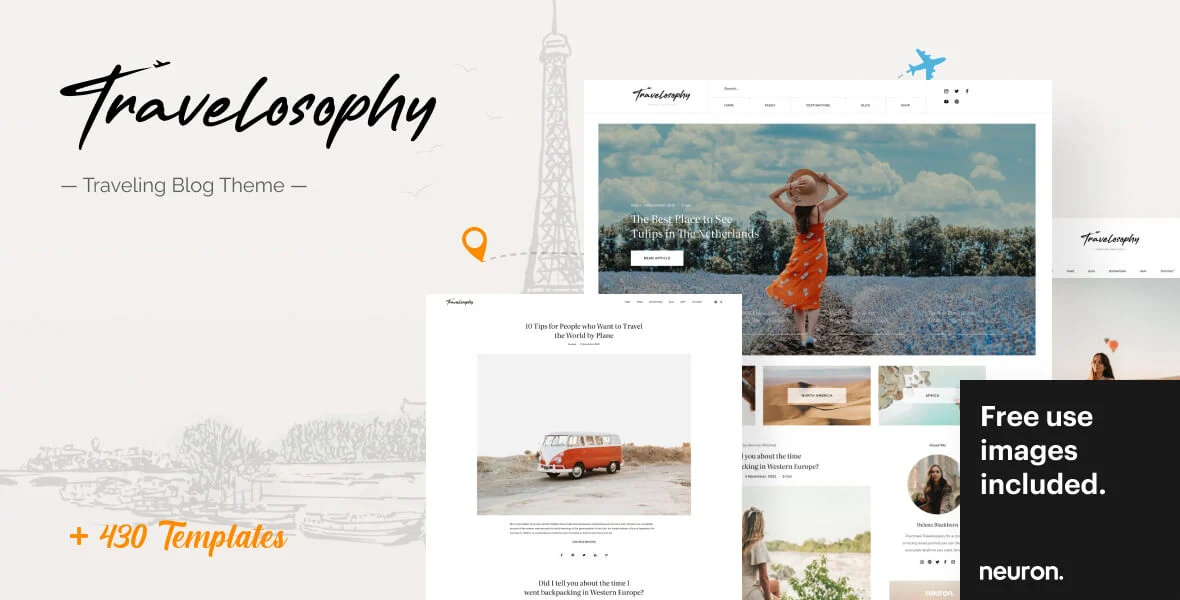
A travel blog WordPress theme has one purpose: make your stories and photos the star while staying quick enough that readers on a mobile connection do not leave. Everything else, from colour options to demo imports, is secondary to how the theme handles images, typography and navigation.
This guide explains what to look for in a travel blog theme, how to set up a blog that can rank in search, which free and paid options OrdainIT offers, and how to avoid the mistakes that make travel blogs slow and hard to read.
Travel readers arrive from search, Pinterest and social links, usually on a phone. They want to see a striking photo, read a useful guide and find the next article without effort. A good travel blog theme supports that with a few features.
A theme with a heavy slider on the home page often looks impressive in the demo but slows the blog in real use. For a content site, a simple layout usually wins.
If you want a ready-made travel blog theme rather than a general theme, these four are popular and actively listed. We opened each item page on ThemeForest on 14 November 2026. Prices, sales and ratings change, so confirm them on the item page before you buy. We link to the official pages only, we earn nothing from these links, and the screenshots stay on the seller pages.
Trawell costs $69, has 2,649 sales and 4.92 stars from 88 reviews, and was last updated on 3 March 2026. It works with the Gutenberg block editor and lists Google Maps location integration, predefined travel blog templates, unlimited sidebars with a sticky option, WooCommerce support, one-click demo import and an Instagram feed. View Trawell on ThemeForest.
Ofelia costs $27, has 159 sales and a 5.00-star rating from 11 reviews, and was updated on 13 November 2026 (version 2.1.5). It supports Elementor and Gutenberg and lists 20+ blog layouts, 20+ pre-built demos, three header layouts, a child theme and one-click demo import. View Ofelia on ThemeForest.
Wanderland costs $79, has 1,689 sales and 3.65 stars from 31 reviews, and its version 1.8 came out on 29 December 2025. It supports WPBakery and is Gutenberg optimized, with a Destination custom post type, a mega menu, a child theme and one-click demo import. View Wanderland on ThemeForest.
Maaya costs $59, has 178 sales and 4.71 stars from 7 reviews, and was updated on 27 March 2026 (version 3.4). It uses WPBakery and has standard, grid, list and full-width blog layouts, four homepage variants including Travel and Lifestyle, and WooCommerce compatibility. View Maaya on ThemeForest.
How to choose: Trawell has the strongest rating and the most sales here, Ofelia is the lowest-cost and most recently updated, and Wanderland adds a destination post type but has a lower rating. Maaya covers several blog niches, so its travel demo is one of four. Test each live demo on a phone before you decide.
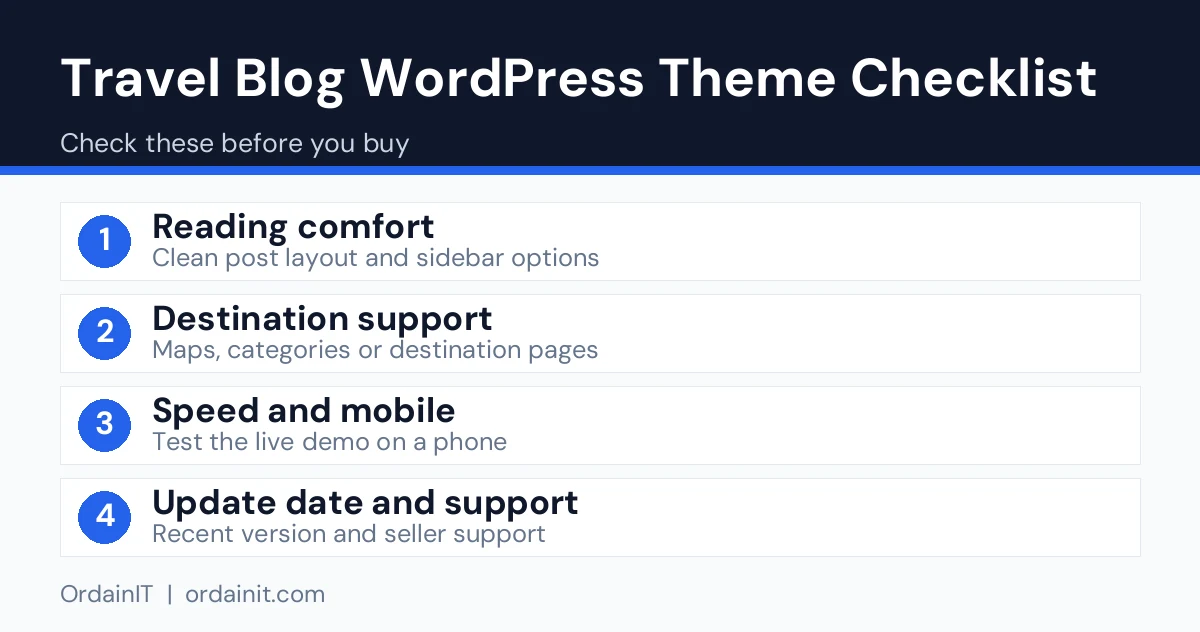
Bloggers often choose a theme because of animation and then struggle with the basics. Check these before anything else.
Travel blogs live on photos. The theme should create responsive image sizes, support lazy loading and let you crop featured images consistently. Without this, large photos make pages heavy.
Readers think in places. A menu that groups posts by continent, country or trip type helps them browse, and it gives search engines a clear structure.
If you plan to use affiliate links or ads, make sure the theme has sensible places for them without cluttering the page. Always disclose affiliate links clearly, as the rules in your country require.
You do not need to start with an expensive theme. Buconz Starter is a free WordPress theme from OrdainIT that is published on WordPress.org. It supports a blog with a grid layout, featured images and sticky posts, has a right sidebar and footer widget areas, and works with Elementor and WPBakery. It is a general business theme, so treat it as a clean starting point rather than a ready-made travel design.
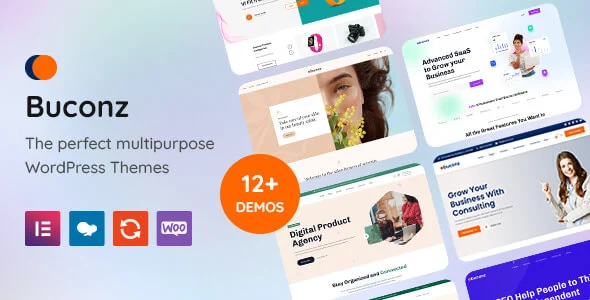
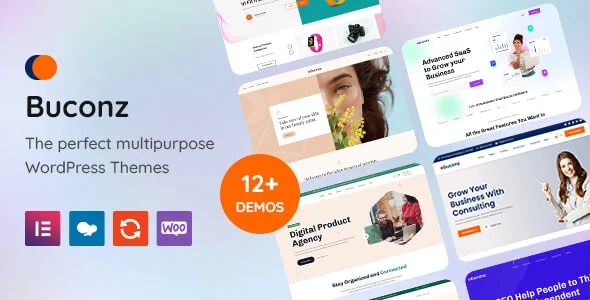
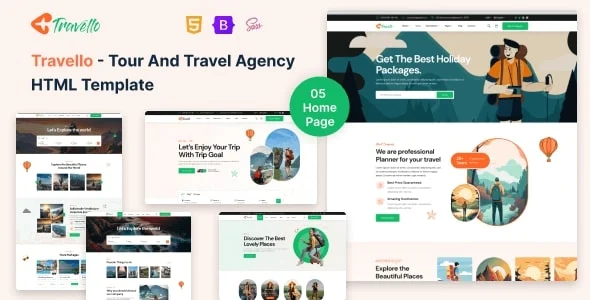
If you later need more layouts, the premium Buconz theme has 12 homepages, Elementor and WPBakery versions and one-click demo import. If your travel site grows into tours and bookings, the Travello HTML template offers 5+ home pages and 28+ pages with layouts for tours, itineraries and bookings.
OrdainIT does not currently sell a theme made only for travel blogs, so we recommend the free theme to test your idea first and then decide whether you need more.
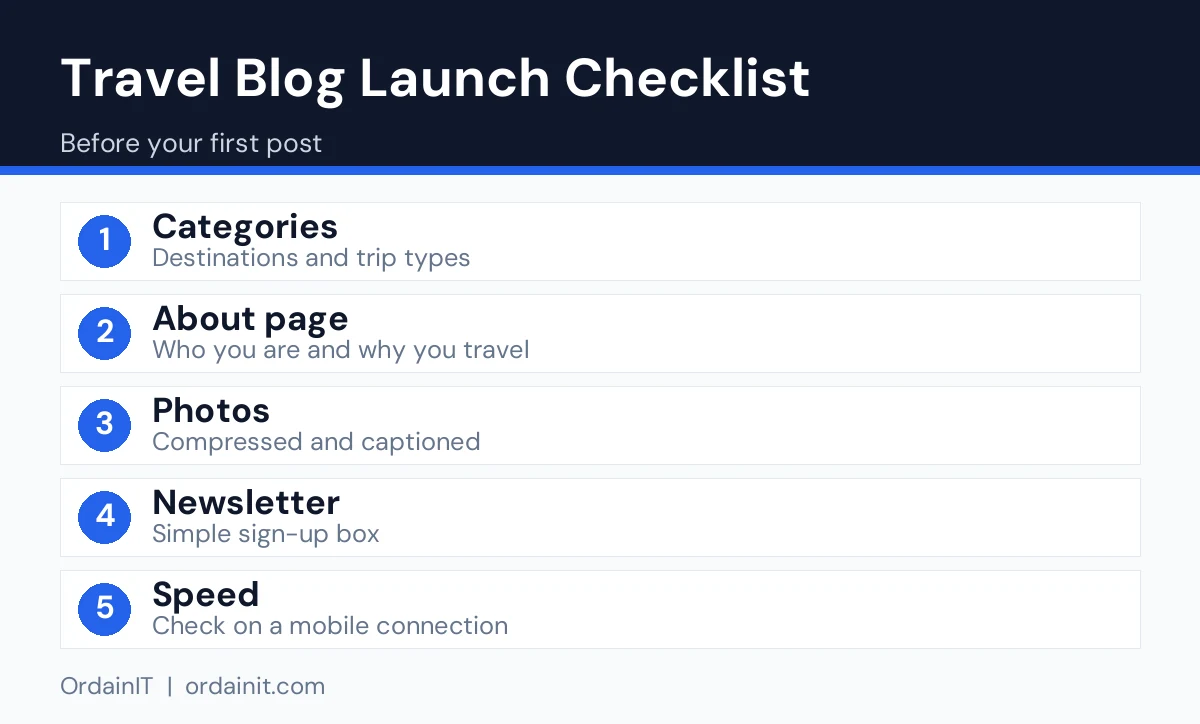
Start with the structure, not the colours. Decide on five to eight main categories, such as destinations, budget tips, itineraries, food and gear. Create an about page that explains who you are and why readers should trust your advice, plus a contact page.
Install the theme, add your logo and choose one or two fonts. Set up an SEO plugin and a caching plugin, connect Google Search Console and submit your sitemap. Write your first articles around questions people search for, such as how many days to spend in a city or what to pack for a trip, and add your own photos with descriptive alt text.
Google’s SEO Starter Guide recommends clear titles, helpful original content and good site structure, all of which suit a blog. For speed, follow the targets in Google’s web vitals guidance.
The biggest mistake is publishing large uncompressed photos. Resize images to the size they will display, compress them and use lazy loading. The second is thin posts: a short list of places with generic text rarely ranks. Write from your own experience and include details that only someone who has been there would know, such as opening times, prices and honest downsides.
Other common errors are hiding the menu behind complicated icons, filling the sidebar with ads, and changing the theme often. Pick one design, improve it gradually and spend your time on content. Related guides: WordPress travel theme, travel blog template and travel agency WordPress theme.
Week one is for setup: install the theme, create the categories, set up pages and connect Search Console. Week two is for your first three cornerstone articles, long and genuinely useful guides to places you know well. Week three is for polishing: speed tests, image sizes, internal links between articles and a simple newsletter sign-up. Week four is for promotion: share on the channels where travellers look for ideas, answer questions in communities honestly and link back to the matching guide when it truly helps.
After that, publish on a schedule you can keep, even if it is one strong article every two weeks. Update older posts when prices or rules change, because readers trust blogs that stay accurate.
The best travel blog theme cannot rescue weak content, so plan your posts around real searches. Think about the questions you asked yourself before your own trips: where to stay, how many days are enough, what things cost, how to get around and what to skip. Each of those questions can become a post with a clear title and a direct answer in the first paragraph.
Use a simple structure. Start with a short answer, then add detail under descriptive subheadings, then finish with practical tips and a link to related guides. Include prices and dates only when you have checked them, and say when you checked. Add your own photos with useful alt text, such as the place and what the picture shows, because this helps both accessibility and image search.
Keep posts updated. A guide that says it was reviewed this year is more trustworthy than one that has not changed in five. Build internal links between posts so readers can follow a trip from planning to packing to day-by-day routes, and so search engines can see how your articles connect.
Data from the ThemeForest item pages we opened on 14 November 2026. “Not listed” means the page did not show the figure. OrdainIT sells its own templates, so we state that openly, and we earn nothing from these links.
| Theme | Price | Sales | Rating (reviews) | Last update shown | Builder |
|---|---|---|---|---|---|
| Trawell | $69 | 2,649 | 4.92 (88) | 3 Mar 2026 | Block editor |
| Ofelia | $27 | 159 | 5.00 (11) | 13 Nov 2026 | Elementor, block editor |
| Wanderland | $79 | 1,689 | 3.65 (31) | 29 Dec 2025 | WPBakery |
| Maaya | $59 | 178 | 4.71 (7) | 27 Mar 2026 | WPBakery |
If you write often, choose on rating and update date first. If you want a low entry price, Ofelia is the cheapest here. If you only need a block-editor theme with maps, Trawell is the one to open first.
The best travel blog theme is fast, readable and good with images. Look for a flexible post grid, destination categories, responsive layouts and compatibility with an SEO plugin, then test the demo on a phone.
Yes, several free themes exist. OrdainIT’s Buconz Starter is a free business theme with a blog grid layout that you can shape into a simple travel blog, although it is not travel-specific.
No. Many bloggers use the block editor alone. A page builder helps if you want custom home page sections, but it can add weight, so use it only where needed.
Launch with at least five useful articles and a clear about page. Quality matters more than quantity, so focus on guides that answer real search questions.
Many bloggers use affiliate links, ads or their own services. Disclose affiliate links clearly and focus on honest, helpful content first, as income usually follows traffic and trust.
Chosen a theme or template? The OrdainIT team, which designs and builds its own WordPress themes and templates, can also get your website live. Pick a fixed-price service:
Want a design to start from? Browse OrdainIT WordPress themes, each with free installation and lifetime updates, or see all WordPress services. Not sure what you need? Contact OrdainIT for a free, no-obligation quote.
See OrdainIT’s themes and customer ratings on OrdainIT’s ThemeForest profile.