A travel blog template is the ready-made layout that gives your trip stories, photo galleries and destination guides a home. Choosing the right travel blog template saves weeks of design work, but only if it matches how you plan to publish: a personal diary, a photo-led journal or a guide site that targets search traffic.
This guide compares the main kinds of travel blog template, explains the pages and features every travel blog needs, shows how to adapt a template without making the site slow, and points to OrdainIT options for the day your blog grows into a tour or booking website.
Templates differ most in how they treat content. Pick the type that fits your publishing style, not the one with the flashiest demo.
These use large images, full-width headers and minimal text. They suit bloggers who shoot a lot and publish fewer, richer posts. The risk is weight: big images slow pages if they are not compressed.
These use a post grid, category menus and sidebars that emphasise articles. They suit bloggers who publish many guides and want readers to browse by destination or topic. Search traffic usually comes from this kind of structure.
These put the latest post first, with a simple about section. They are quick to set up and good for friends and family, but weaker for growth because they lack topic structure.
Some templates mix a blog with service pages. They suit travellers who also sell trips, photography or consulting, and they can grow into a full travel business site.
If you want a ready-made blog template instead of building your own layout, start with these three. NOTE
Ofelia is a travel blog WordPress theme at $27 with 159 sales and a 5.00-star rating from 11 reviews, last updated on 13 November 2026. It lists 20+ blog layouts, 20+ demos and 3 header layouts, and works with Elementor and the block editor. View Ofelia on ThemeForest.
Trawell is a blog template for WordPress at $69, with 2,649 sales and 4.92 stars from 88 reviews, updated on 3 March 2026. It adds Google Maps location integration, unlimited sidebars and an Instagram feed. View Trawell on ThemeForest.
Travolo is an HTML template at $19 with 53 sales, made for travel agencies, tour operators and travel blogs. It suits a small static travel site where you edit files by hand. View Travolo on ThemeForest.
These options show the two routes: WordPress for frequent posting, and HTML for a small, fast site. We checked the item pages on 14 November 2026. Prices, sales and ratings change, and we earn nothing from these links.
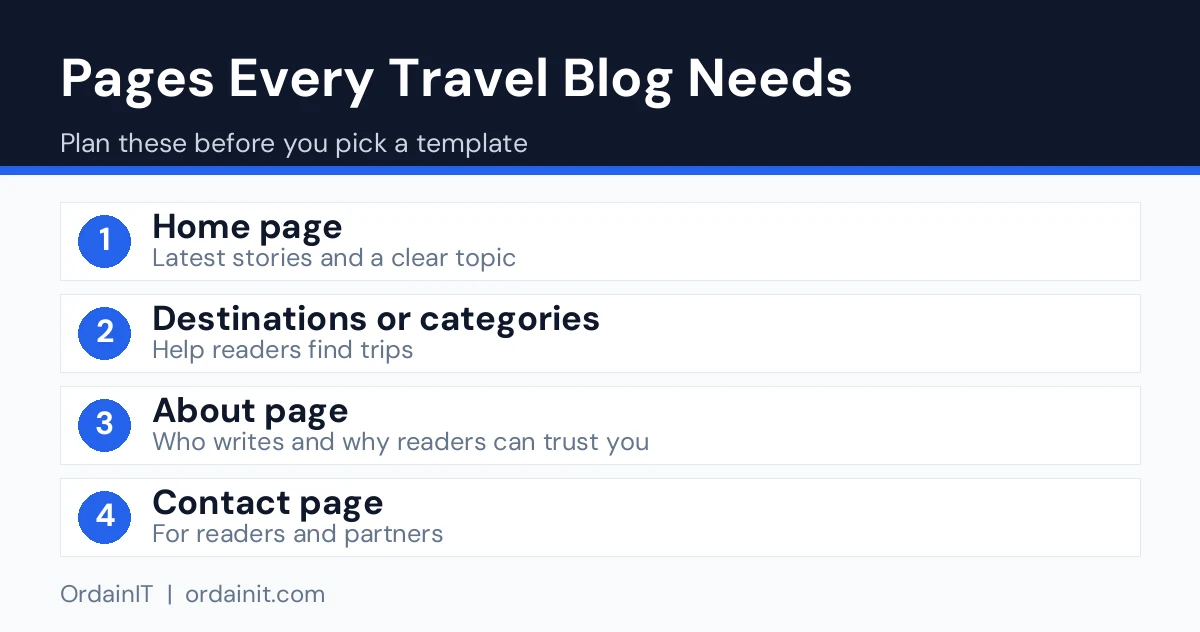
Whatever template you choose, build these pages first.
Hub pages are valuable for search. A page called Japan Travel Guide that links to every Japan post helps readers and shows search engines how your content connects.
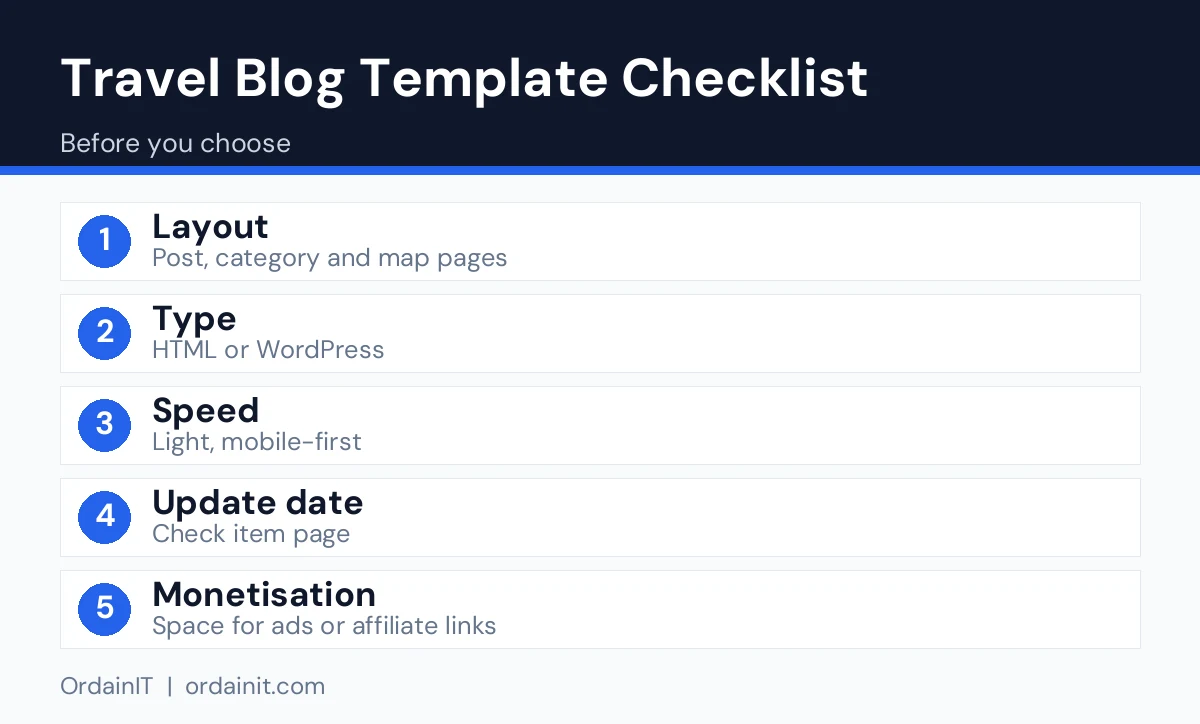
Open the demo on a phone first. Check how fast it loads, whether the menu is easy to use and whether photos stay sharp. Then check the single-post layout, because that is where readers spend most of their time. Make sure the text width is comfortable, headings stand out and images can span the full width when needed.
Look at the code quality and updates. A template that is regularly updated and uses clean code is easier to keep secure and fast. Google’s web vitals guidance lists the loading and stability measures that matter, and its SEO Starter Guide explains how clear structure and helpful content support search visibility.
If you publish often, a content management system is far easier than editing files by hand. WordPress lets you write posts in an editor, add categories and install plugins for SEO and caching. An HTML template suits a small site with few pages that rarely change.
For a WordPress blog, OrdainIT’s free Buconz Starter theme has a blog grid layout, featured images, sticky posts and sidebar widgets, and works with Elementor and WPBakery. It is a general business theme rather than a travel-specific design, so use it as a clean base. For more layouts, the premium Buconz WordPress theme has 12 homepages and one-click demo import.
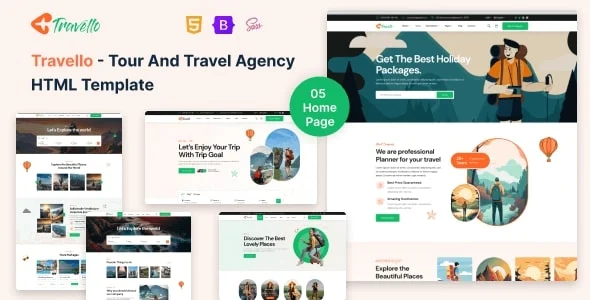
If you want static pages for a travel brand, Travello is an HTML template with 5+ home pages and 28+ pages built with HTML5, CSS3 and Bootstrap 5.x. It includes layouts for tour packages, itineraries and bookings, so it is a natural next step when a blog starts selling trips.
Start by replacing placeholder photos with your own, resized to the largest size the template displays. Compress them before upload. Pick one heading font and one body font, and remove any font weights you do not use, because each extra font file adds load time.
Keep the home page simple. One hero image, a short introduction and a grid of recent posts is enough. Avoid sliders that load many large images at once. Add a newsletter sign-up in the sidebar or at the end of posts, and place it where readers have finished an article and are ready to continue.
Finally, test again after every change. Run your pages through a speed test on a mobile connection and check that text remains readable on a small screen.
If you earn from affiliate links, ads or sponsored posts, disclose it clearly near the content, as the rules in your country require. Keep a privacy policy and a cookie notice that match your analytics and email tools. Use only photos you took or have a licence for, and credit sources where needed. These basics protect your reputation and make brands more willing to work with you.
Once the template is live, write your first five posts, connect Google Search Console and add internal links between them. When you are ready to learn more, read our guides to the travel blog WordPress theme, the WordPress travel theme and the travel agent website.
Free templates are a sensible way to test a blog idea. They let you publish, learn what readers respond to and decide on a direction before you spend money. The trade-off is usually fewer layouts, limited documentation and less direct support.
Paid templates tend to offer more ready-made home pages, better documentation and clearer update and support terms. They make sense once you know what you need, for example a specific grid, a booking layout or a dedicated magazine style. Whatever you choose, read the licence carefully. Some licences cover one site, while others allow more, and the rules for client work can differ.
A practical approach is to start free, publish your first ten posts and then review. If the template slows you down or limits your layouts, move to a paid option with the features you have actually missed, rather than the ones that looked impressive in a demo.
| Template | Type | Price | Sales | Rating (reviews) | Last update shown |
|---|---|---|---|---|---|
| Ofelia | WordPress | $27 | 159 | 5.00 (11) | 13 Nov 2026 |
| Trawell | WordPress | $69 | 2,649 | 4.92 (88) | 3 Mar 2026 |
| Travolo | HTML | $19 | 53 | Not listed | Not listed |
Choose WordPress if you post often and want categories, search and maps. Choose HTML if you publish a few pages and want a fast, simple site. Data checked on 14 November 2026.
The best blog template is fast, easy to read and good with photos. Pick a type that suits your publishing style, check the demo on a phone and make sure the single-post layout is comfortable to read.
Both exist. Free options are fine for testing a blog idea, while paid templates usually offer more layouts, documentation and support. Check what the licence allows before you use any template on a client site.
Yes. Many travel bloggers add tour pages and enquiry forms later. Start with a flexible template or plan to move to one with tour and booking layouts when you are ready.
A home page, blog and category pages, an about page, a contact page and a privacy policy are the basics. Add destination hub pages as your content grows.
Indirectly, yes. A template with clean code, fast loading and a clear structure makes it easier for search engines and readers to use your site, but the content you write matters most.
Chosen a theme or template? The OrdainIT team, which designs and builds its own WordPress themes and templates, can also get your website live. Pick a fixed-price service:
Want a design to start from? Browse OrdainIT WordPress themes, each with free installation and lifetime updates, or see all WordPress services. Not sure what you need? Contact OrdainIT for a free, no-obligation quote.
See OrdainIT’s themes and customer ratings on OrdainIT’s ThemeForest profile.