A travel agent website is the online shopfront of an independent agent, a home-based travel advisor or a small agency. Customers use it to check that you are real, see what kinds of trips you plan and decide whether to contact you. A good travel agent website does not try to compete with huge booking platforms; it shows the personal service and expertise that those platforms cannot offer.
This guide explains what a travel agent website needs, how booking and enquiry features work, how to build one with a template, and how to attract clients through search and local visibility. It is written for independent agents, host agency members and small agencies.
Big booking sites win on price comparison and scale. You win on advice, specialisation and trust. Your site should make that obvious in the first few seconds. State who you help and what you do, for example honeymoons, family holidays, group tours or luxury cruises, and add one clear button such as Plan My Trip.
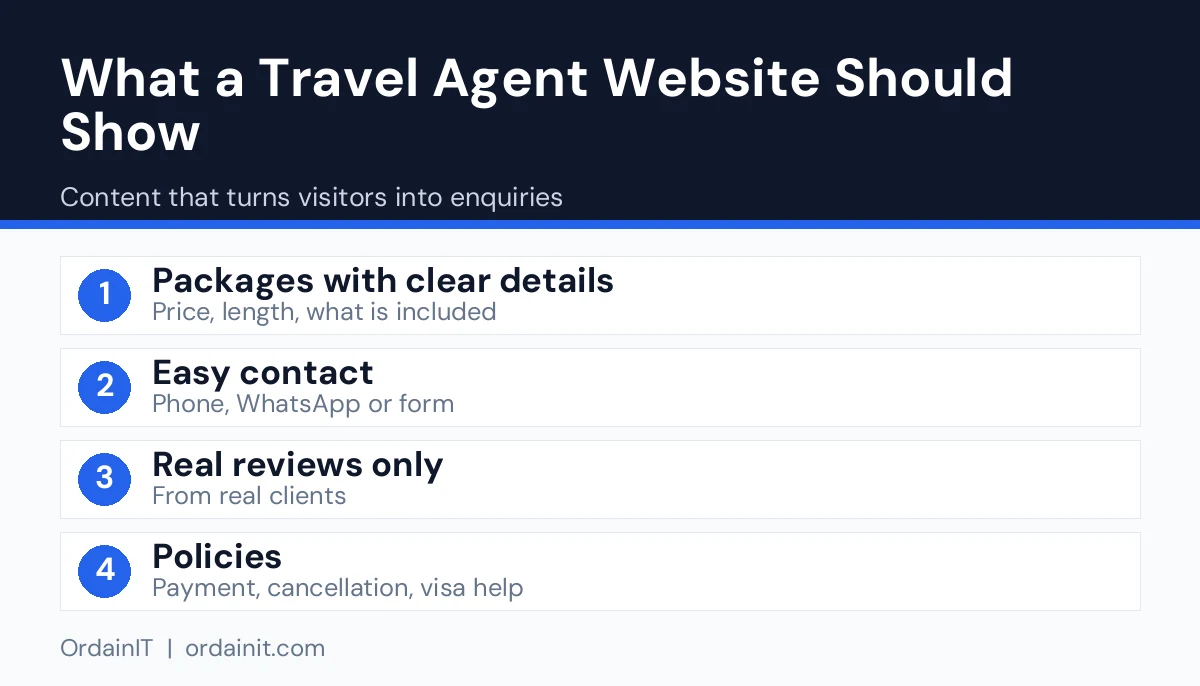
Specialisation is powerful. An agent who plans adventure trips for families looks more credible than one who says they plan everything. Use your own experience, your certifications and real client stories to prove it, with permission from clients.
Keep the site small and clear. A visitor should understand your offer and find the enquiry form within a few seconds.
Many independent agents do not need a full online booking engine. They need a reliable way to start a conversation. A short enquiry form that asks for name, contact details, dates, destination ideas and budget range is often enough, because the agent follows up personally.
If you do want visitors to book or pay online, you will need a booking plugin, a payment provider or an external system, and you must follow local rules on payments and consumer protection. A booking website template provides the layouts for these pages, but it does not usually include the engine itself, so check what is built in and what you must add.
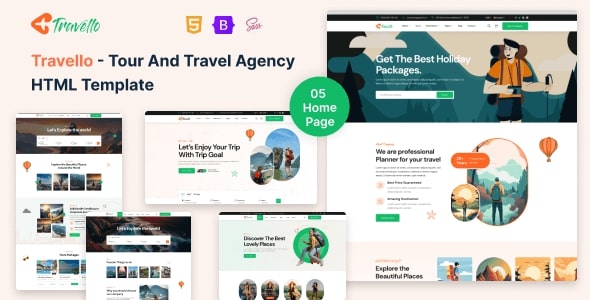
A template saves months of design and gives you proven layouts. Travello is OrdainIT’s HTML tour website template for travel agencies, tour operators, hotels and vacation rentals. It has 5+ home pages and 28+ valid HTML5 pages, layouts for tour packages, itineraries and bookings, integrated Google Maps and free lifetime updates.

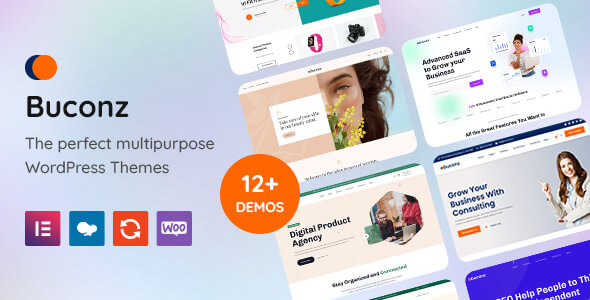
The preview photos are for demonstration only and are not included in the download, so use your own images. If you prefer a CMS, OrdainIT’s Buconz is a multipurpose WordPress theme with 12 homepages, Elementor and WPBakery versions and one-click demo import. It is not travel-specific, but a page builder lets you create your own trip pages.

Most clients of a small agent find them through search, social media or referrals. On the site, give each destination or specialty its own page, write original content from your experience and add descriptive alt text to images. Google’s SEO Starter Guide explains how helpful content and clear structure support visibility.
Off the site, set up a Google Business Profile if you serve a local area, ask happy clients for honest reviews and keep your name, address and phone number consistent everywhere. Write a few guides that answer real questions, such as how far in advance to book a safari or what to know before a first cruise, and link them to the matching service page.
Travel is regulated in many countries. Display any licence, registration or association membership that applies to you, explain how payments and cancellations work and keep a privacy policy that matches how you collect and store personal data. Use only photos you own or have a licence for, and avoid promising prices or availability that you cannot guarantee. Rules differ by country, so check with your local regulator or host agency.
Many travellers will find you on a phone, so test every page on one. Keep layouts simple, use large buttons and make the phone number tappable. Compress photos and avoid heavy sliders. Google’s web vitals guidance lists loading and stability measures to meet. A fast site also leaves a better impression of a careful, professional agent.
Week one: choose the template, write your specialty statement and gather photos. Week two: build the home, services, about and contact pages. Week three: add destination pages and two or three guides, then test the form on a phone. Week four: connect Google Search Console, set up Google Business Profile and tell past clients about the new site. After launch, add one guide or destination page each month and update older pages.
Related guides: travel agency website template, travel agency website design and tour and travel website template.
Specialisation is the fastest way to stand out. Look at the trips you already enjoy planning and the clients you have served best. Honeymoons, multi-generation family trips, cruises, safaris, accessible travel, wellness retreats and group tours are all examples of niches that need advice rather than a simple booking page.
Once you pick a niche, reflect it in everything. Write the home page headline for that audience, build service pages around their questions and publish guides that show you understand their worries, from budgets to visas to what to pack. Choose photos that match the kind of trips you sell, and show testimonials from similar clients.
A narrow focus does not limit your income. It makes you the obvious choice for the people you want, makes your marketing easier and gives search engines a clear topic to connect with your site. You can always add a second specialty later, with its own pages, once the first one is working.
| Item | What to include |
|---|---|
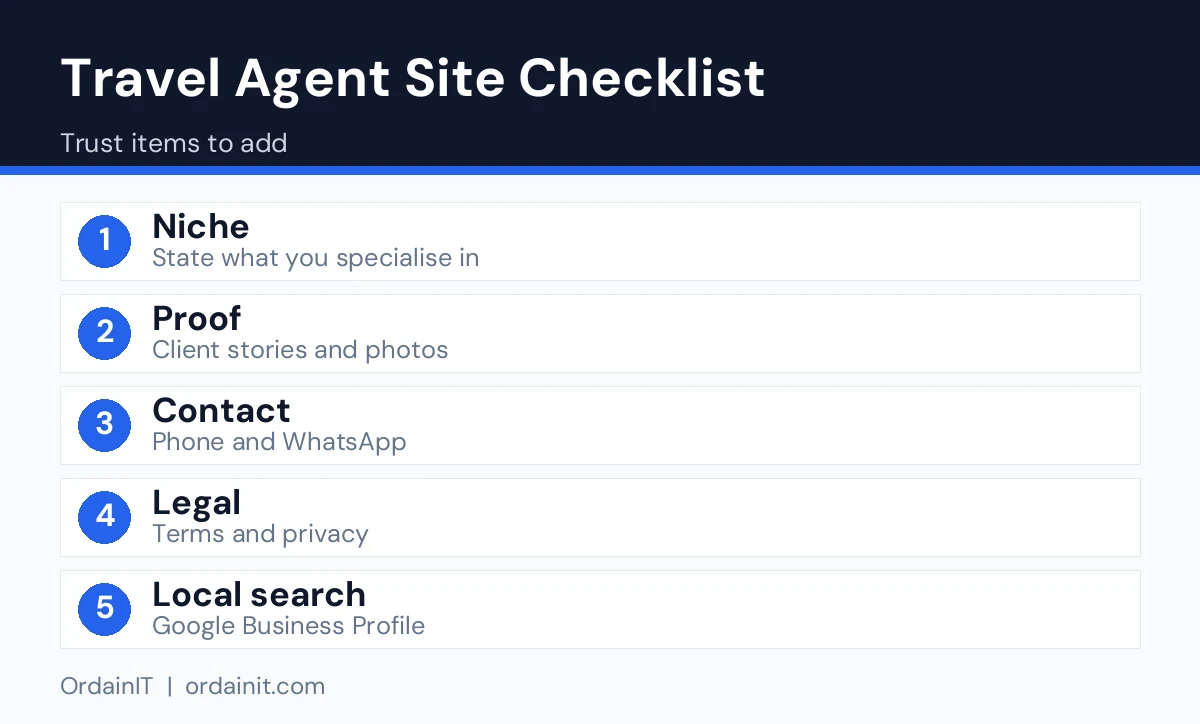
| Niche | State your specialty, for example family trips, honeymoons or one destination |
| Why use an agent | A short page that explains what you handle for the client |
| Proof | Real client stories, your own trip photos, memberships |
| Contact | Click-to-call, WhatsApp or a short enquiry form |
| Legal | Terms, privacy page and any seller or licence details your region requires |
| Local search | Google Business Profile, consistent name, address and phone, one page per destination |
Personal photos from your own trips usually build more trust than generic stock pictures, because they show real experience.
Include a home page that states your specialty, a services page, destination pages, an about page with credentials, testimonials, a short enquiry form, contact details and a privacy policy.
Not always. Many independent agents use an enquiry form and follow up personally. Add online booking only if you are ready to manage availability, payments and the related rules.
Specialise, show real proof and publish helpful guides. Add a Google Business Profile, collect honest reviews and make the enquiry form short and easy to find.
Yes. With a template, you replace the sample text and photos and publish. If you prefer help with setup, speed and SEO, you can hire a developer or use a setup service.
For most agents, yes. A template provides tested layouts, and your own specialty, photos and wording make it unique.
Chosen a theme or template? The OrdainIT team, which designs and builds its own WordPress themes and templates, can also get your website live. Pick a fixed-price service:
Want a design to start from? Browse OrdainIT HTML templates, with lifetime updates, or see all WordPress services. Not sure what you need? Contact OrdainIT for a free, no-obligation quote.
See OrdainIT’s themes and customer ratings on OrdainIT’s ThemeForest profile.





 New release: