A tour and travel website template gives tour operators, travel agents and vacation companies a fast way to publish tour packages, itineraries and booking enquiries online. The best tour and travel website template makes each trip easy to understand, easy to compare and easy to book, without forcing you to code the layout yourself.
This guide explains what a tour and travel website template should include, how to choose between HTML and WordPress, how to set up tour pages that convert, and how OrdainIT’s Travello template can be your starting point. It also covers the booking questions that confuse most first-time buyers.
Most templates for this niche share the same building blocks. Knowing them helps you judge whether a template is complete or only a pretty home page.
If a template only has a home page and a contact page, you will end up designing the hardest pages yourself.
Here is a quick comparison of a tour and travel website template and theme options that agencies often shortlist. We opened each item page on ThemeForest on 14 November 2026. Prices, sales and ratings change, so confirm them on the item page before you buy. We link only to the official pages and earn nothing from these links.
Travello by OrdainIT offers 5+ home pages and 28+ valid HTML5 pages on Bootstrap 5.x. GoTrip has 772 sales, 4.38 stars from 13 reviews and over 63 HTML files. Travolo costs $19 and is aimed at agencies, operators and travel blogs.
Gofly costs $49 and lists hotel and experience booking modules, WooCommerce integration and WPML support. Tourm has 1,185 sales and 4.46 stars from 59 reviews. GoTravel costs $85 and has Tour and Destination post types and advanced tour search.
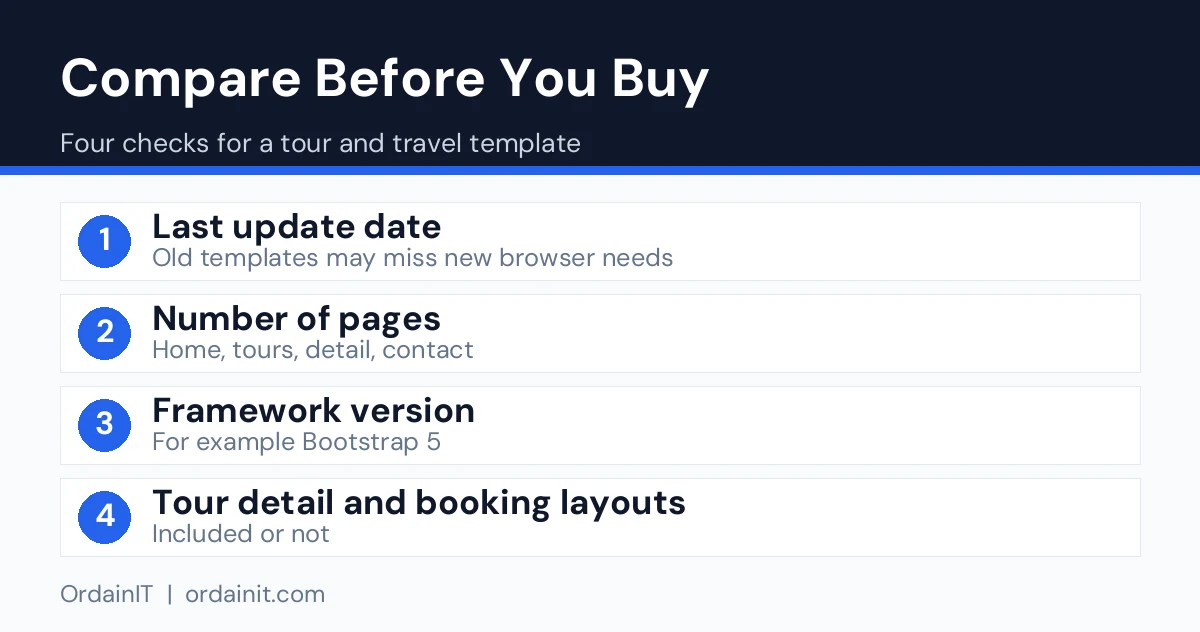
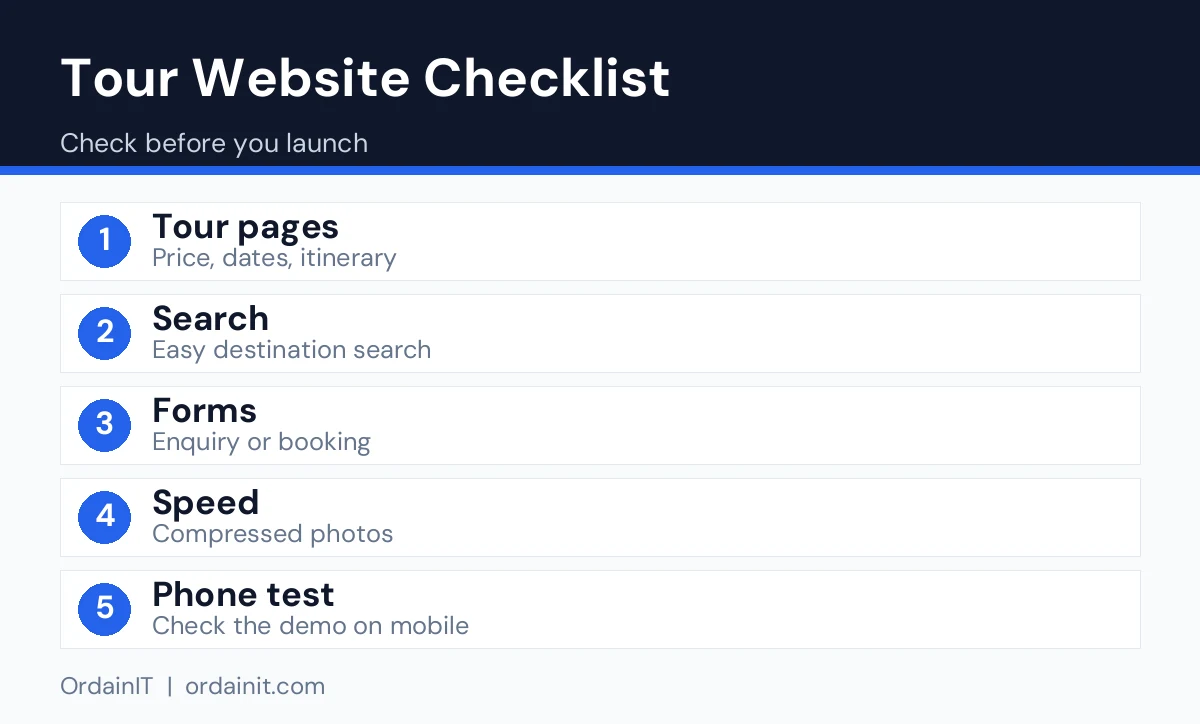
Pick HTML for a small, fast site that rarely changes. Pick WordPress if you will add tours and posts often or need booking modules. Whatever you choose, test the live demo on a phone and check the last update date.
This is the page that sells. It should show photos, duration, price, itinerary, inclusions, exclusions and a booking or enquiry button above the fold. Check that the layout handles long itineraries without becoming a wall of text.
Visitors want to narrow trips by destination, duration, price or style. Even a simple filter helps people find the right tour faster.
Travellers research on phones. The template should have a responsive layout, large tap targets and fast-loading images. Google’s web vitals guidance lists the measures to aim for.
A map makes routes and meeting points easier to understand. Integrated map support saves time during setup.
Clean code is easier to edit and keeps pages light, and good documentation shortens setup.
The terms overlap, but the focus differs. A booking website template centres on reservations and availability. A tour and travel website template centres on presenting trips and then leading visitors to enquire or book. If you take payments and manage availability online, you may need a booking plugin or an external system in addition to the template. If you confirm bookings by email or phone after an enquiry, a template with good enquiry forms is often enough.
Travello is an HTML tour website template for travel agencies, tour operators, hotels, vacation rentals and online travel websites. It has 5+ home pages and 28+ valid HTML5 pages, built with HTML5, CSS3 and Bootstrap 5.x. It includes layouts for tour packages, itineraries and bookings, integrated Google Maps, a fixed menu, a full UI kit and detailed documentation.

The code is clean, commented and W3C validated, and the template is responsive, retina ready and touch friendly. The download includes HTML, CSS and JavaScript files, and updates are free for life. The preview photos are for demonstration only and are not included, so use your own images. You can also see the item on ThemeForest.
Travello is an HTML template, so you edit files rather than use a dashboard. If you want WordPress, OrdainIT’s Buconz multipurpose theme has 12 homepages, Elementor and WPBakery versions, 4 WooCommerce shop pages and one-click demo import, and you can build tour pages with a page builder.

Start with one tour and finish it completely. Write a short summary, a day-by-day itinerary, a list of what is included and what is not, and details such as group size and difficulty. Add a clear price and a booking or enquiry button. Use your own photos and compress them.
When that page looks right, copy its structure for each new tour. Then build destination pages that link to the tours for each place, and add a few guides to answer common questions about visas, weather and packing. Google’s SEO Starter Guide explains how clear titles and helpful content support search visibility.
The usual problems are leaving demo photos in place, writing vague tour descriptions, hiding the price, adding slow sliders and forgetting to test the enquiry form on a phone. Another is expecting a template to include live availability and online payment, which usually need extra tools. Check what is included before you buy and plan for the rest.
Related guides: travel agency website template, travel agent website and travel agency WordPress theme.
Before launch, confirm that every tour has accurate prices and inclusions, that the enquiry form works from a phone and that your contact details and licence information are in the footer. Add a privacy policy and terms of booking. Connect Google Search Console and submit your sitemap, and add your business to Google Business Profile. Then plan one update a month, such as a new tour, a seasonal offer or a destination guide, so the site keeps growing after launch.
A good habit is to review your enquiries every month. Note which tours get the most questions and which questions repeat, then answer them directly on the tour pages. This reduces back-and-forth, helps visitors decide faster and shows search engines that your pages are useful. Over time, the pages that answer real customer questions usually become your best performers.
Be realistic about the work after you buy. A tour and travel website template gives you the structure, but you still supply the brand, photos, wording, prices and policies. For a small operator with ten tours, plan a few days to replace content and test, and longer if you also want to write destination guides.
Technical skill matters too. With an HTML template you edit files in a code editor and upload them to your hosting, which is simple if you are comfortable with basic HTML and tedious if you are not. If you prefer not to touch code, a WordPress theme with a page builder is often easier, or you can ask a developer for help with setup. Decide this before you buy, so the template matches your skills and your schedule.
Finally, budget for the extras: hosting, a domain name, professional photos if you need them and any booking or payment tool you add later. Knowing these costs in advance helps you compare options fairly.
| Option | Type | Price | Sales | Rating (reviews) | Best for |
|---|---|---|---|---|---|
| Travello (OrdainIT) | HTML | See product page | Not listed | Not listed | Small, fast tour site |
| GoTrip | HTML | Not listed | 772 | 4.38 (13) | Large site with many layouts |
| Travolo | HTML | $19 | 53 | Not listed | Low-cost agency start |
| Gofly | WordPress | $49 | 360 | 4.50 (16) | Tours plus hotel booking |
| Tourm | WordPress | Not listed | 1,185 | 4.46 (59) | Elementor tour sites |
| GoTravel | WordPress | $85 | 1,381 | 4.30 (47) | Tour search and filtering |
Data checked on 14 November 2026. Many competing lists show no prices or dates at all, so verify each figure on the official page.
It is a ready-made set of web pages for tour and travel businesses, with layouts for tour packages, itineraries, destinations and enquiries. You replace the sample content with your own.
WordPress suits agencies that add tours and posts often. HTML suits small sites that rarely change. Choose based on how you will update the site.
Templates provide the layouts. Online payments and live availability usually need a plugin, an external booking service or custom development.
No. Demo photos are normally for preview only, so replace them with your own pictures.
Often yes. Travello, for example, is built for travel agencies, tour operators, hotels, vacation rentals and similar travel businesses.
Chosen a theme or template? The OrdainIT team, which designs and builds its own WordPress themes and templates, can also get your website live. Pick a fixed-price service:
Want a design to start from? Browse OrdainIT WordPress themes, each with free installation and lifetime updates, or see all WordPress services. Not sure what you need? Contact OrdainIT for a free, no-obligation quote.
See OrdainIT’s themes and customer ratings on OrdainIT’s ThemeForest profile.





 New release: