An insurance broker website has a different job from a carrier or captive agent site. A broker sells independence: the promise that you compare the market for the client. If the site does not make that promise obvious, you look like any other agent, and the visitor has no reason to choose you.
This guide covers what an insurance broker website should say, the pages and features it needs, how to present your carrier panel, and how to build it quickly with a template. It also explains how to stay on the right side of advertising and data rules without turning the site into legal text.
A carrier sells one range of products. A broker sells advice and access. That changes the content in three ways.
First, your value proposition is comparison, so the home page should explain how you search several insurers and recommend a fit. Second, trust rests on your expertise and independence, so your team, qualifications and client stories matter more than product features. Third, brokers often serve both individuals and businesses, so the site needs clear paths for each audience.
Brokers who prefer static HTML can compare these templates. We opened each item page on ThemeForest on 14 November 2026. Prices, sales and ratings change, so confirm them on the item page before you buy. We link only to the official pages and earn nothing from these links.
Insuco by WowPixelTheme is built for insurance agencies and brokers covering health, life and auto cover. The listing shows a $19 price and 56 sales, with a last update in December 2022, so check browser compatibility. View Insuco on ThemeForest.
Insurify costs $17, has 137 sales and 4.75 stars from 4 reviews, with 6 home page layouts, 2 header styles, 3 footer variations and an AJAX PHP contact form. It is an HTML pack, not a WordPress theme, and its page shows a last update in July 2019. View Insurify on ThemeForest.
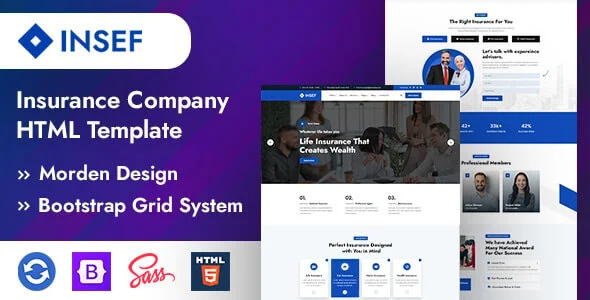
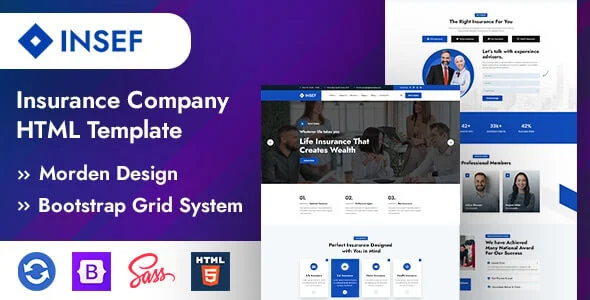
Insef has 3+ home page layouts and 16 HTML pages on HTML5, CSS3 and Bootstrap 5, with free lifetime updates. When you compare, check the last update date and whether quote and contact sections are included.
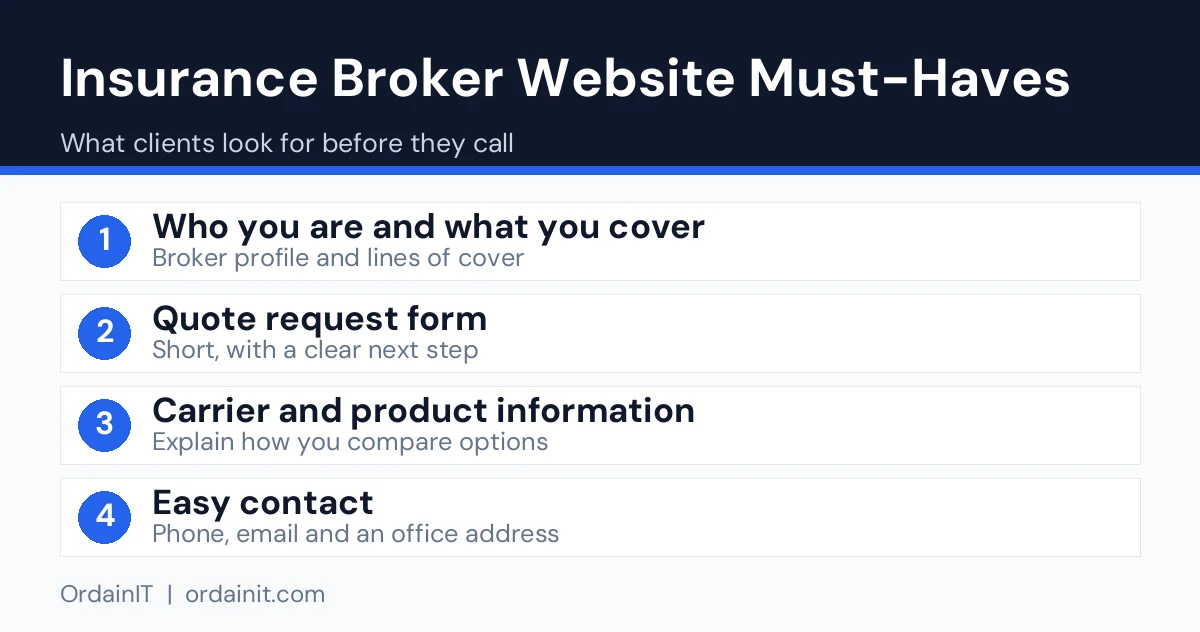
Plan the site around the questions a client asks before they call.
Separate pages for personal and business cover let you speak to each audience and give search engines a distinct page for each topic. A single catch-all page of services is the most common reason a broker site fails to rank.
Use a headline that shows the benefit of working with a broker, such as we compare insurers so you do not have to. Avoid price promises you cannot guarantee.
Collect a name, contact details and cover type. Brokers often need a call to price a risk accurately, so a short request form that leads to a conversation works better than a long calculator.
Showing the insurers on your panel builds credibility, but only use logos where you have permission and follow each carrier’s brand rules.
Short case notes, such as a small business that needed cover for a new van fleet, show how you solve real problems. Do not publish names or details without written consent.
People choose brokers partly for support during a claim. A clear page that explains who they will speak to and what happens next sets you apart from online-only sellers.
Brokers operate under local licensing and advertising rules. Display your licence or registration number, your regulator and your legal entity name in the footer, and keep claims about savings or coverage accurate. Add a privacy policy that explains how you handle personal data, a cookie notice if you use analytics and secure form handling with HTTPS. Rules differ by country, so check with your regulator or compliance adviser before you publish.
Use a clean, calm layout with plenty of space and readable type. Photos of real brokers help clients feel they will deal with a person, not a call centre. Compress every image and avoid heavy sliders, because slow pages cost enquiries. Google’s web vitals guidance explains the loading and stability measures to aim for, and its SEO Starter Guide covers the basics of clear structure and helpful content.
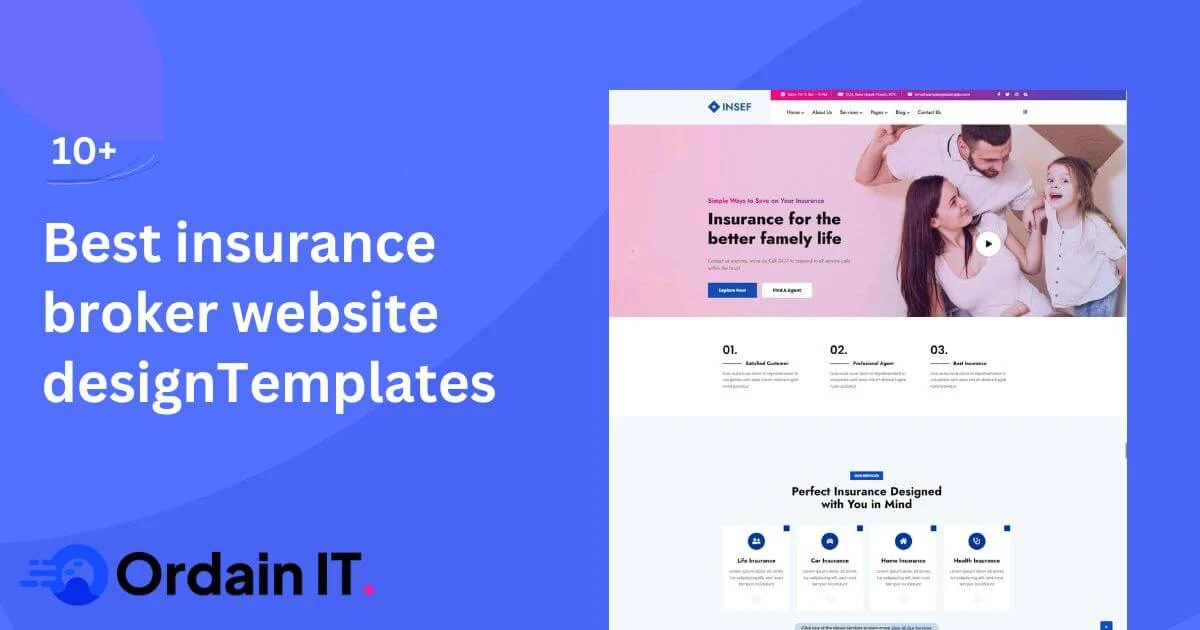
A template shortens the build because the structure above already exists. Insef is OrdainIT’s insurance HTML template for agencies, agents and brokers. It has 3+ home page layouts and 16 HTML pages, built with HTML5, CSS3 and Bootstrap 5, with sections for services, portfolio, testimonials and contact, and free lifetime updates.
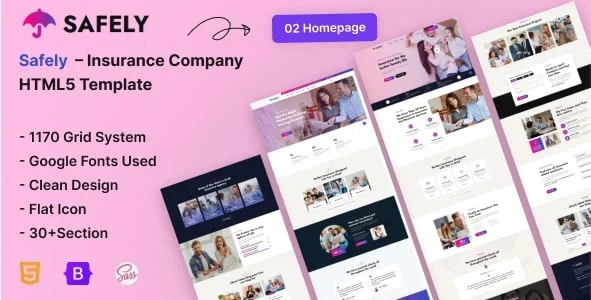
A free starting point is Safely, an HTML5 insurance template with 2 home pages and 15 pages, including pricing, team, FAQ and a contact page with an AJAX form that needs PHP hosting.
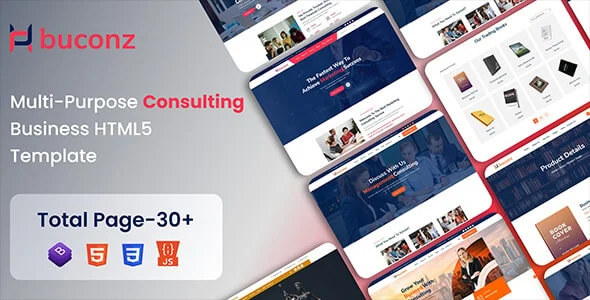
If you also offer financial or business advice, Buconz has 6+ home pages and 29+ inner pages built for consultants.
For more ideas, see our guides to the best insurance websites, insurance web design and the insurance agent website.
Write your page copy before you open the template, and use plain, direct language. Add your licence details, regulator and contact information, and confirm that each carrier logo is approved. Test the quote form on a phone and send yourself a sample message. Finally, connect Google Search Console and your Google Business Profile so local searchers can find you, and plan one helpful article a month, such as how business insurance renewals work.
Pages about cover types bring in people who already know what they need, while guides reach people who are still learning. A broker website benefits from both. Useful topics include how business insurance renewals work, what to check when comparing two quotes, and what affects the price of fleet or liability cover.
Write each guide for one clear question, answer it in plain words near the top and link to the related service page. Keep facts accurate and avoid promising savings. Update guides when rules or products change, and add a short FAQ to the ones that match common searches.
Over time this library shows your expertise, gives search engines more pages to rank and gives clients a reason to trust you before they ever call.
Measure what the content achieves. Track which guides bring visitors who then open a service page, and which pages lead to quote requests. Double down on topics that start conversations and retire or rewrite pages that attract no one. A small, well-maintained library beats a large one full of out-of-date advice.
The table summarises the three templates above, taken from the item pages we opened on 14 November 2026. “Not listed” means the page did not show the figure.
| Template | Type | Price | Sales | Rating | Last update shown |
|---|---|---|---|---|---|
| Insuco | HTML | $19 | 56 | Not listed | December 2022 |
| Insurify | HTML | $17 | 137 | 4.75 (4 reviews) | July 2019 |
| Insef by OrdainIT | HTML, Bootstrap 5 | See product page | Not listed | Not listed | Free lifetime updates |
The two older listings are cheap but dated, so test them on current browsers before you commit.
A broker site wins trust through people. Give each broker a page with a photo, licence details where required, specialties and the carriers they work with. Complete your Google Business Profile and keep your name, address and phone number the same everywhere. Write short pages for each town and cover type you serve. If you use a chatbot or quote form, say on the page what data you collect and why, and keep the privacy page one click away.
Include a home page that explains your independence, separate pages for personal and business cover, a how-we-work page, your carrier panel, team profiles, claims support and a short quote form. Add licence details and a privacy policy.
A broker site stresses comparison across several insurers and advice, while a captive agent site focuses on one carrier’s products. Brokers also often need separate paths for personal and business clients.
Only with permission. Most carriers have brand guidelines and agreements, so confirm what is allowed before you add any logo to your site.
Use a short quote form, publish pages for each cover type, show real client stories and trust signals, and keep the site fast on mobile. Local search listings and helpful guides bring in people who are comparing options.
Yes, for most brokers. A template provides a proven structure, and you add your own wording, photos and licence details. A custom build is only needed for advanced features such as a bespoke quoting system.
Chosen a theme or template? The OrdainIT team, which designs and builds its own WordPress themes and templates, can also get your website live. Pick a fixed-price service:
Want a design to start from? Browse OrdainIT HTML templates, with lifetime updates, or see all WordPress services. Not sure what you need? Contact OrdainIT for a free, no-obligation quote.
See OrdainIT’s themes and customer ratings on OrdainIT’s ThemeForest profile.