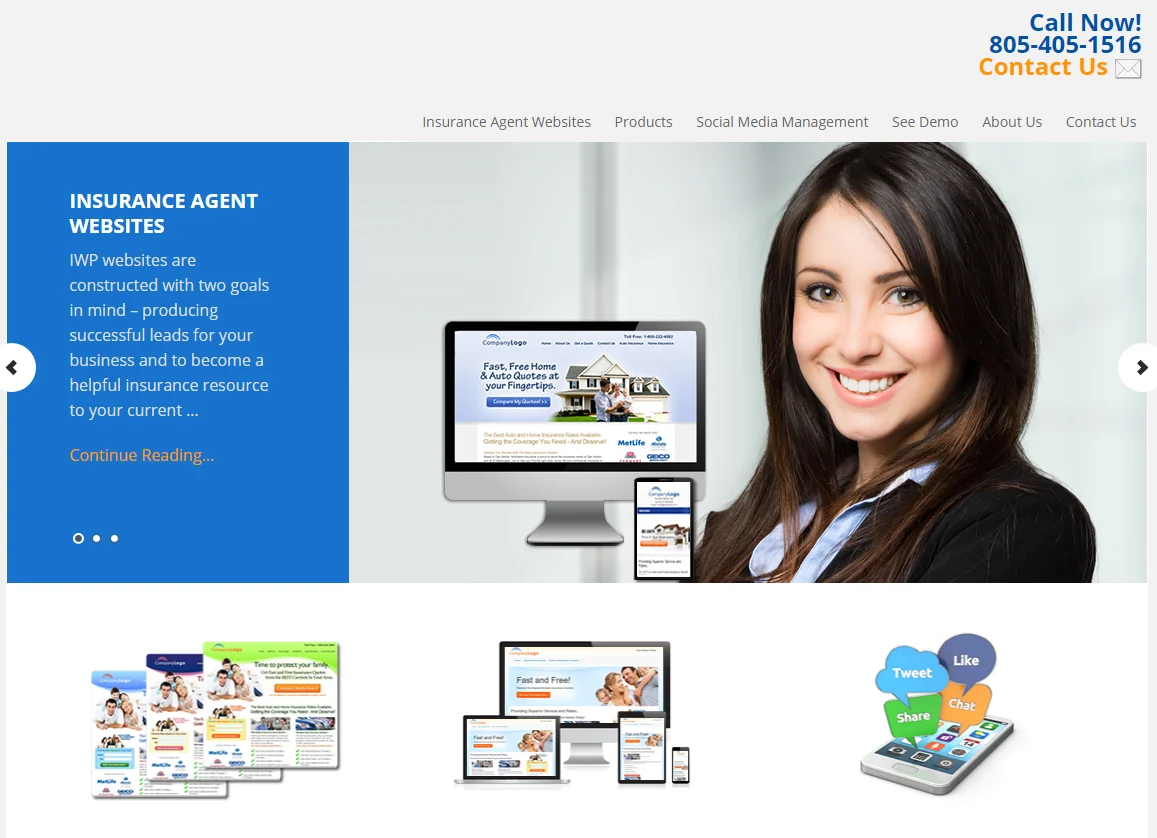
An insurance agent website is your digital office. When someone hears your name at a family event or finds you on a map, the next thing they do is search for you, and what they see in the first few seconds decides whether they call or move on to another agent.
This guide explains what an insurance agent website needs, which pages and features bring in leads, how an independent agent differs from a captive agent online, and how to launch quickly with a template. It is based on how OrdainIT builds its own insurance templates, and it makes no claims about results that we cannot back up.
Referrals still matter, but a referral usually ends with a search. A prospect wants to check that you are licensed, local and easy to reach. If your site is missing, outdated or slow, the referral loses momentum.
A good insurance agent website also works while you are with clients. It answers common questions, shows the cover you offer and collects quote requests outside office hours. For an independent agent who represents several carriers, it is also the best place to explain how you compare options for the customer.
If you prefer to start from a WordPress theme for your agency site, these two are active listings. We opened each item page on ThemeForest on 14 November 2026. Prices, sales and ratings change, so confirm them on the item page before you buy. We link only to the official pages and earn nothing from these links.
Insurs costs $59, has 117 sales and a 5.00-star rating from 5 reviews, and was updated on 23 October 2026 (version 1.4). It works with Elementor and lists 6+ pre-built demos, 70+ Elementor widgets, WooCommerce support, one-click demo installation and WPML and Polylang support. View Insurs on ThemeForest.
Acheron costs $89, has 110 sales and two reviews, and was updated on 16 June 2026 (version 1.1). It supports Elementor and WPBakery, with 12 predesigned homepages, one-click demo import, Slider Revolution and WooCommerce compatibility. View Acheron on ThemeForest.
Modins by gavias has 286 sales and a 4.90-star rating from 10 reviews, and is built on Elementor. The seller describes it as made for insurance companies and professional agents. View Modins on ThemeForest.
Compare these with OrdainIT’s Insef (HTML, 3+ home pages, 16 HTML pages) and the free Safely template. Choose WordPress if you want to edit pages without code, and HTML if you want a light, simple site.
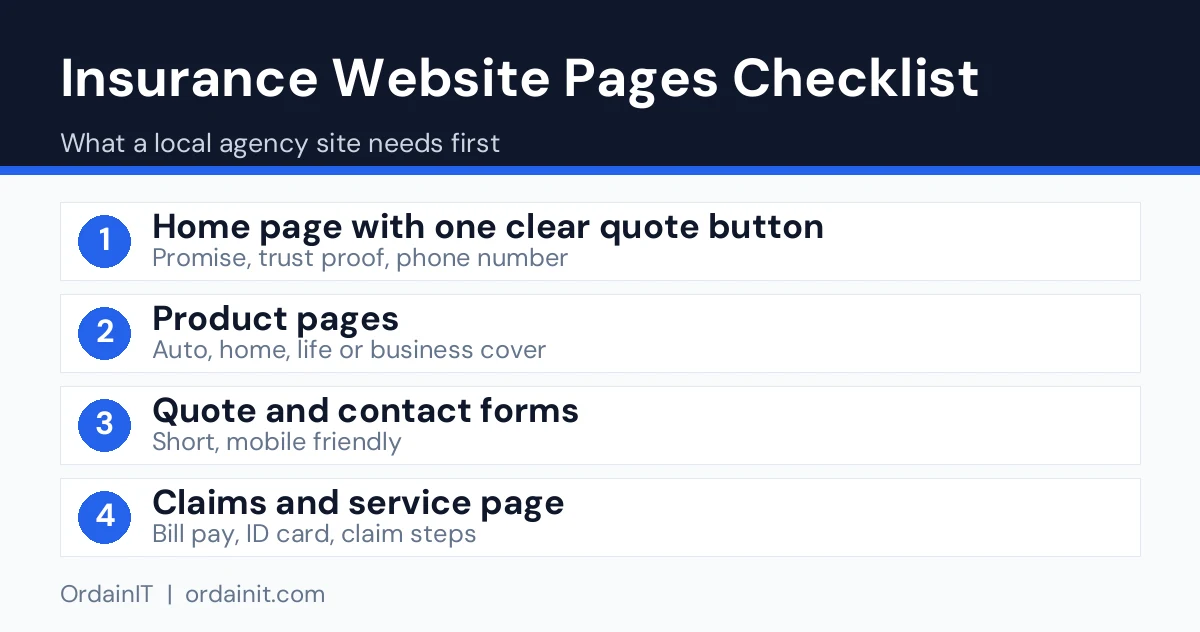
Keep the site small and focused. Visitors want answers, not a maze of menus. These pages cover almost every agent’s needs.
Each product page gives search engines a clear target. A single page that lists every product ranks for none of them, so give each cover type its own URL.
Small details make the difference between a brochure and a lead machine. Start with these on your site.
Ask for name, phone or email, and cover type. Anything more can wait until you speak. A form with three to five fields is easier to finish on a phone.
Many people search for insurance on a mobile, so make the phone number a tap-to-call link in the header. A WhatsApp or chat button helps those who prefer to write.
Show your licence number, address, years of service and real client reviews. For a local agent, this proof is worth more than any slogan. Only publish reviews you have permission to use.
Page speed affects both visitors and search. Compress images, avoid heavy sliders and test on a real phone. Google’s SEO Starter Guide explains how clear structure and helpful content support search visibility.
The two models need slightly different messages. An independent agent can compare carriers, so the site should say so near the top and explain how the comparison saves the customer time. A captive or exclusive agent represents one carrier, so the site should focus on service, local presence and the strength of that single product range.
In both cases, follow the rules of your local insurance regulator and your carrier on logos, claims and advertising. When in doubt, ask your compliance contact before you publish.
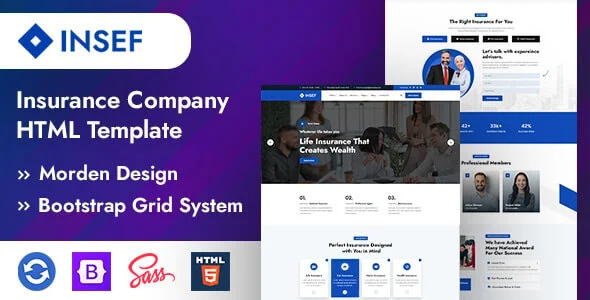
You can hire a designer, but a template gives you tested layouts in a fraction of the time. Insef is OrdainIT’s insurance HTML template for agencies and agents, with 3+ home pages, 16 HTML pages and sections for services, portfolio, testimonials and contact. It is built with HTML5, CSS3 and Bootstrap 5 and includes free lifetime updates.
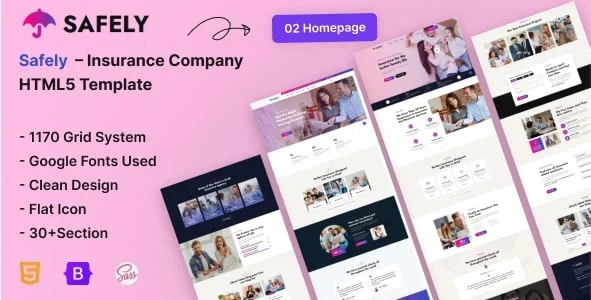
On a budget, try Safely, a free insurance template with 2 home pages and 15 pages, including pricing, FAQ and team pages and a working AJAX contact form that needs PHP hosting. The same pages work well for a solo agent.
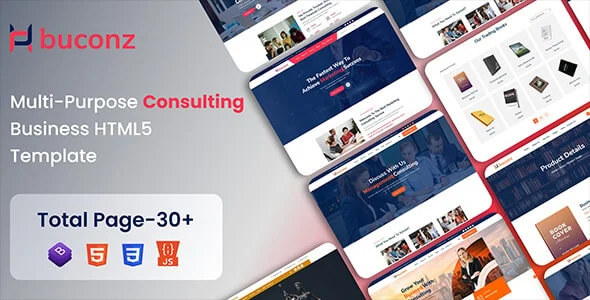
If your practice also sells financial advice, Buconz has 6+ home pages and 29+ inner pages for insurance and financial consultants. For design inspiration, read our guides to the best insurance websites and insurance web design.
Pick the template, then write your content before you build, because the words take longer than the layout. Replace every placeholder, add your licence and contact details, and connect the quote form to an email address you check daily. Test the form from a phone, set up Google Search Console and add your business to Google Business Profile so local searchers can find you.
After launch, add one helpful article a month about a question your clients ask. Over time those pages bring in people who are researching cover and are not yet ready to call.
A website brings leads only when people can find it. Start with your Google Business Profile, because local searchers often see the map listing before any site. Use the same business name, address and phone number everywhere, and ask satisfied clients for honest reviews.
Next, publish local content. A short guide that explains how a common local risk affects cover, such as flood, theft or car use in your area, shows expertise and attracts nearby searchers. Link each guide to the matching product page so interest turns into a quote request.
Finally, put the address of your site on everything you already use: email signature, business cards, social profiles and quote documents. Follow up every enquiry quickly, because a fast reply often decides which agent wins the client. Check Google Search Console each month to see which pages bring visitors and which searches you should answer better.
This table summarises the three themes above using the item pages we opened on 14 November 2026. “Not listed” means the page did not show that figure.
| Theme | Price | Sales | Rating | Last update | Builder |
|---|---|---|---|---|---|
| Insurs | $59 | 117 | 5.00 (5 reviews) | 23 Oct 2026 | Elementor |
| Acheron | $89 | 110 | Two reviews, no average shown | 16 Jun 2026 | Elementor, WPBakery |
| Modins | Not listed | 286 | 4.90 (10 reviews) | Not listed | Elementor |
Use this table as a build list. Each page has one job, and each should show a clear next step.
| Page | Job | What to include |
|---|---|---|
| Home | Explain who you help in one line | Headline, one main button, phone number, a trust number such as years in business |
| Cover pages | Match each product to a search | Auto, home, life, business pages with a short quote form on each |
| About and team | Build personal trust | Real photos and short bios for each agent, plus your licence details where your state requires them |
| Quote or contact | Capture the lead | Three to five fields, click-to-call, and a short privacy note |
| Claims help | Serve current policyholders | Who to call, what to prepare, and the carrier claim links |
| Blog or FAQ | Earn local search traffic | Short answers to specific local questions |
Insurance is regulated, so a pretty site is not enough. Check your state insurance department’s rules on displaying your licence number and on advertising wording, and put the required details in the footer. Add a plain privacy page that says how quote-form data is used, because forms collect personal details. For accessibility, aim for WCAG 2.1 AA: readable contrast, labels on every form field, keyboard-friendly menus and alt text on images. These steps also help real visitors, and they are the gaps most agent guides skip.
For local search, claim and complete your Google Business Profile, keep your name, address and phone number identical on the site and on listings, and publish short pages for each town you serve. Ask happy clients for reviews and show a few on the site.
Include a home page, one page per cover type, an about and team page, a short quote or contact form, an FAQ and your licence and contact details. A blog is a useful extra for attracting people who are still comparing options.
Cost depends on whether you use a template or a custom design. A template is the lower-cost route and covers most agents. Check each template’s price on its product page, and remember to budget for hosting, a domain and your own photos.
Make the quote form short, show local trust signals, keep the site fast on mobile and publish pages that answer real customer questions. Add your business to Google Business Profile so nearby searchers can find and call you.
Both work. An HTML template gives you clean, fast pages with simple hosting. WordPress suits agents who want to publish often without touching code. Choose the one that matches how you plan to update the site.
Yes. With a ready-made template, most agents can replace the text and images on their own. If you prefer help with setup, speed and SEO, OrdainIT offers fixed-price services for that.
Chosen a theme or template? The OrdainIT team, which designs and builds its own WordPress themes and templates, can also get your website live. Pick a fixed-price service:
Want a design to start from? Browse OrdainIT WordPress themes, each with free installation and lifetime updates, or see all WordPress services. Not sure what you need? Contact OrdainIT for a free, no-obligation quote.
See OrdainIT’s themes and customer ratings on OrdainIT’s ThemeForest profile.