Business & Agency Themes

Small Business Website Template: How to Choose, Set Up and Get Customers

OrdainIT November 27, 2026 8 min read
Small business website template guide

A small business website template is a ready-made website design that gives a local shop, service provider, consultant or startup everything it needs to look professional online: a home page, services, about, testimonials, contact and often a blog, already laid out and styled. You add your own logo, text and photos instead of paying for a custom design. For most small businesses, a well-chosen template plus clear, local content is the fastest and cheapest way to get a site that brings in enquiries.

Key takeaways: choose a template made for your industry, make your phone number and main button easy to find on mobile, and spend your effort on clear service pages and real photos rather than design tweaks.

What a Small Business Website Needs

PageJob it doesInclude
HomeExplain what you do, for whom, whereClear headline, main services, call to action
ServicesAnswer questions and rank in searchOne page per main service
AboutBuild trustYour story, team, credentials
Reviews or case studiesProve resultsNamed testimonials, before/after, numbers
ContactMake getting in touch easyPhone, email, form, map, opening hours
Privacy policyLegal requirement for forms and analyticsWhat data you collect and why

How to Choose a Small Business Website Template

  1. Start with your industry. A template built for clinics, law firms, cleaners or agencies already has the right sections and imagery.
  2. Check the mobile view. Open the demo on your phone and make sure the phone number and main button are easy to tap.
  3. Test speed with PageSpeed Insights.
  4. Decide who will edit the site. If you will update it yourself, choose WordPress; if a developer manages it, HTML is fine. See WordPress vs HTML.
  5. Look for the features you need: booking, quote form, shop, blog or multilingual support.
  6. Check support and updates, especially for WordPress themes.

For a longer checklist, read how to choose a WordPress theme.
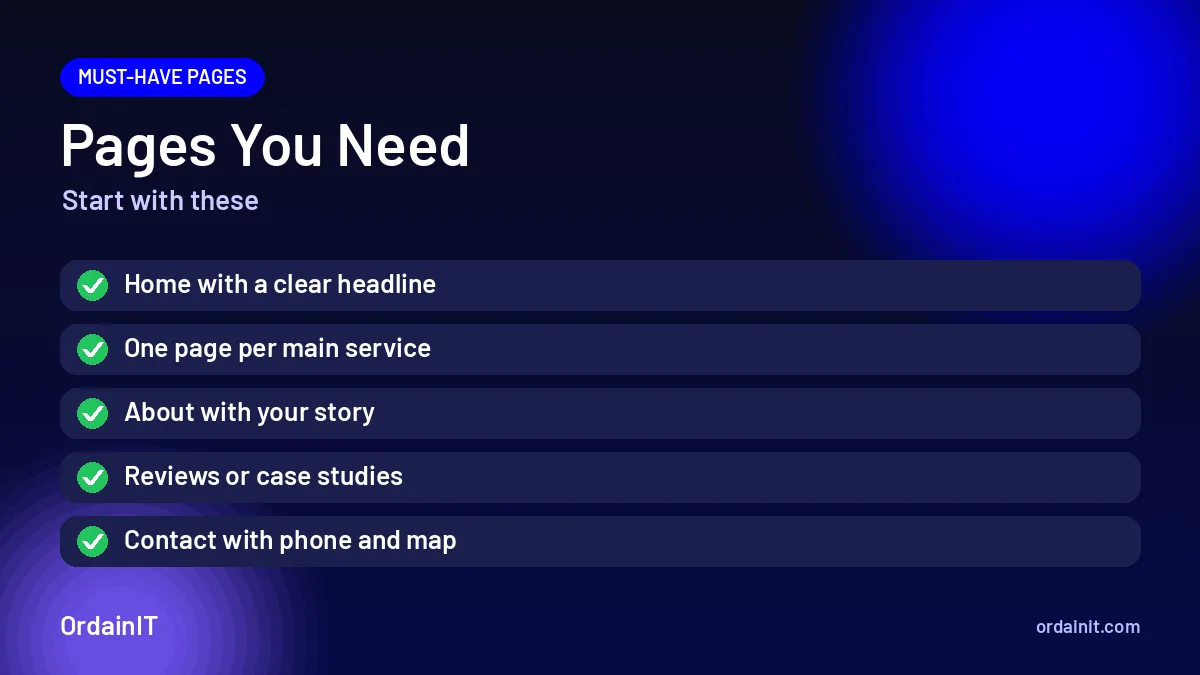
Must-have pages for a small business website

Small Business Website Template Ideas by Industry

OrdainIT builds niche designs for many small business types. A few examples:

Most OrdainIT WordPress themes cost $13 and most HTML templates $9. Open each demo on your phone and run a speed test yourself before choosing.

Design Choices That Matter Most

A small business website template already solves layout and styling, so focus your design decisions on the few things visitors notice:

  • Your headline: say what you do and where in under ten words, for example “Family dentist in Leeds, open Saturdays”.
  • One main action: decide whether you want calls, bookings or quote requests, and make that button the most visible element on every page.
  • Brand colours: use one main colour and one accent for buttons. Too many colours make a site look unprofessional.
  • Real photos: pictures of your premises, team and work beat stock images every time.
  • Readable text: keep body text at least 16px and use strong contrast, especially on phones outdoors.

Common Mistakes Small Businesses Make

  • Leaving demo text or images live: visitors notice placeholder content, and it hurts trust and SEO.
  • Hiding the phone number: put it in the header and make it a click-to-call link.
  • One page for all services: separate service pages rank better and answer questions more clearly.
  • No prices at all: even “from” prices or typical ranges help visitors decide to contact you.
  • Never updating the site: outdated hours, offers or staff make customers wonder if you are still open.
  • Too many plugins: each one adds weight and maintenance; install only what you need.

Avoiding these mistakes matters more than choosing the “perfect” small business website template. A simple, clear, up-to-date site built on a solid template will outperform a beautiful site that is slow, vague or out of date.

Setting Up Your Site Step by Step

  1. Register a domain that matches your business name and is easy to spell.
  2. Choose reliable hosting with SSL, backups and good support.
  3. Install the template and import the demo content; our guide on how to install a WordPress theme walks through it.
  4. Replace demo content with your logo, colours, services, prices or “from” prices, and real photos.
  5. Set up the contact form, test it, and add click-to-call phone links.
  6. Add analytics and Google Search Console so you can measure visits and enquiries.
  7. Create or claim your Google Business Profile and link it to your site.

Short on time? Our Professional Website Setup service ($99) installs and configures your theme for you.
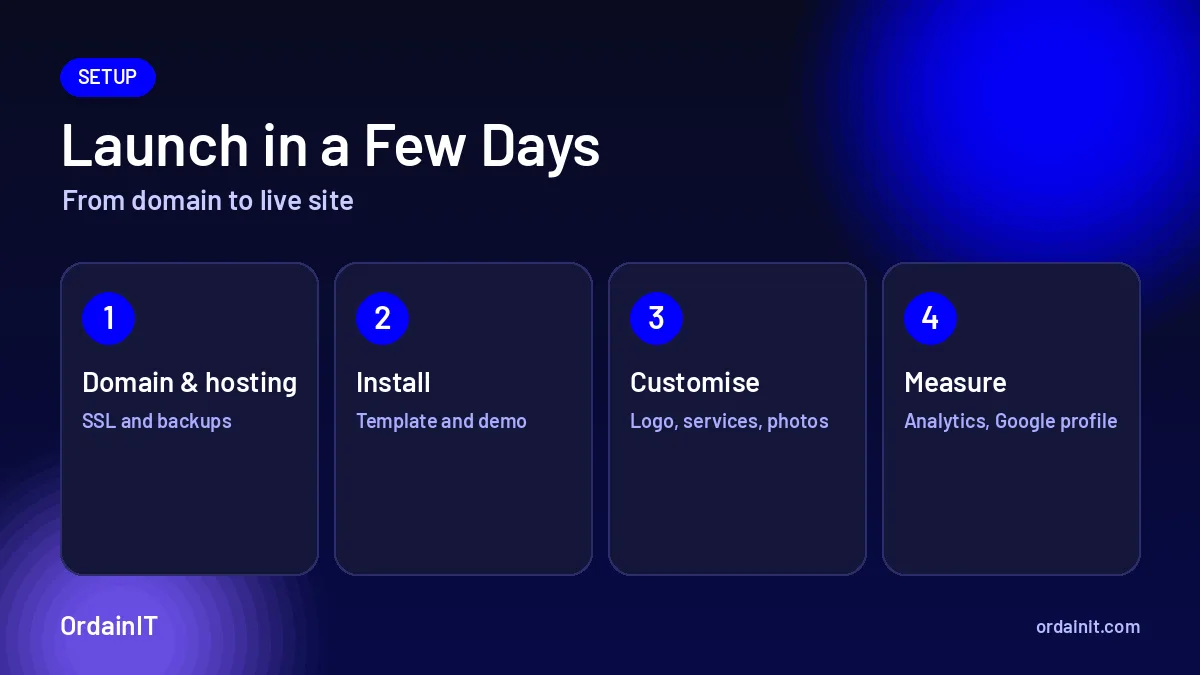
How to set up a small business website step by step

Writing Content That Brings Customers

  • Lead with the customer’s problem, then explain how you solve it.
  • Name your area in headings and text, for example “Emergency plumber in Bristol”.
  • Give each main service its own page with process, pricing guidance, FAQs and a clear call to action.
  • Show proof: reviews with names, photos of real work, certifications and years in business.
  • Keep sentences short and avoid jargon; most visitors scan on a phone.

Local SEO Basics

  • Use the same business name, address and phone number on your site and every directory.
  • Keep your Google Business Profile complete with hours, photos, services and regular posts.
  • Ask satisfied customers for reviews and reply to every review.
  • Add LocalBusiness schema with your SEO plugin.
  • Make sure the site is fast and mobile friendly; our guide to a responsive website template explains what to check.

Budget: Template vs Custom

A template-based small business site usually costs the template, a domain and hosting, plus optional setup help. A custom-designed site from an agency typically costs thousands of dollars and takes weeks or months. Our guide to website design cost compares the options in detail. Start with a small business website template, prove what works, and invest in custom features later if your business needs them.
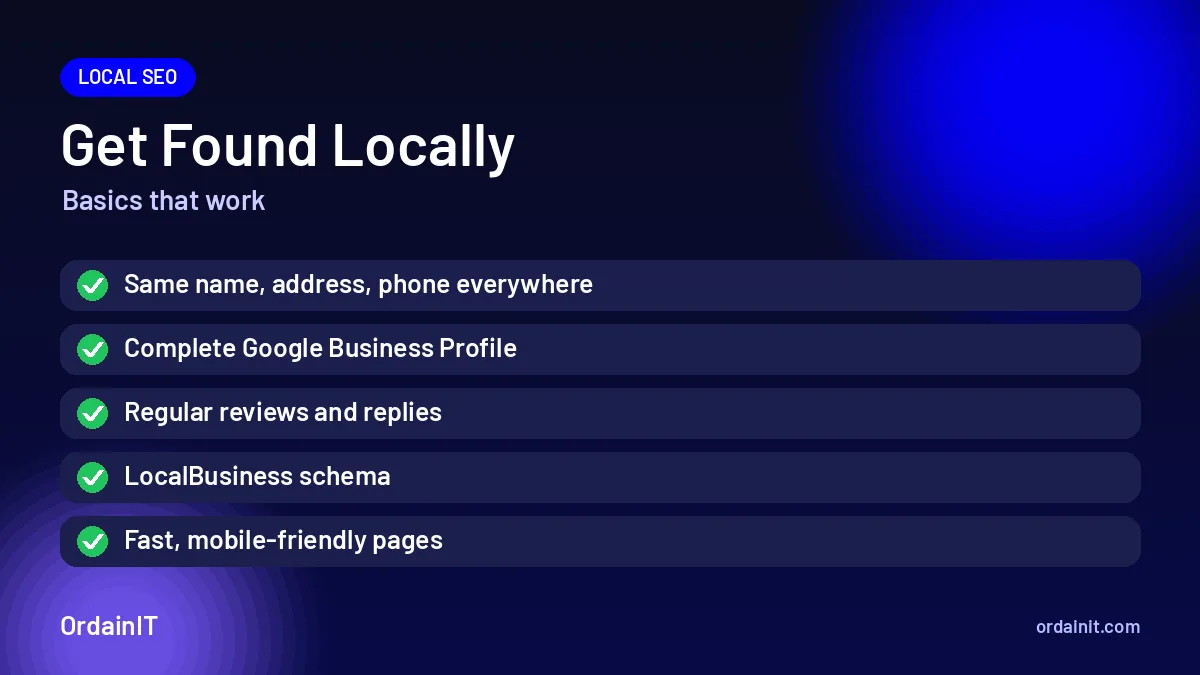
Local SEO basics for small business websites

Measure What Works

Track three numbers every month: visitors, enquiries (form submissions, calls and bookings) and where those enquiries came from. Google Analytics and Search Console are free and show which pages and searches bring customers. If a service page gets visits but no enquiries, improve its headline, add reviews or make the button clearer. Small, regular improvements based on real data grow results steadily.

Keep the Site Healthy After Launch

Update prices, hours and team details as soon as they change, add new reviews and projects regularly, and keep WordPress, the theme and plugins updated. Follow our website maintenance checklist, or choose the 12-month WordPress care plan ($99) if you prefer to hand maintenance over.

Frequently Asked Questions

What is the best website template for a small business?

One designed for your industry that is fast, mobile friendly, easy to edit and has clear calls to action and contact details.

How many pages does a small business website need?

Usually five to ten: home, services (one per main service), about, reviews, contact and a privacy policy.

Can I build a small business website myself?

Yes. With a template and WordPress, most owners can launch a site in a few days without coding.

How much does a small business website cost?

With a template, often under a few hundred dollars in the first year including hosting. Custom builds cost much more.

Do small business websites need a blog?

Not at launch, but helpful articles answering customer questions can bring extra search traffic over time.


Need Help With Your New Website?

Chosen a theme or template? The OrdainIT team, which designs and builds its own WordPress themes and templates, can also get your website live. Pick a fixed-price service:

Want a design to start from? Browse OrdainIT WordPress themes, each with free installation and lifetime updates, or see all WordPress services. Not sure what you need? Contact OrdainIT for a free, no-obligation quote.

See OrdainIT’s themes and customer ratings on OrdainIT’s ThemeForest profile.
Get New Themes & Exclusive Deals

Join the OrdainIT newsletter for new theme releases, free templates and special discounts. No spam.