


Educeet – Education & Online Learning WordPress Theme
Educeet is an online learning WordPress theme for universities, schools, coaching centers and online course platforms. It is built with Elementor (100+ custom widgets) and comes with 14 homepage designs and 60+ inner pages. See the live preview of Educeet.
With Tutor LMS you can run courses, lessons, quizzes and student and instructor dashboards. WooCommerce lets you sell courses and books, and Eventin shows workshops and seminars. An RTL demo is also available. It also works well if you need a LMS WordPress theme or a Tutor LMS theme.

Quick Facts
- Platform: WordPress theme (version 1.0.1)
- Page builder: Elementor (100+ custom widgets)
- Home pages: 14 homepage designs
- Pages: 60+ inner pages
- Demo content: one-click demo import
- Updates: free lifetime updates from your WordPress dashboard
- Setup: free theme installation and demo setup by the OrdainIT team
- Seller: OrdainIT, on ThemeForest since 2021
- Markup: W3C validated HTML5 and CSS3
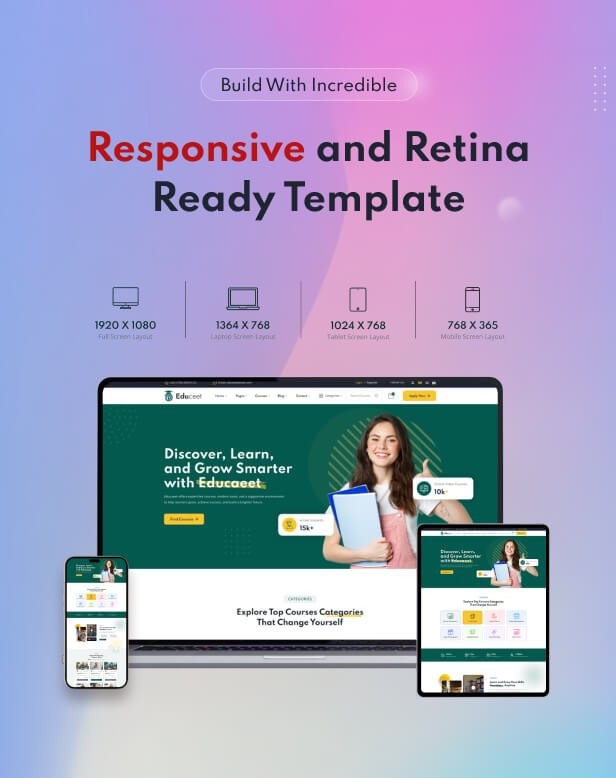
- Retina ready: sharp on high-resolution screens
- Support: 24/7 support from the OrdainIT team
Who Is This Online Learning WordPress Theme For?
- Universities and colleges
- Schools and kindergartens
- Online course creators and learning platforms
- Coaching centers and training institutes
- Workshop and seminar organizers




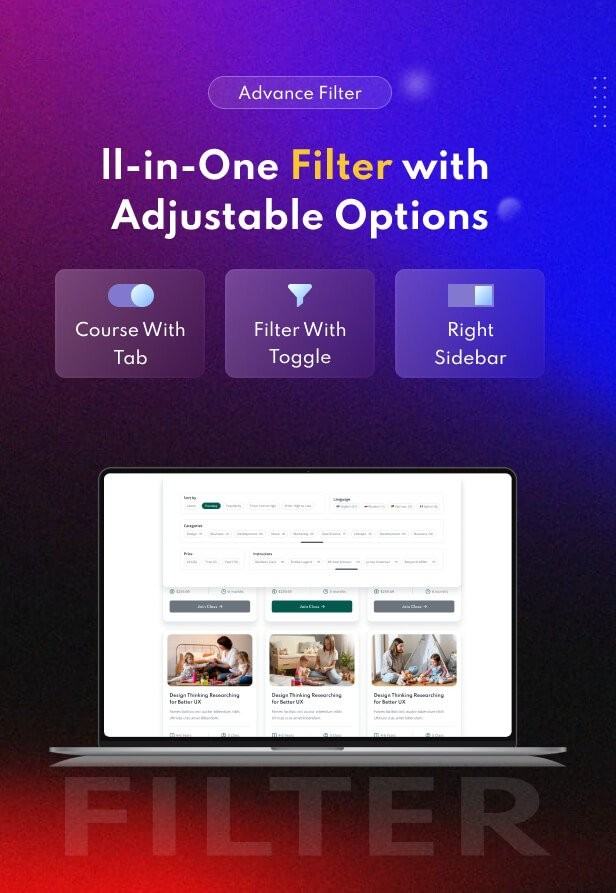
Key Features of This Online Learning WordPress Theme
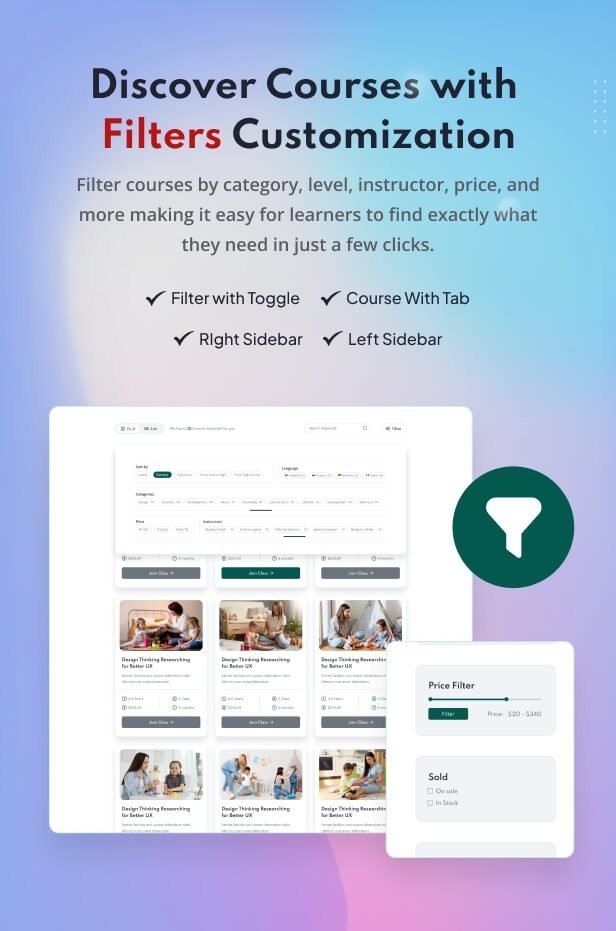
- 14 ready-made homepage designs and 60+ inner pages
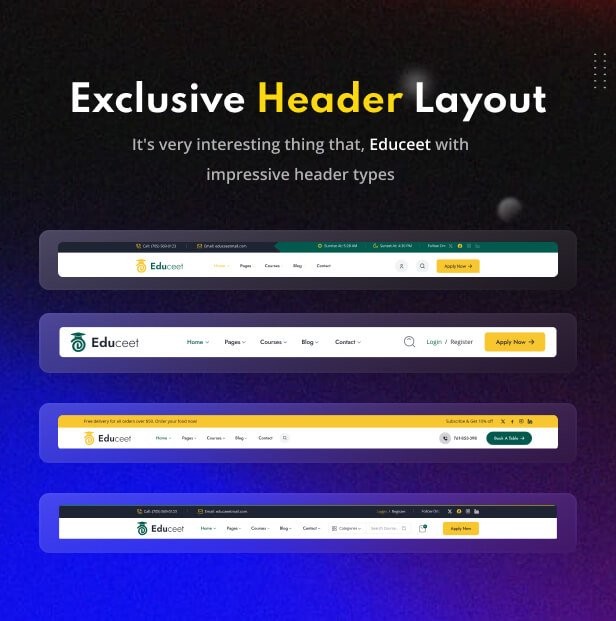
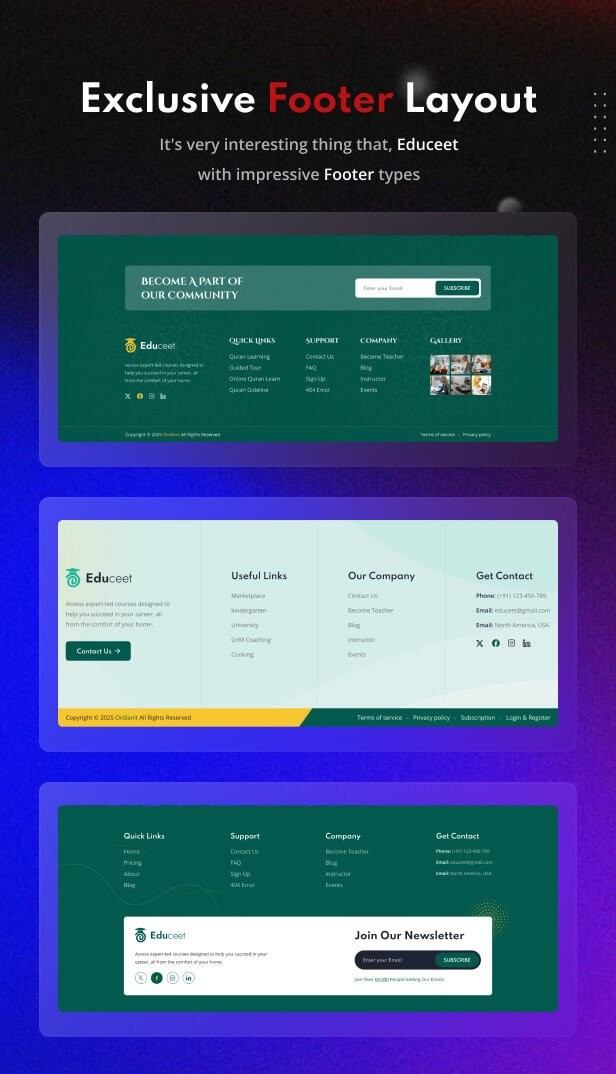
- 14 header styles and 14 footer styles
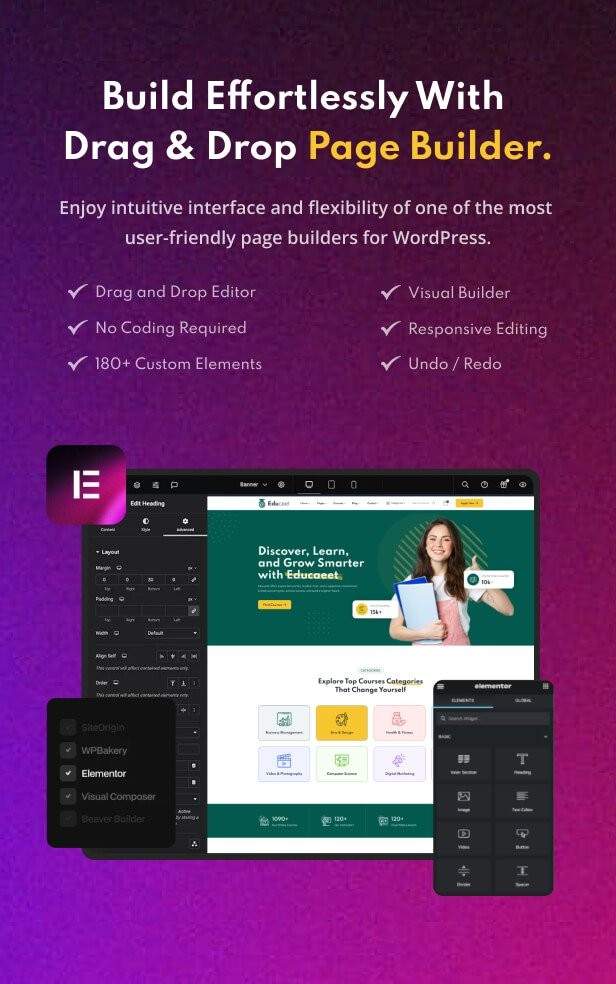
- 100+ custom Elementor widgets and 13+ card styles
- Elementor header, footer, offcanvas and breadcrumb builders
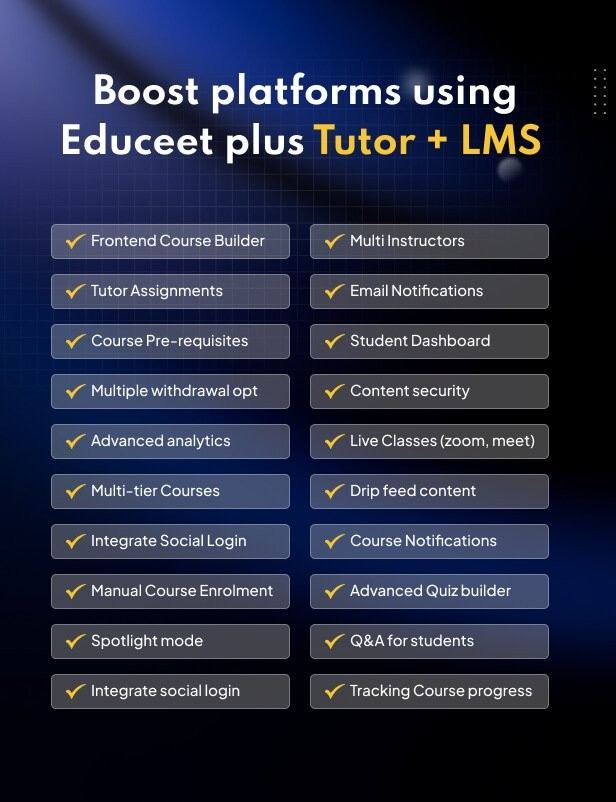
- Tutor LMS: course builder, lesson player, quizzes, dashboards, ratings and wishlist
- WooCommerce shop with quick view, wishlist, compare and mini cart
- Eventin event layouts with countdown timer
- Custom post types for services, portfolios and careers
- Mega menu and sticky header
- Translation ready (.pot file) and RTL demo
- Bootstrap 5, responsive layout
- One-click demo import and detailed documentation

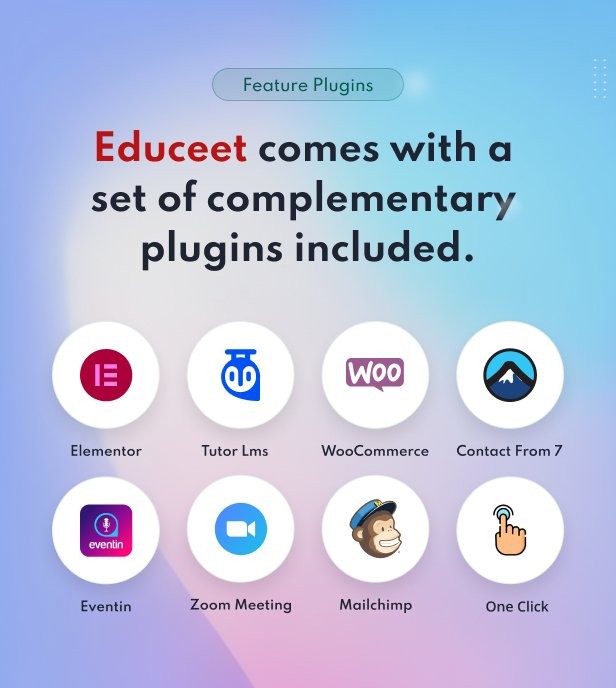


Plugins Used by Educeet
The theme asks you to install these plugins after activation. Premium plugins that are bundled can be updated only when the theme package includes a new copy.
- Elementor
- Tutor LMS (Tutor LMS Pro sold separately for certificates and assignments)
- WooCommerce
- Eventin
- Contact Form 7
- One Click Demo Import


Fonts, Icons and Image Credits
- Fonts: Google Fonts
- Icons: Flaticon
- Preview images: Freepik, Unsplash and Pexels (for demonstration only, not included in the download)

Watch the Educeet Setup Video
Watch how to install the Educeet online learning WordPress theme and import the demo.
How to Install This Online Learning WordPress Theme
- Get the theme with the buy button on this page and download the theme zip file.
- In WordPress go to Appearance, Themes, Add New, Upload Theme, and install the theme.
- Install and activate the required plugins that the theme suggests.
- Import a demo with the one-click demo import, then replace the sample text, images, logo and colors.
Step-by-step guides are in the Educeet documentation.
Updates, License and Setup
When a new version of Educeet is released, your WordPress dashboard shows “New version available” under Appearance, Themes, and you can update with one click. You keep lifetime access to theme updates. Educeet also has license activation and support built into the theme: activate your license in the dashboard to get automatic updates and support. Every OrdainIT WordPress theme comes with free theme installation and demo setup by our team. The license terms are on the OrdainIT license page.
About OrdainIT
OrdainIT has built website templates since 2021, with 1,300+ sales and a 4.48 out of 5 rating from 25 ratings on ThemeForest. Every theme comes with free lifetime updates. See the OrdainIT portfolio on ThemeForest.
Frequently Asked Questions
Do I need coding skills?
No. You edit the pages with Elementor and change colors, fonts and logos in the theme options.
Which plugins does Educeet need?
Elementor, Tutor LMS, WooCommerce, Eventin. The theme shows a notice with the plugins to install after activation.
How do I update Educeet?
Go to Appearance, Themes in your WordPress dashboard. When a new version is available, click Update now. Back up your site first.
Is installation included?
Yes. Free theme installation and demo setup by the OrdainIT team is included with every OrdainIT WordPress theme.
Can I get a refund?
Yes. You can ask for a full refund within 14 days of purchase.
More Templates and Guides
- Educeet – LMS Website Template for Universities, Online Courses & Schools
- Educeet – Nextjs Website Template for University, School & Online Course Platforms
- Edunity – Education & University WordPress Theme for Schools and Online Courses
- Read our guide: Top 10 LMS WordPress Themes for eLearning & Online Courses
- Read our guide: Best 10 Online Course WordPress Themes: Top Theme for 2026
- Browse all WordPress themes from OrdainIT
Update Your Theme from the WordPress Dashboard
When a new version of Educeet is released, your WordPress dashboard shows New version available in Appearance, Themes. Click Update now to install it. Every OrdainIT license includes lifetime free updates.
Take a backup before you update. See how updates work.

Reviews
There are no reviews yet.