 New release:

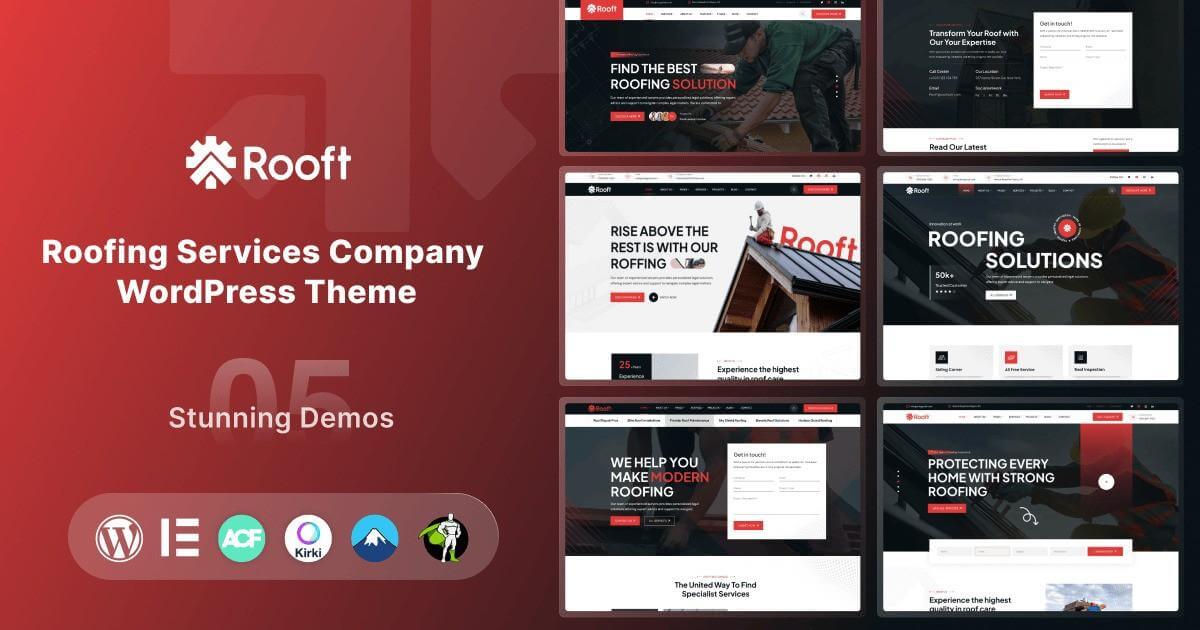
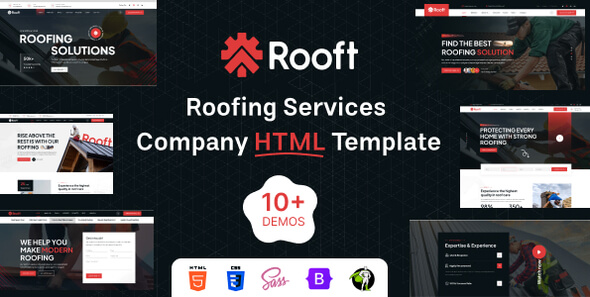
Rooft – Roofing & Construction Company WordPress Theme for Roof Repair
Rooft is a roofing and construction company WordPress theme for roofing companies, roof repair services and building contractors. It is built with Elementor and comes with 5 home pages and service, project, team, blog and contact pages. See the live preview of Rooft.
It has service listings, project showcases, quote and contact forms and testimonials, so a roofer website can turn visitors into quote requests. It also works well if you need a roofing WordPress theme or a roofer website.
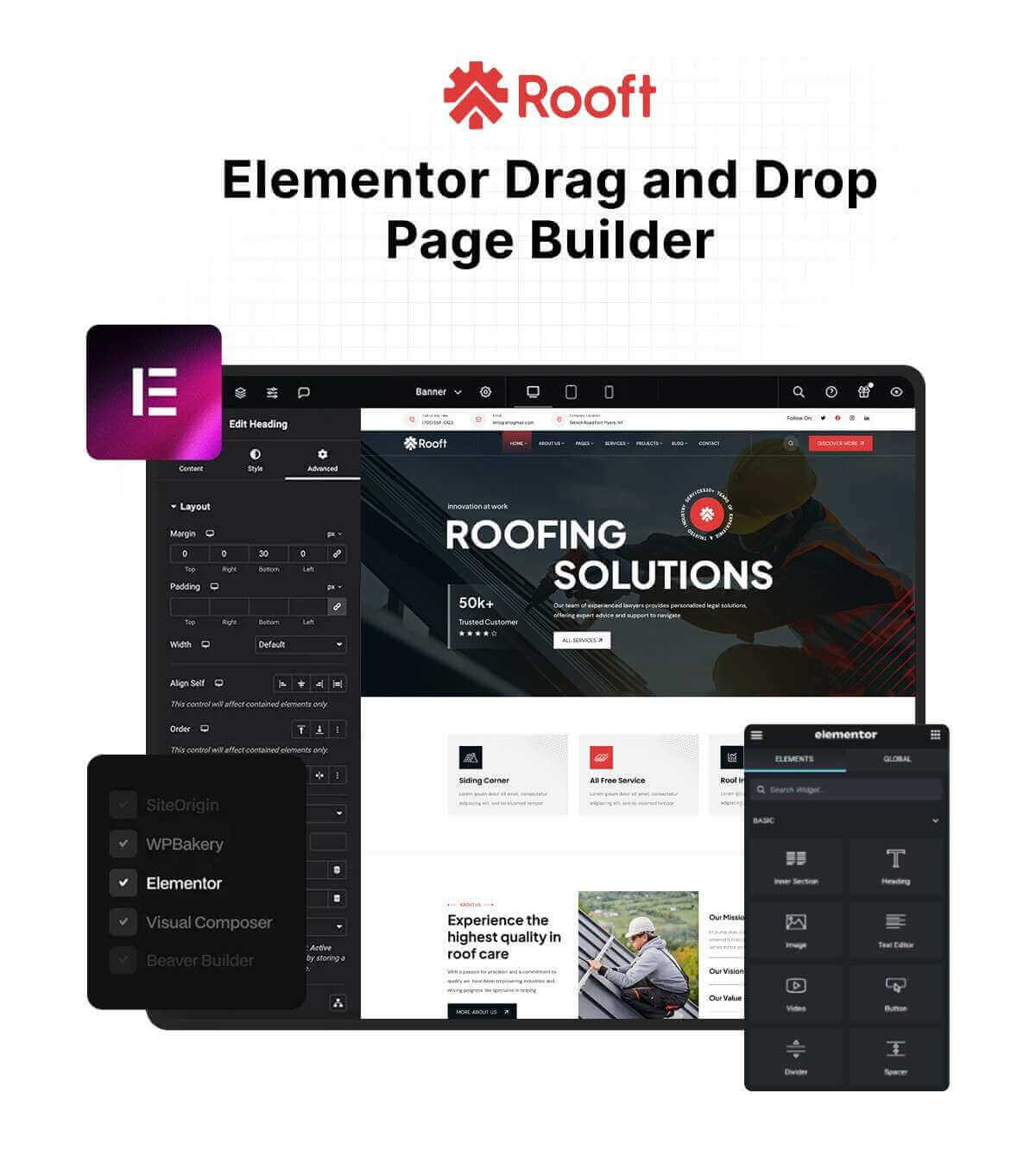
Quick Facts
- Platform: WordPress theme (version 1.0.0 in the live demo)
- Page builder: Elementor
- Home pages: 5 home pages
- Pages: service, project, team, blog and contact pages
- Demo content: one-click demo import
- Updates: free lifetime updates from your WordPress dashboard
- Setup: free theme installation and demo setup by the OrdainIT team
- Seller: OrdainIT, on ThemeForest since 2021
Who Is This Construction Company WordPress Theme For?
- Roofing companies and roofers
- Roof repair and installation services
- Construction and building contractors
- Residential and commercial home service companies
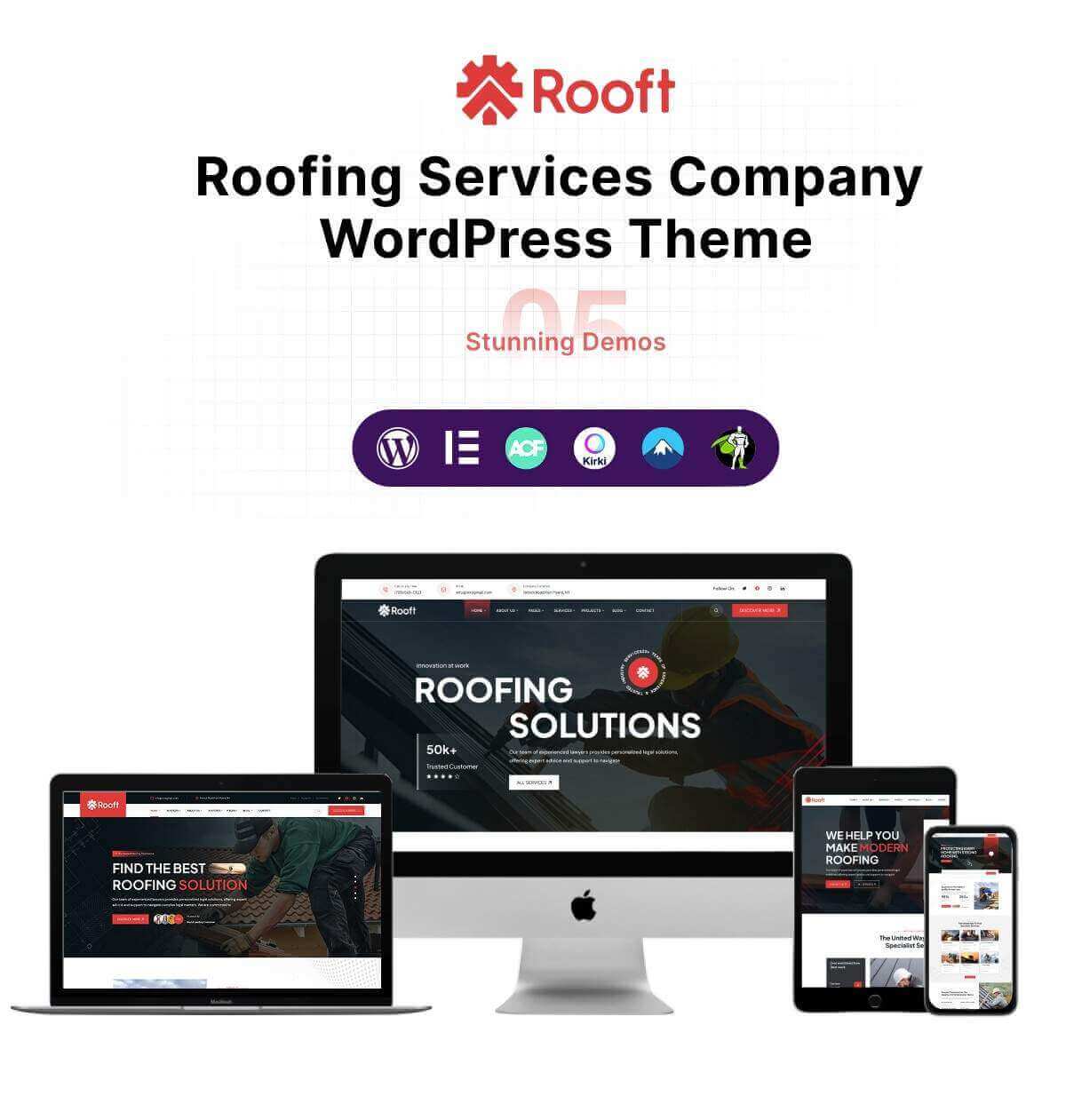
Key Features of Rooft
- 5 home pages
- Service showcase and project layouts
- Quote request and contact forms
- Testimonials and call-to-action blocks
- WooCommerce shop with wishlist, compare and quick view
- Kirki Customizer theme options
- Child theme included
- Sticky header
- Elementor drag-and-drop editing
- Bootstrap 5, responsive layout
- Documentation included
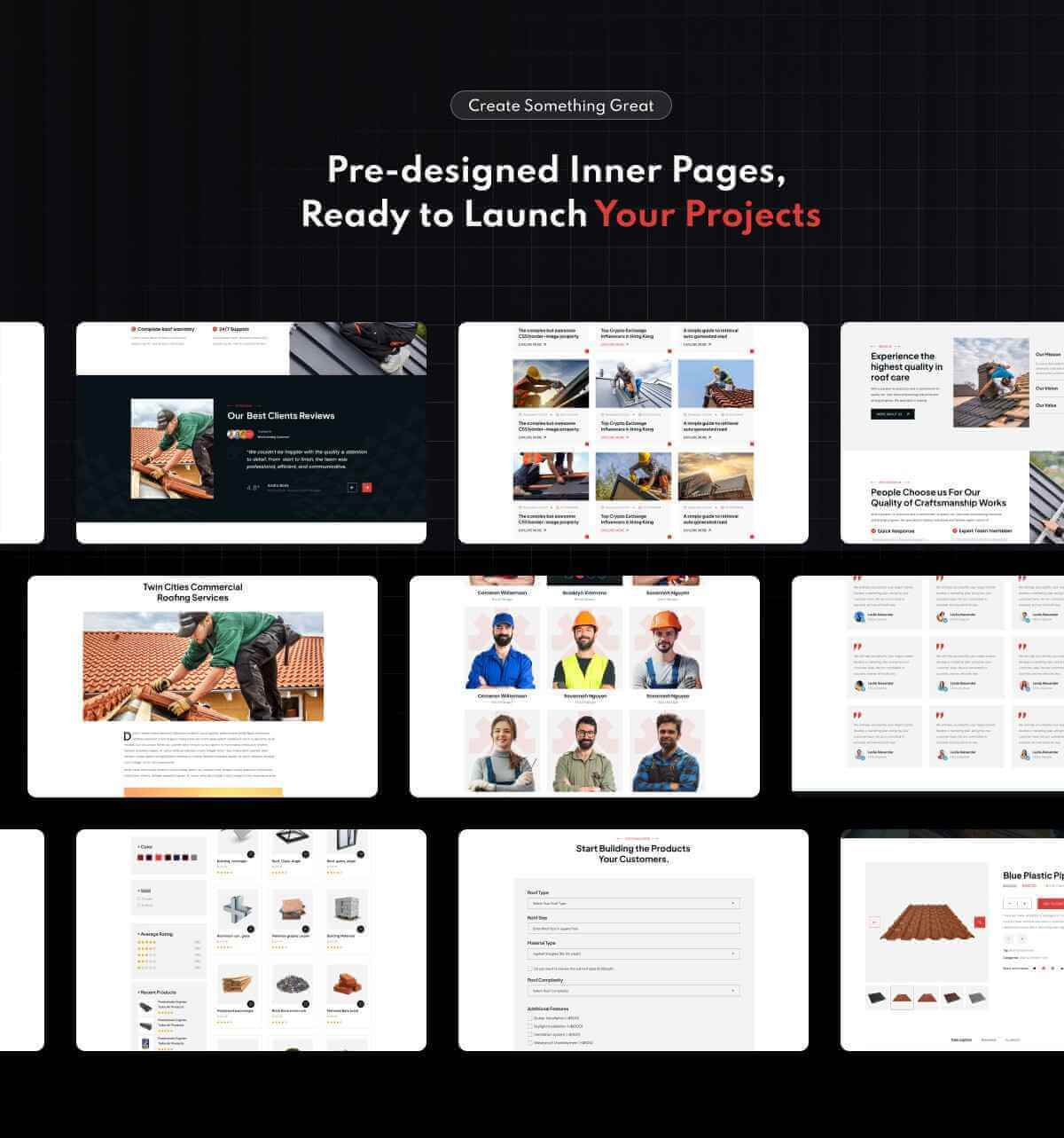
Plugins Used by Rooft
The theme asks you to install these plugins after activation. Premium plugins that are bundled can be updated only when the theme package includes a new copy.
- Elementor
- Rooft Core
- WooCommerce
- WPC Smart Wishlist, Compare and Quick View
- Kirki Customizer
- Contact Form 7
Fonts, Icons and Image Credits
- Fonts: DM Sans, Plus Jakarta Sans and Poppins (Google Fonts)
- Icons: Font Awesome
- Preview images: Freepik, Unsplash and Pexels (for demonstration only, not included in the download)
How to Install This Construction Company WordPress Theme
- Get the theme with the buy button on this page and download the theme zip file.
- In WordPress go to Appearance, Themes, Add New, Upload Theme, and install the theme.
- Install and activate the required plugins that the theme suggests.
- Import a demo with the one-click demo import, then replace the sample text, images, logo and colors.
Step-by-step guides are in the Rooft documentation.
Updates, License and Setup
When a new version of Rooft is released, your WordPress dashboard shows “New version available” under Appearance, Themes, and you can update with one click. You keep lifetime access to theme updates. Every OrdainIT WordPress theme comes with free theme installation and demo setup by our team. The license terms are on the OrdainIT license page.
Other Versions of Rooft
Besides this construction company WordPress theme, Rooft is also available in another format. Pick the one that fits your project.
About OrdainIT
OrdainIT has built website templates since 2021, with 1,300+ sales and a 4.48 out of 5 rating from 25 ratings on ThemeForest. Every theme comes with free lifetime updates. See the OrdainIT portfolio on ThemeForest.
Frequently Asked Questions
Do I need coding skills?
No. You edit the pages with Elementor and change colors, fonts and logos in the theme options.
Which plugins does Rooft need?
Elementor, Rooft Core, WooCommerce, WPC Smart Wishlist, Compare and Quick View. The theme shows a notice with the plugins to install after activation.
How do I update Rooft?
Go to Appearance, Themes in your WordPress dashboard. When a new version is available, click Update now. Back up your site first.
Is installation included?
Yes. Free theme installation and demo setup by the OrdainIT team is included with every OrdainIT WordPress theme.
Can I get a refund?
Yes. You can ask for a full refund within 7 days of purchase.
More Templates and Guides
- Rooft – Roofing Website Template for Roofing Services & Contractors
- Buconz – Multipurpose Business WordPress Theme
- Read our guide: 10 Best Corporate WordPress Themes for 2026 – Top Picks
- Browse all WordPress themes from OrdainIT
Update Your Theme from the WordPress Dashboard
When a new version of Rooft is released, your WordPress dashboard shows New version available in Appearance, Themes. Click Update now to install it. Every OrdainIT license includes lifetime free updates.
Take a backup before you update. See how updates work.

Reviews
There are no reviews yet.