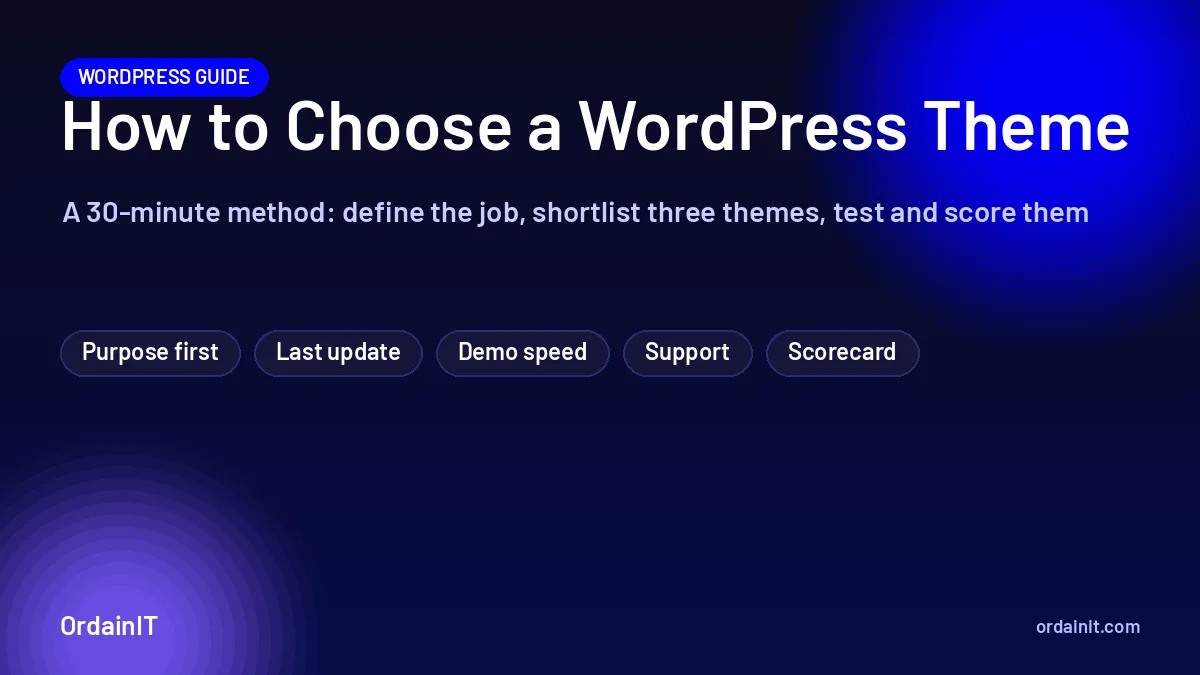
Here is how to choose a WordPress theme: decide what the site must do first, then shortlist three themes built for that job and test each one: open the live demo on a phone, run a speed test, check the last update date and the support terms, and confirm it works with the page builder you want. Pick the theme that passes every check, not the one with the most demos. This guide shows how to choose a WordPress theme in about 30 minutes with a simple scorecard.
Key takeaways: purpose beats looks, a recent update date beats a long feature list, and a theme you can test yourself beats any “best theme” ranking, including ours.
Write down the three jobs the site must do before you look at a single demo. A dental clinic needs online booking and trust signals; a portfolio needs large galleries; a SaaS site needs pricing tables and feature pages. This list stops you from picking a theme for a pretty homepage you will never use.
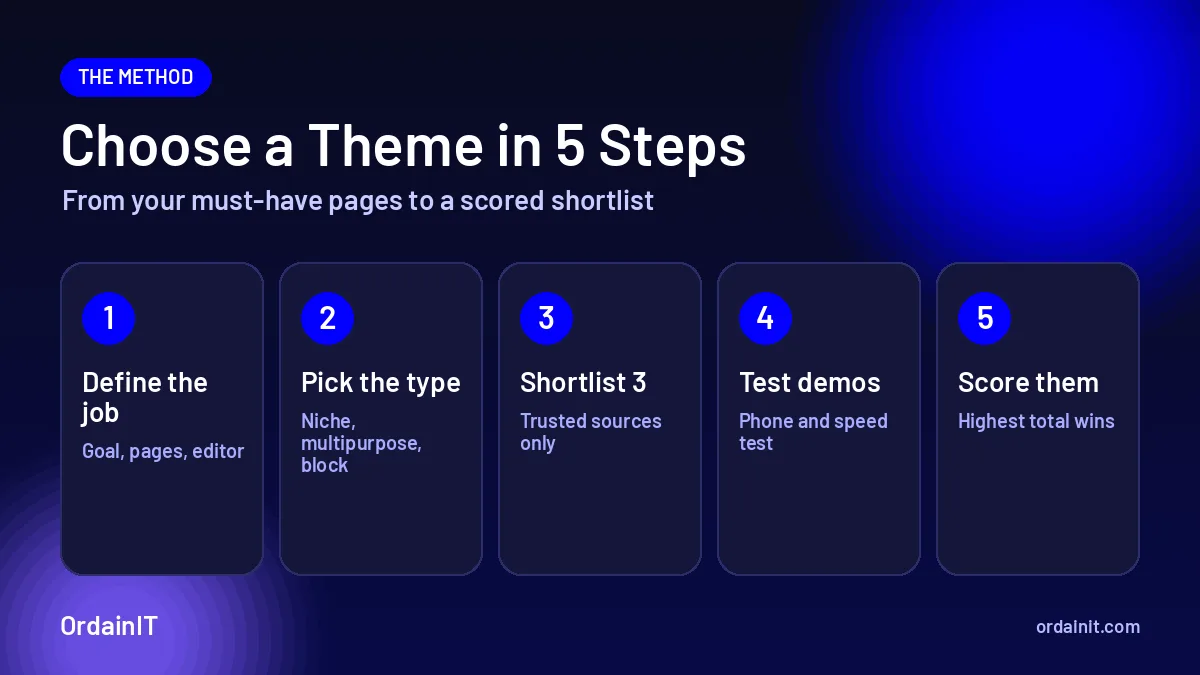
WordPress themes fall into a few types, and choosing the type first halves your search.
| Theme type | Good for | Watch out for |
|---|---|---|
| Niche theme (e.g. dental, solar, education) | Fast launch with ready pages for one industry | Harder to repurpose for another business |
| Multipurpose theme | Agencies that need many demo styles | Extra code and settings you may never use |
| Block theme | Light sites edited in the Site Editor | Fewer ready-made business layouts |
| Page-builder theme (Elementor) | Clients who edit visually | Builder plugins add page weight |
Look in the WordPress.org theme directory for free themes, which are reviewed before they are listed, or in established shops for premium themes. On every item page, note four facts before you even open the demo:
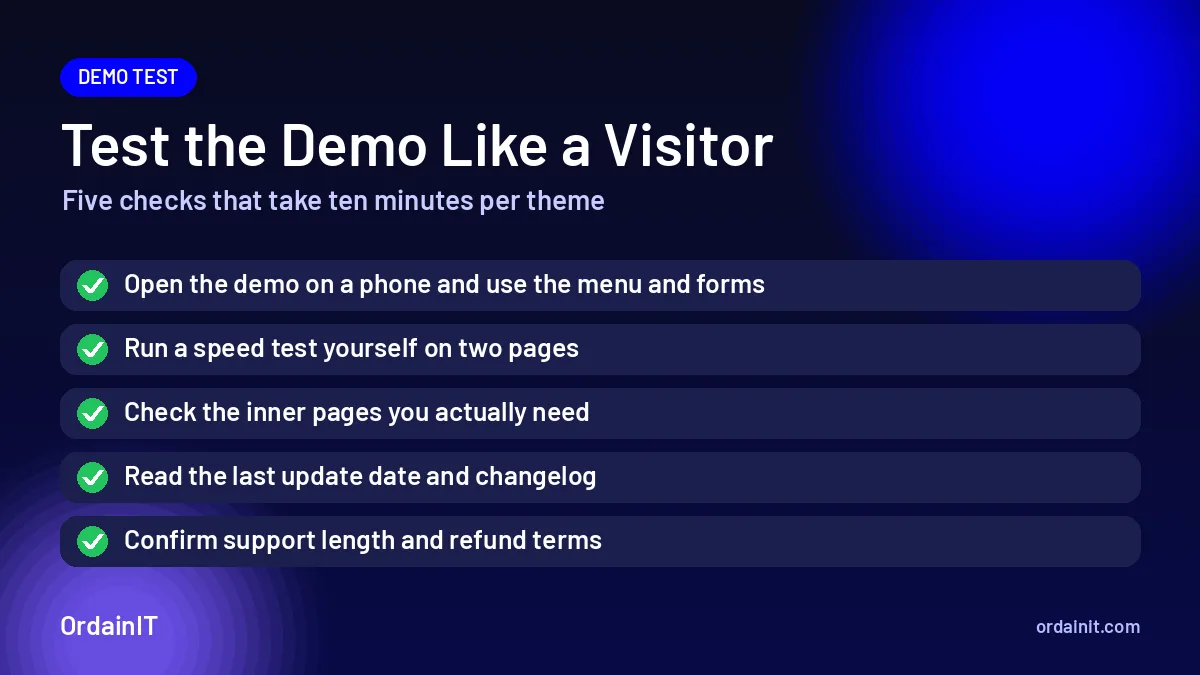
A demo is built to impress, so test it the way a customer would use your finished site:
Weight matters. When we measured the official preview pages of ten free themes on 15 November 2026 (HTML, CSS and JavaScript, uncompressed), the lightest loaded about 43 KB and the heaviest about 278 KB. Our fastest WordPress theme test lists all ten results.
The last part of how to choose a WordPress theme is scoring. Give each shortlisted theme a score from 1 to 5 on these points and add them up. The highest total wins, but any theme that scores 1 on fit or updates is out.
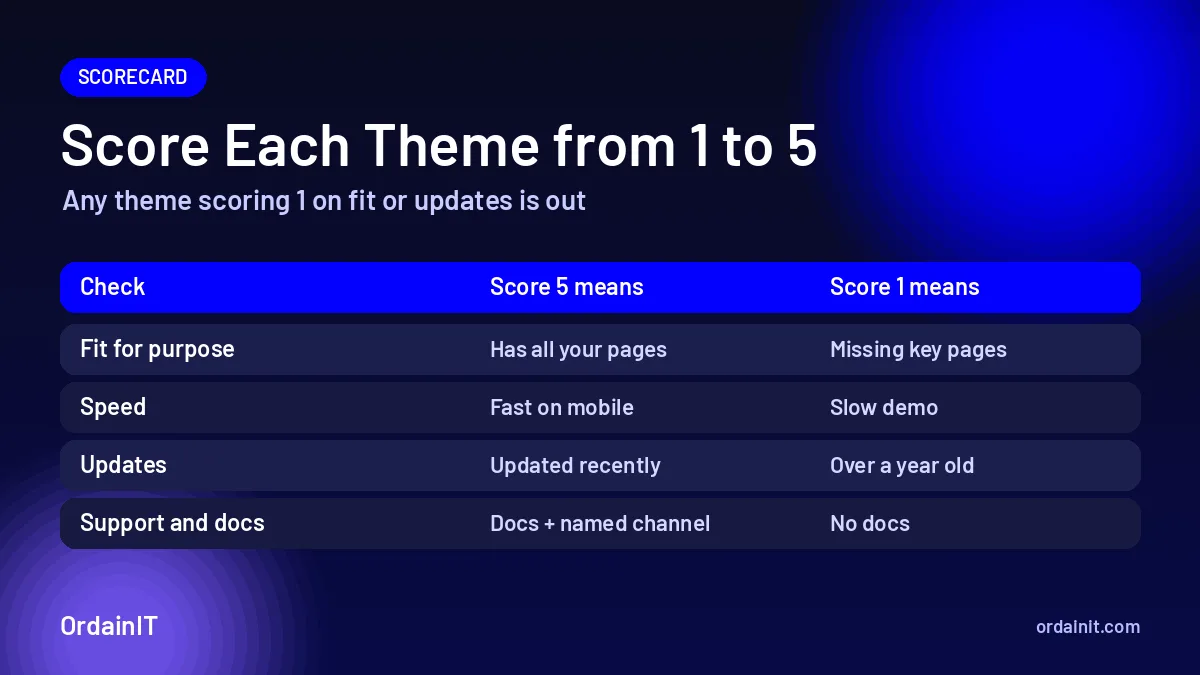
| Check | What a 5 looks like |
|---|---|
| Fit for purpose | Has every page from your Step 1 list |
| Speed | Good mobile score on the demo pages you will use |
| Updates | Updated in the last few months, changelog visible |
| Ease of editing | Works with the builder or editor your team uses |
| Support and docs | Clear documentation and a named support channel |
| Total cost | No surprise premium plugins or renewals |
Agencies and freelancers face an extra question: who will run the site after handover? If the client will edit pages, choose a theme that works with a visual builder such as Elementor and keep the number of required plugins low, because every extra plugin is one more thing the client must update. If you will maintain the site yourself, a lighter block theme can be faster and cheaper to run.
Also check the licence before you choose a WordPress theme for client work. A regular single-site licence covers one end product, so building ten client sites usually needs ten licences or a bundle that allows many client sites. Write the licence terms into your quote so the client knows what they own.
A free theme from the directory is enough for a simple blog or a small brochure site, especially with a lightweight theme and a few plugins. A premium theme makes sense when you need finished industry pages, one-click demo import and direct support, because the time it saves is worth more than the price. Most OrdainIT WordPress themes cost $13 on our site and include free installation and lifetime updates; see the best premium WordPress themes and best free WordPress themes guides for checked options.
We design each OrdainIT theme for one kind of business, include the inner pages that business needs, and check speed and demos before release. Every theme gets lifetime updates and free installation, and the WordPress theme bundle gives agencies every theme for one payment. Still, use the scorecard above on our themes too: open the demo, run a speed test yourself and decide.
Fit for purpose. A theme that already has the pages and features your site needs saves more time than any design detail, as long as it is also recently updated and fast on mobile.
Check the last update date and changelog, test the demo speed on mobile, look for documentation, and prefer themes from the WordPress.org directory or established shops with a clear support policy.
Choose a niche theme when you build one kind of site and want ready pages. Choose a multipurpose theme when you are an agency that needs many styles from one licence.
Neither is better for everyone. Block themes are lighter and use the built-in Site Editor; Elementor themes are easier for clients who want to edit pages visually.
Yes. Your posts, pages and media stay, but layouts, widgets and menus may need to be rebuilt, so choosing carefully the first time saves work.
Chosen a theme or template? The OrdainIT team, which designs and builds its own WordPress themes and templates, can also get your website live. Pick a fixed-price service:
Want a design to start from? Browse OrdainIT WordPress themes, each with free installation and lifetime updates, or see all WordPress services. Not sure what you need? Contact OrdainIT for a free, no-obligation quote.
See OrdainIT’s themes and customer ratings on OrdainIT’s ThemeForest profile.



We reply 24 hours a day, Monday to Saturday. Sunday is our day off.