Tailwind templates are website templates and UI kits built with Tailwind CSS, a utility-first CSS framework where you style elements by combining small classes such as flex, p-6 and text-lg directly in the HTML. Instead of pre-designed components with a fixed look, Tailwind gives you building blocks, so templates built with it are easy to restyle and usually ship very little unused CSS. They are popular for landing pages, SaaS sites, dashboards and React or Next.js projects.
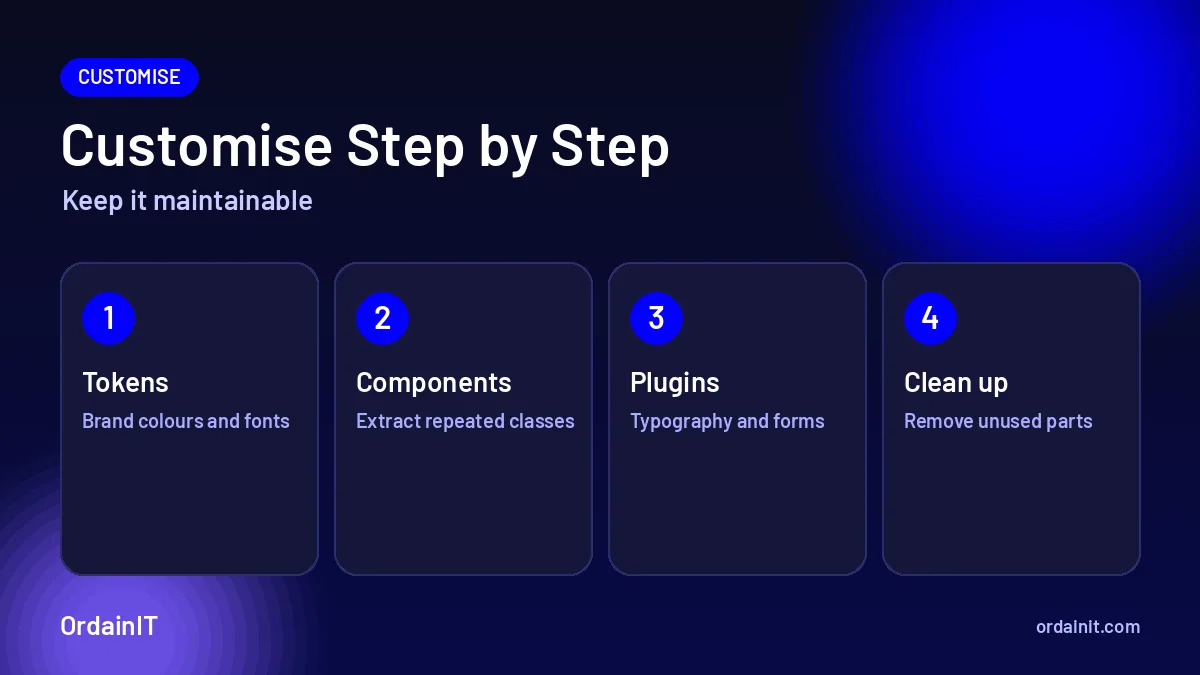
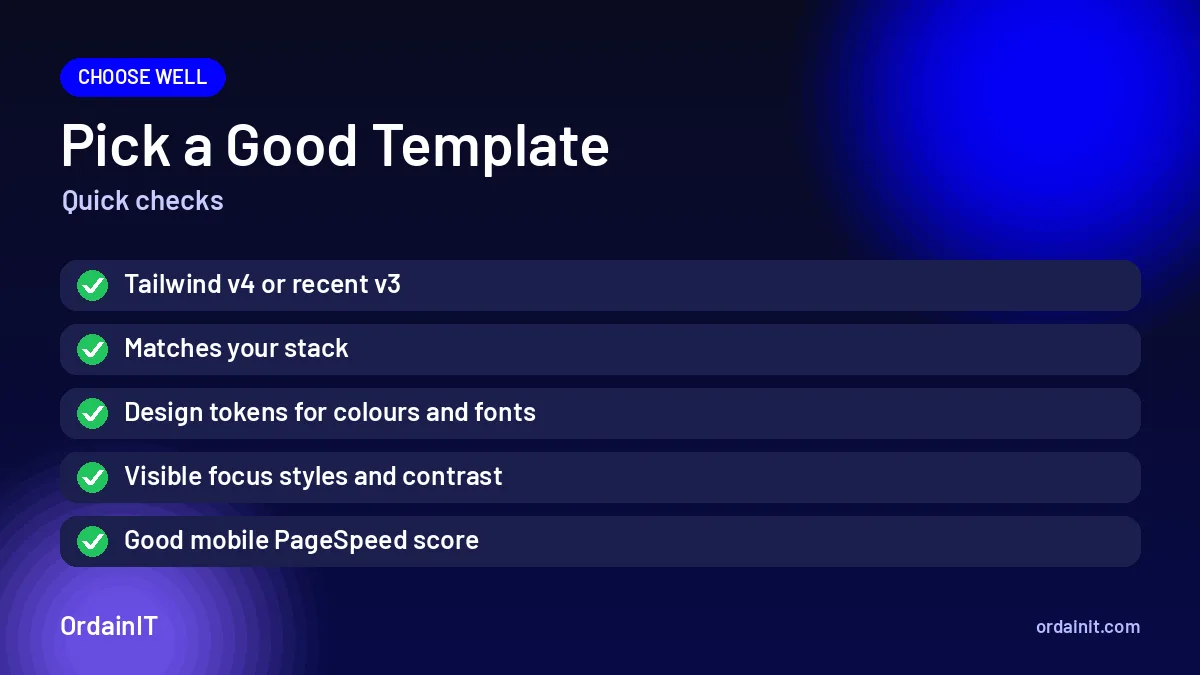
Key takeaways: choose templates built on Tailwind CSS v4 or a recent v3 release, check whether they need a build step, and prefer templates that use design tokens for colours and fonts so rebranding is quick.
Tailwind CSS is an open-source framework released under the MIT licence. Its build tool scans your files for class names and generates only the CSS you actually use, which keeps stylesheets small. Version 4 introduced a faster engine and CSS-first configuration, where you define theme values such as colours and fonts directly in CSS. Read the official Tailwind CSS documentation for installation guides for plain HTML, React, Next.js, Vue and other frameworks.
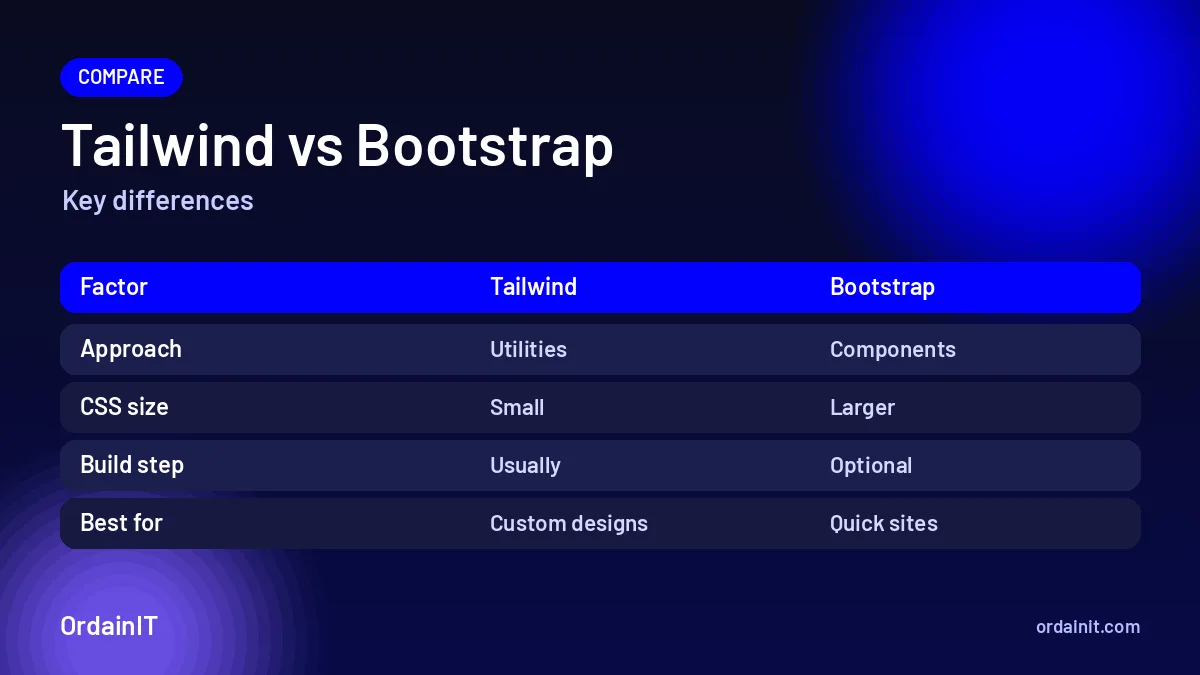
| Factor | Tailwind templates | Bootstrap templates |
|---|---|---|
| Approach | Utility classes, no default look | Pre-designed components |
| Customisation | Very flexible, edit classes or tokens | Variables and overrides |
| CSS size | Small; only used classes are generated | Larger unless you customise the build |
| Build step | Usually required for production | Optional; can use the CDN file |
| HTML readability | Long class lists | Shorter, semantic class names |
| Best for | Custom designs, React/Next.js | Quick, consistent business sites |
For a deeper look at the other side, see our guide to Bootstrap templates.
The Tailwind team sells an official library of components and complete templates, and many independent designers publish free and premium kits. Open-source collections on GitHub are useful for learning. Wherever you look, check the licence, the Tailwind version, the framework it targets and when it was last updated. Open the live demo, test it on a phone and run a speed test yourself before you download or buy.
Most tailwind templates come with a package file that lists their dependencies. A typical setup looks like this:
If a template offers a CDN version for quick prototyping, treat it as a preview only. The CDN build is convenient for experiments but is not meant for production sites, because it cannot remove unused styles the way the build tool does.
Utility classes make styles visible right where they are used, which helps teams avoid the “who wrote this CSS?” problem. To keep a project consistent as it grows, agree on a few rules: use theme tokens rather than arbitrary values such as custom pixel sizes, keep class order consistent with an automatic sorter, and turn common patterns into shared components. Document the brand colours, typography scale and spacing in the README so new developers can follow the system from day one. Well-organised tailwind templates already include this kind of structure, which is a good sign of quality when you compare options.
Tailwind’s small CSS output helps page speed, which supports Core Web Vitals. SEO still depends on structure and content: use semantic HTML elements (header, nav, main, article, footer), one H1 per page, logical H2 and H3 headings, alt text on images and real text rather than words inside graphics. If the template is built with React, make sure pages are server-rendered or statically generated, for example with Next.js, so search engines receive full HTML.
Choose Tailwind templates if you or your developer are comfortable with a build process, want a distinctive design and plan to keep evolving the site. Choose a Bootstrap HTML template or a WordPress theme if you want a finished business site quickly with minimal tooling, or if non-developers will edit the content. Our WordPress vs HTML comparison and what is a website template guide help you decide.
OrdainIT does not currently sell Tailwind-based designs. Our HTML templates are built with Bootstrap 5 (most $9), and our React and Next.js templates suit developers who want a component-based project. The React template bundle includes 12 templates for unlimited client sites. Open the demos and run a speed test yourself to see if they fit your project.
Website templates and UI kits built with Tailwind CSS, a utility-first framework where styling is done with small classes in the HTML.
Neither is better for everyone. Tailwind offers more design freedom and smaller CSS; Bootstrap is faster to start with ready-made components.
For production, usually yes. The build generates only the classes you use, keeping CSS small.
Yes. Tailwind works very well with React and Next.js, and many templates are built specifically for them.
They can be, because CSS stays small and fast. Use semantic HTML, proper headings, alt text and server rendering for React sites.
Chosen a theme or template? The OrdainIT team, which designs and builds its own WordPress themes and templates, can also get your website live. Pick a fixed-price service:
Want a design to start from? Browse OrdainIT WordPress themes, each with free installation and lifetime updates, or see all WordPress services. Not sure what you need? Contact OrdainIT for a free, no-obligation quote.
See OrdainIT’s themes and customer ratings on OrdainIT’s ThemeForest profile.



We reply 24 hours a day, Monday to Saturday. Sunday is our day off.