A construction website template is a ready-made website design for builders, contractors, roofers, renovation companies and architects, with the pages these businesses need already laid out: services, project portfolio, about, testimonials, quote request and contact. Starting from a template lets a construction company launch a professional site in days instead of paying for a custom build that takes months.
Key takeaways: the best construction sites show real finished projects, make the quote request impossible to miss on a phone, and prove trust with licences, insurance, reviews and years in business.
| Page or section | Purpose | Must include |
|---|---|---|
| Home | Explain what you build and where | Service area, main services, quote button, phone |
| Services | Rank for each service and explain scope | One page per main service |
| Projects | Prove quality with real work | Photos, location, scope, timeline |
| About | Build trust | Team, history, licences, insurance, safety record |
| Testimonials | Social proof | Named reviews, ideally linked to Google reviews |
| Get a quote | Turn visitors into leads | Short form, project type, budget range, photos upload |
Choose a WordPress theme if you want to add projects, news and service pages yourself without code; most construction companies benefit from this because the portfolio grows every month. Choose an HTML template if you want a lightweight site that rarely changes, or if a developer will manage updates. Our WordPress vs HTML guide explains the trade-offs, and how to choose a WordPress theme covers what to test before you buy.
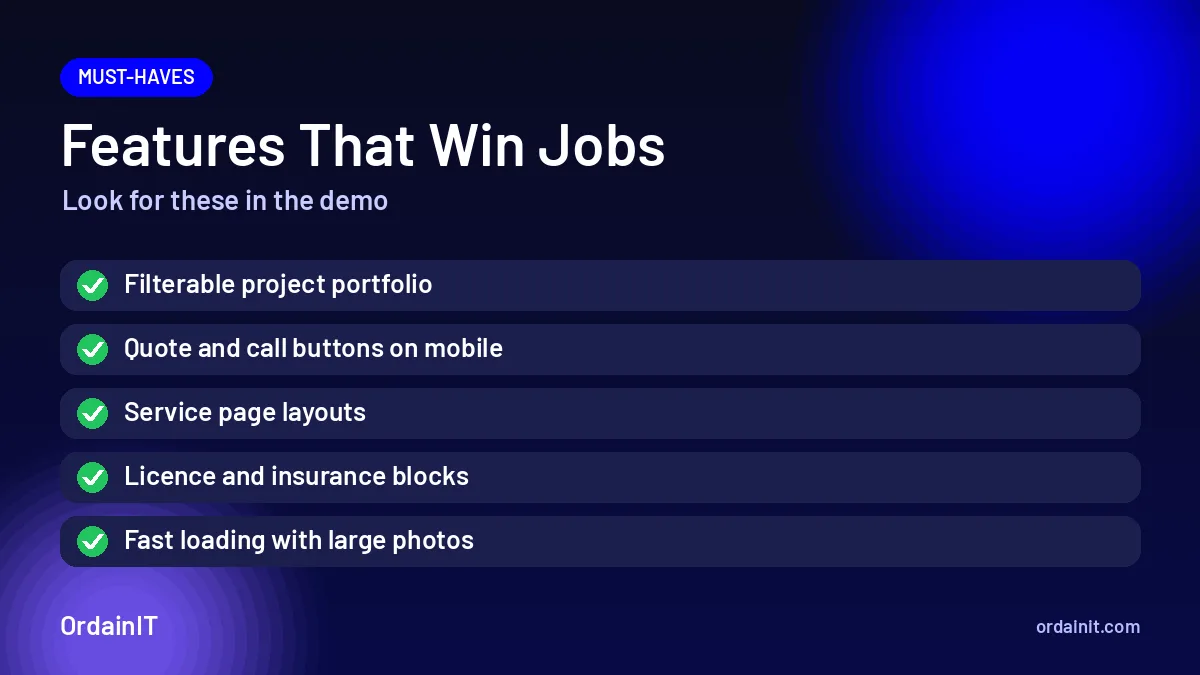
OrdainIT builds themes and templates for construction and related trades. Most WordPress themes cost $13 and most HTML templates $9:
Open each live demo on your phone, try the quote form and run a speed test yourself before deciding. If you build sites for several contractors, the WordPress theme bundle covers many industries in one purchase.
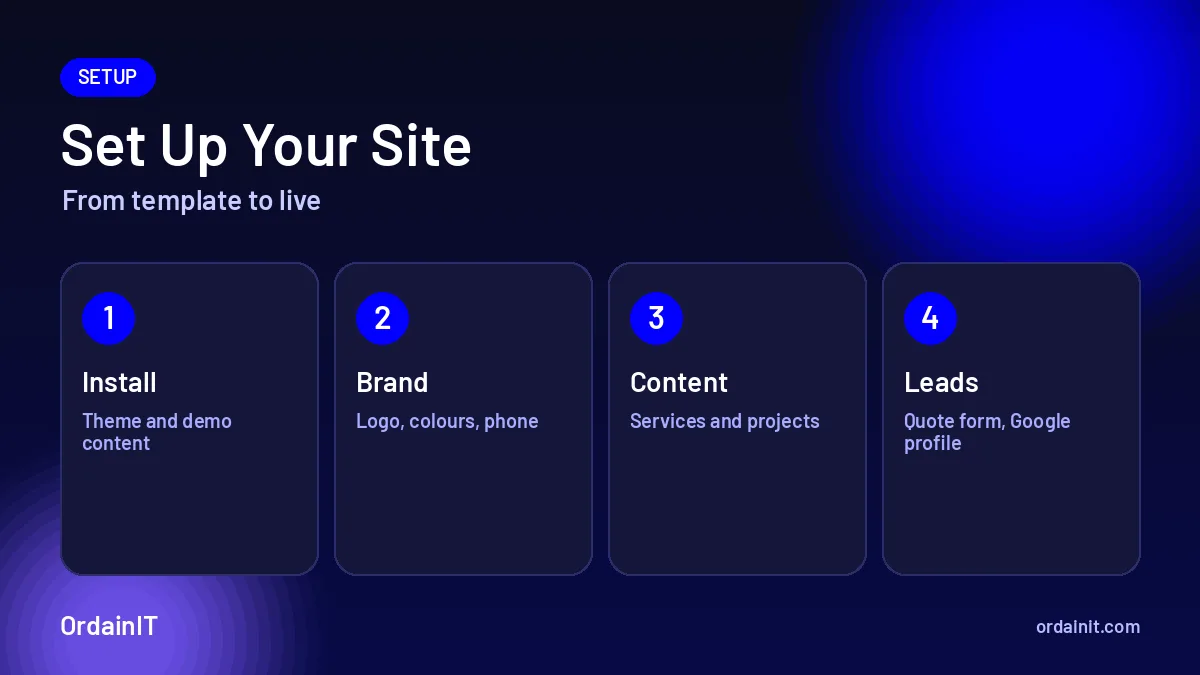
If you prefer not to do this yourself, our Professional Website Setup service ($99) installs and configures the theme for you.
Each service page in your construction website template should answer the questions a customer asks before calling. Use this simple structure for every service:
Aim for 500–900 words of genuinely useful text per service page. Original, detailed pages like these help you rank for specific searches such as “loft conversion” or “commercial roofing” in your area, and they give visitors the confidence to get in touch.
Photos sell construction work more than any text. Shoot finished projects in daylight, from the same angles as your before photos, and include close-ups of details such as joinery, tiling or roofing lines. Add photos of your team on site wearing safety gear; it shows professionalism and helps customers recognise the crew when they arrive. Resize images before uploading, save them as WebP, and give each one descriptive alt text such as “two-storey rear extension in Leeds with bi-fold doors”. This helps both accessibility and image search.
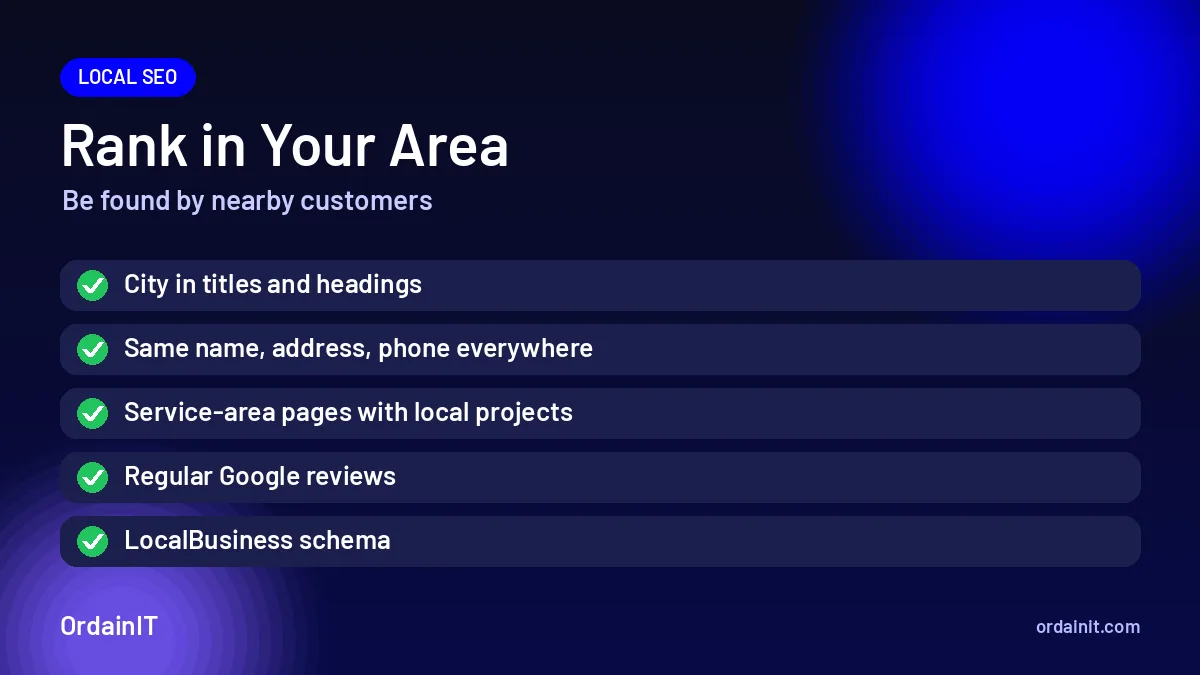
Most construction customers search with a location, such as “builder near me” or “roofer in [city]”. To appear in those results:
Skilled trades are hard to hire, and many applicants check a company’s website before applying. Add a simple careers page with current openings, the benefits you offer, photos of your team at work and a short application form. A construction website template that includes a team or careers layout makes this easy, and the page often brings in experienced workers who never saw your job-board adverts.
With a template, the main costs are the theme (around $13 on OrdainIT), hosting and a domain, plus optional setup help. A custom-designed construction website from an agency typically costs thousands of dollars. Our guide to website design cost breaks down the options. For most small and mid-sized contractors, a well-chosen construction website template with real photos and clear service pages performs as well as a custom build at a fraction of the price.
Service pages, a project portfolio, an about page with licences and insurance, testimonials, a quote form and clear contact details with a service area.
Yes. WordPress makes it easy to add projects and service pages, and construction themes include portfolio and quote layouts.
Start with six to twelve of your best recent projects, each with photos and a short description, and add new ones regularly.
Yes, when you add unique local content, real project photos, service pages, reviews and fast loading.
Usually a few days to two weeks, depending mainly on how quickly you can supply photos and text.
Chosen a theme or template? The OrdainIT team, which designs and builds its own WordPress themes and templates, can also get your website live. Pick a fixed-price service:
Want a design to start from? Browse OrdainIT WordPress themes, each with free installation and lifetime updates, or see all WordPress services. Not sure what you need? Contact OrdainIT for a free, no-obligation quote.
See OrdainIT’s themes and customer ratings on OrdainIT’s ThemeForest profile.



We reply 24 hours a day, Monday to Saturday. Sunday is our day off.