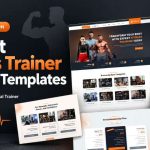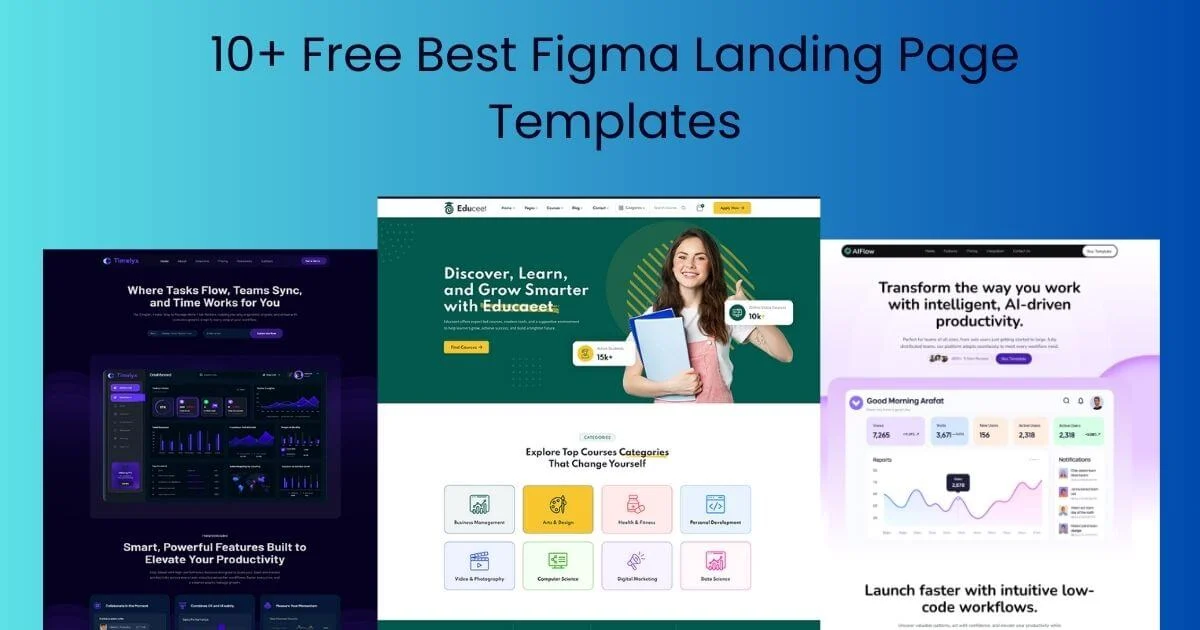
A Figma landing page design gives you a finished single page with hero, features, social proof, pricing and call-to-action sections that you can edit visually and then build. This guide lists free landing page designs by use case, explains which sections every landing page needs, and shows how to move from the Figma file to a live page with a builder or code. Licences and links were checked on 15 November 2026.
Sections every landing page design should include.
| Section | Purpose |
|---|---|
| Hero | Say what it is and who it is for |
| Social proof | Show others trust you |
| Benefits | Explain outcomes |
| How it works | Remove confusion |
| Pricing and FAQ | Handle objections |
| Final call to action | Repeat the main action |
Check that a design includes a mobile frame for each section, not only desktop.
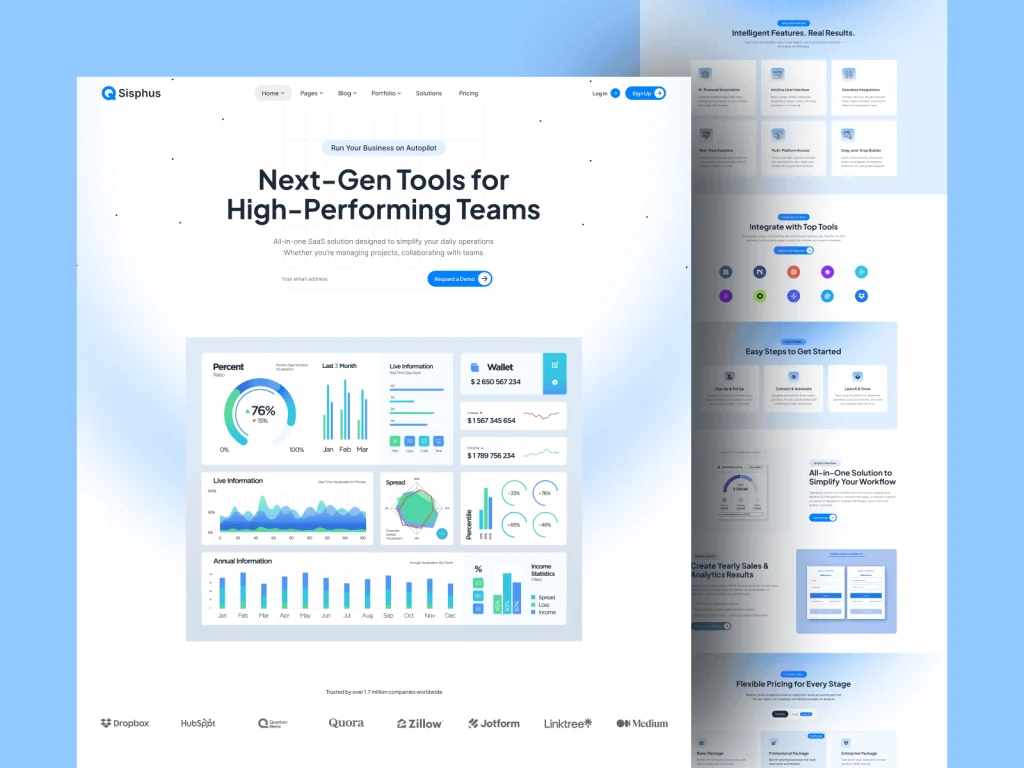
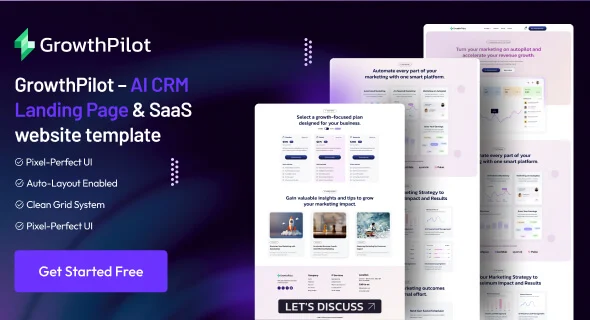
All of the above are OrdainIT designs, free for personal and commercial use with attribution.
We earn nothing from third-party links.
| Route | Best for | Watch out for |
|---|---|---|
| Framer | Designers who want visual editing and hosting | Monthly site plan; some layouts need rebuilding |
| Webflow | CMS-backed marketing sites | Learning curve; monthly site plan |
| Developer build (HTML/Next.js) | Full control and speed | Developer time; needs a handoff |
| Match a coded template | Fastest coded launch | Design may need adjusting to fit |
The hero decides whether visitors scroll. In your design, give the headline the most visual weight on the page, keep it to one or two lines on desktop and three on mobile, and place the main button directly under the supporting line. Use a real product screenshot or a short looping preview rather than an abstract illustration, because visitors want to see what they are getting. Leave enough white space around the button that it stands out without needing a bright colour. Test the hero at 375 pixels wide; if the headline and button do not fit on the first screen, shorten the copy before shrinking the type.
A landing page is one long scroll, so consistent rhythm matters. Use the same vertical spacing between sections, alternate background tones to separate them, and keep content widths consistent. Repeat the main call to action after every two or three sections, using the same label each time. Limit yourself to two font sizes for body text and three for headings. A consistent system makes the page feel calm and professional, and it is much easier for a developer or builder to reproduce accurately.
Design decisions affect how fast the built page loads. Avoid huge background videos and very large hero images, prefer SVG for icons and illustrations, and limit the page to one or two font families. Mark which images can be lazy-loaded below the first screen. Animations designed in Figma prototypes should be subtle and optional; heavy motion slows pages on phones and can bother visitors with motion sensitivity.
Before building, run a quick five-second test: show the design to someone in your audience for five seconds and ask what the product does and what they would click. Use Figma’s prototype mode to share a clickable version with a few potential customers and collect comments directly on the file. Fix confusing headlines and missing information in the design, where changes are cheapest.
Good landing pages are mostly good writing. Draft the copy in a simple document first: headline, supporting line, three benefits, proof, how it works, pricing notes, FAQ and final call to action. Then place it into the design. Real copy shows whether sections are the right size and whether the page flows logically, which placeholder text hides. Keep sentences short, use the words your customers use, and make every heading understandable on its own, because many visitors only skim headings.
If you want to skip the build step, choose a design that has a coded equivalent. OrdainIT’s Saasty Next.js template and Saasty HTML template ($9 each on our site on 15 November 2026, with lifetime updates) include landing-style home pages for SaaS and AI products, and our Next.js landing page template guide compares free coded options. We check speed and demos before release.
After launch, compare the live page with your design on real phones and browsers, because fonts, spacing and image crops often shift slightly during the build. Track how many visitors complete the main action, and test one change at a time over several weeks, starting with the headline and the call-to-action label.
When you choose a Figma landing page design, look beyond the hero image. Open every frame, check for a mobile layout, confirm that colours and text use styles, and make sure the sections match your sales story: problem, solution, proof, offer and action. A plainer design with the right structure will usually outperform a striking one that needs half of its sections redesigned from scratch. If two designs fit equally well, choose the one with cleaner layers and auto layout, because it will be faster to edit, hand off to a developer and maintain over time.
We recheck the licences and links in this guide regularly and update the date when something changes.
Before you start, write the headline, offer and single call to action you want the page to drive. Choosing a template that already matches that structure will save you more time than any visual detail in the file.
A ready-made single-page design in Figma with the sections a landing page needs, ready to edit and build.
OrdainIT’s are, with attribution. Other sources vary, so check each licence.
Rebuild it in Framer or Webflow, hand it to a developer, or match it to a coded template such as a Next.js or WordPress template.
Yes. Most landing page traffic comes from phones, so design mobile frames before building.
Replacing text, colours and images can take a few hours; adding new sections and mobile frames takes longer.
Chosen a theme or template? The OrdainIT team, which designs and builds its own WordPress themes and templates, can also get your website live. Pick a fixed-price service:
Want a design to start from? Browse OrdainIT Figma templates, free and premium, with editable layers, or see all WordPress services. Not sure what you need? Contact OrdainIT for a free, no-obligation quote.
See OrdainIT’s themes and customer ratings on OrdainIT’s ThemeForest profile.