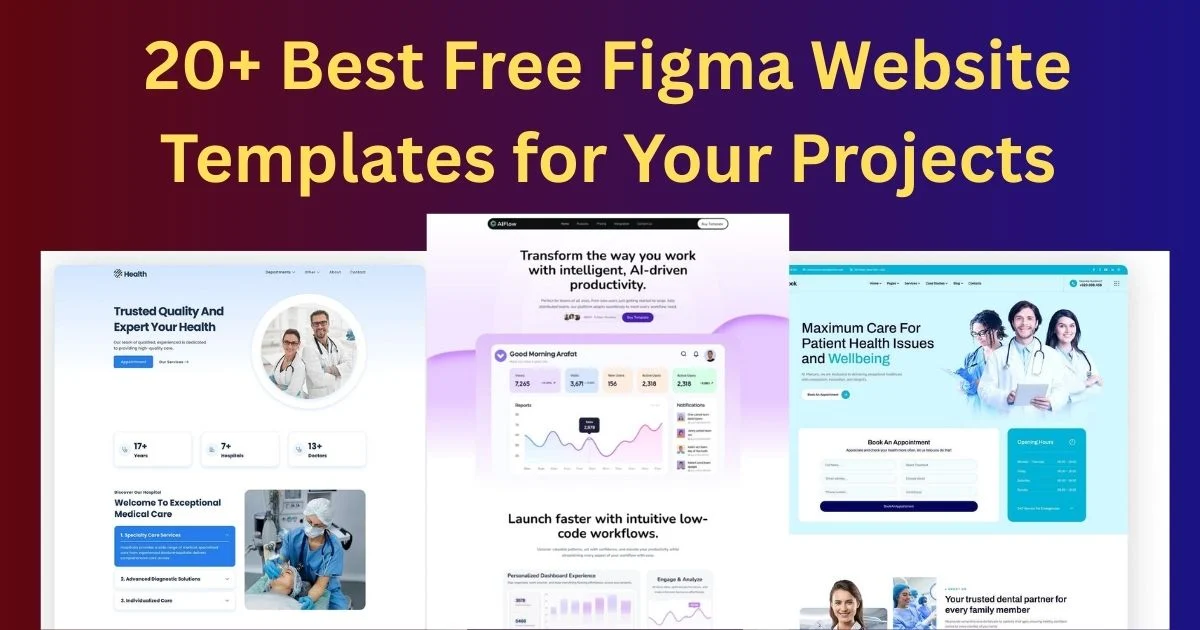
Free Figma website templates let designers and founders start from a complete page layout instead of a blank canvas, then hand the file to a developer or a builder. This guide lists free Figma website templates by industry, explains the licence terms to check, compares templates with free UI kits, and shows how to turn a Figma design into a working site. OrdainIT publishes 22 free Figma templates, and we list them alongside third-party sources.
A website template gives you finished pages for a specific use, such as a clinic or a SaaS product, so you mostly replace content. A UI kit gives you components and styles to assemble your own pages. Templates are faster for one project; kits are better for a design system you will reuse.
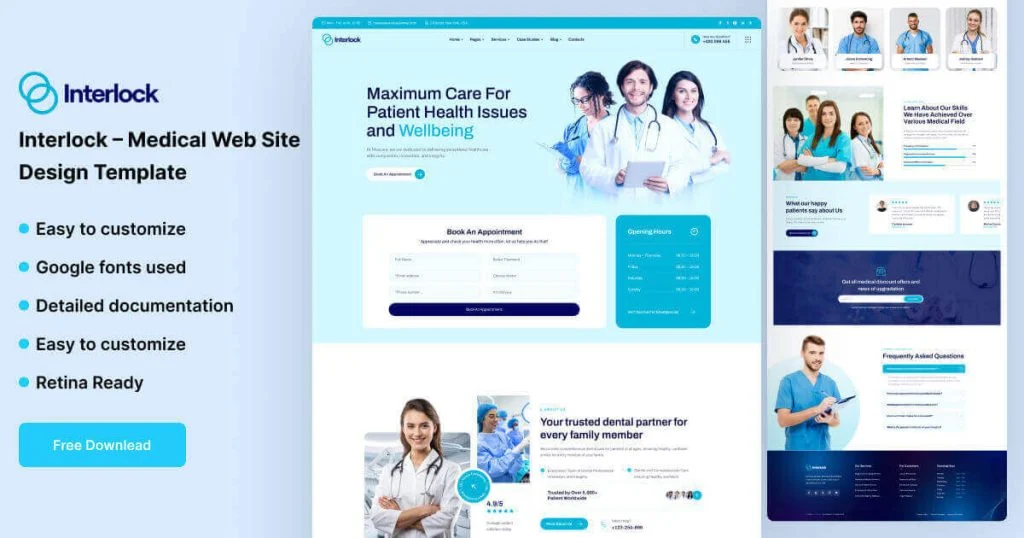
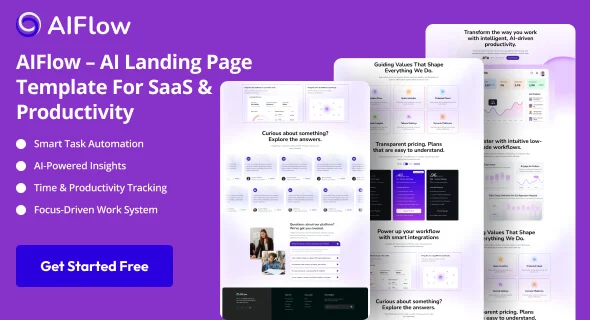
All OrdainIT Figma templates above are free for personal and commercial use with attribution, checked on our site on 15 November 2026.
Sources checked 15 November 2026.
| Source | Type | Commercial use | Notes |
|---|---|---|---|
| OrdainIT free templates | Website templates (18 listed) | Yes, with attribution | Industry-specific pages |
| Untitled UI free kit | UI kit | Yes, one user | 2k+ components, 20+ page examples |
| Figma Community | Mixed | Varies by author | 1,000+ templates; check each licence |
We earn nothing from third-party links.
| Licence term | What it means |
|---|---|
| Free with attribution | Keep a credit link or note as the author requires |
| Commercial use allowed | You may use it for client or business sites |
| Single user | One designer may use it; teams need more seats |
| No resale | You cannot sell the template itself |
| No licence stated | Ask the author before commercial use |
Open the file and duplicate it into your own drafts before changing anything, so you always keep the original. Start with styles rather than individual layers: update the colour variables, text styles and spacing tokens, and most of the page will follow. Replace the logo, then rewrite headings and body text with your real content; placeholder text hides layout problems that real words reveal. Swap stock images for your own photos or illustrations in the same aspect ratios. Remove sections you will not use instead of hiding them, so developers do not build them by mistake. Finally, check every page at mobile width; many free designs include only desktop frames, and you may need to design the mobile version yourself.
Not every free design is ready for production. Look for auto layout on frames, which makes resizing predictable, and named components rather than loose groups. Check that text uses defined styles and colours use variables. Make sure the file includes a mobile layout or at least responsive behaviour. Check contrast on buttons and body text against accessibility guidance. Finally, look at the date the file was published or updated; older files may use outdated Figma features that are harder to maintain.
Developers work faster from a clean file. Name pages and frames clearly, mark which frames are final, and add short notes for interactions such as hover states, menus and form errors. Export icons as SVG and photos at the sizes the site will use. Share the file with view or Dev Mode access and agree which breakpoints matter. A thirty-minute handover call often saves days of back-and-forth.
A free design is a strong starting point, but it is shared with many other people. To make it yours, change the typography pairing, adjust spacing and corner styles, use original imagery and rewrite every heading. Keep the structure that works and change the surface; visitors notice familiar layouts far less than familiar fonts, colours and stock photos.
Free designs are ideal for testing an idea, building a portfolio project, pitching a client concept or launching a simple site quickly. A paid template or custom design makes more sense when you need many pages, a full component library, both mobile and desktop frames for every page, or ongoing updates. If you do pay, check what the licence covers: number of users, number of end products, and whether client work is included.
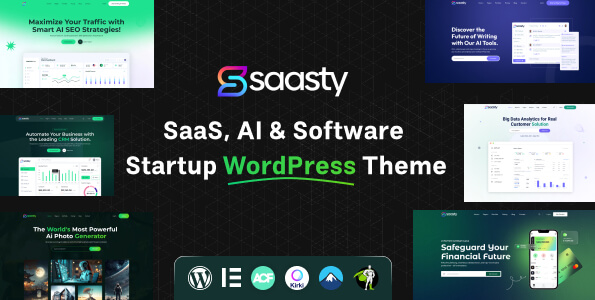
For teams that want the design and the code together, OrdainIT also sells coded versions of several designs, such as Medito for healthcare and Saasty for SaaS, so you can skip rebuilding the layout from scratch. Prices and licences are listed on each product page.
We recheck licences and links in this guide regularly and add new free designs as they are published, updating the date when something changes.
If you are new to Figma, pick one template close to your project and practise three things before building anything: editing text and colour styles, changing a component and seeing it update everywhere, and resizing a frame with auto layout. These skills cover most of the work of adapting a template. Figma’s own help centre and community files include short tutorials for each. Once you are comfortable, duplicate a page, rearrange its sections and test the result at mobile width; that hour of practice makes every later project faster and keeps your files tidy for developers.
Before you download, open the file licence note and check whether commercial use is allowed. Then inspect the layers: named frames, auto layout and shared styles make a free file far quicker to turn into a working site.
Many are, but check each licence. OrdainIT’s allow commercial use with attribution; Untitled UI’s free kit allows commercial projects for one user.
A template gives finished pages for one use case; a UI kit gives components to build your own pages.
Yes, with builders such as Framer or Webflow, or by matching it to a WordPress theme.
Figma Community, design resource sites, kit makers such as Untitled UI, and template studios such as OrdainIT.
You can open and edit community files on the free plan; team features and Dev Mode need paid plans.
Chosen a theme or template? The OrdainIT team, which designs and builds its own WordPress themes and templates, can also get your website live. Pick a fixed-price service:
Want a design to start from? Browse OrdainIT Figma templates, free and premium, with editable layers, or see all WordPress services. Not sure what you need? Contact OrdainIT for a free, no-obligation quote.
See OrdainIT’s themes and customer ratings on OrdainIT’s ThemeForest profile.



 New release:
