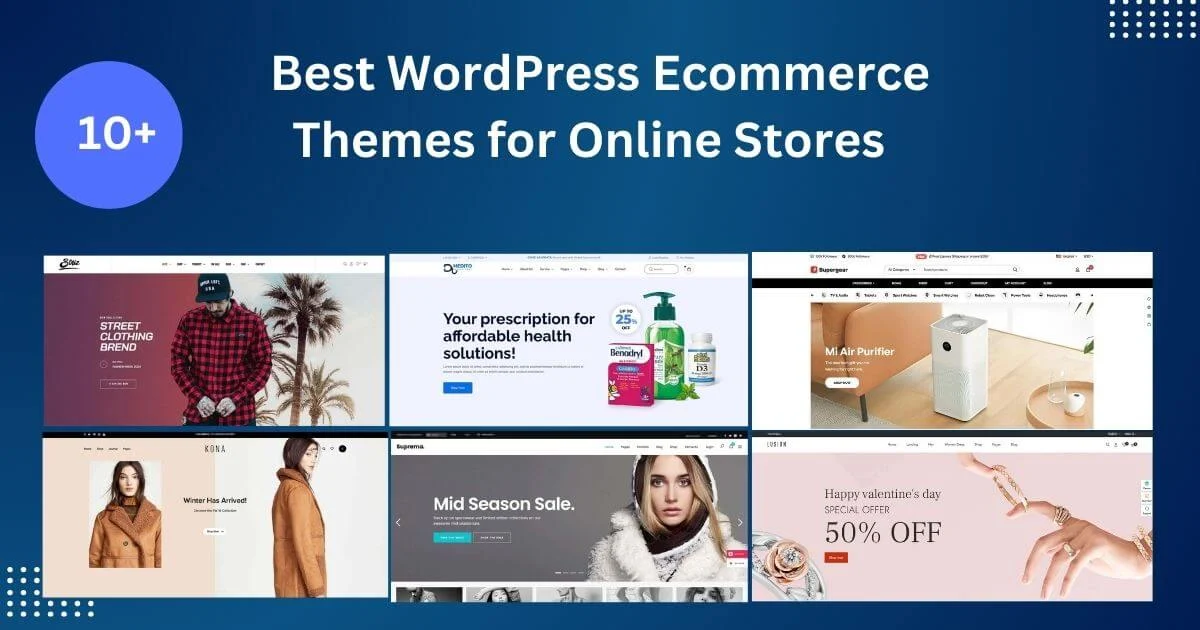
An ecommerce WordPress theme controls how your WooCommerce store looks and how smoothly shoppers move from product to checkout. WooCommerce itself handles products, cart and payments; the theme handles product grids, filters, product pages, mini cart and mobile layout. This guide compares free and premium options using WordPress.org data and ThemeForest listings checked on 15 November 2026, and explains what to test before you choose.
WooCommerce was on version 11.3.0 with 7,000,000+ active installations and a 90/100 rating from 4,832 ratings on WordPress.org on 15 November 2026. Any theme you choose should declare WooCommerce support, keep its template files current with WooCommerce releases, and work with the block-based cart and checkout.
Free theme data comes from the WordPress.org API on 15 November 2026 (ratings out of 100). Premium data comes from ThemeForest search results the same day, which show sales and review counts. We earn nothing from these links. Test the demo and run a speed test yourself.
WordPress.org API and ThemeForest search results, 15 November 2026.
| Theme | Price | Popularity | Rating / reviews | Last update |
|---|---|---|---|---|
| Astra | Free | 1,000,000+ installs | 98/100 | 12 Nov 2026 |
| Kadence | Free | 500,000+ installs | 98/100 | 6 Nov 2026 |
| Blocksy | Free | 300,000+ installs | 100/100 | 13 Nov 2026 |
| Botiga | Free | 10,000+ installs | 98/100 | 27 Oct 2026 |
| Storefront | Free | 90,000+ installs | 90/100 | 9 Dec 2025 |
| WoodMart | $69 | ~120.7K sales | 3.7K reviews | 12 Nov 2026 |
| Flatsome | $59 | ~271.1K sales | 8.2K reviews | 11 Nov 2026 |
| XStore | $59 | ~55.6K sales | 2.3K reviews | 11 Nov 2026 |
| Shopkeeper | $29 | ~35.4K sales | 1.4K reviews | 7 Nov 2026 |
| Ecomus | $49 | ~2.4K sales | 61 reviews | 28 Aug 2026 |
1,000,000+ installations, 98/100 from 6,558 ratings, updated 12 November 2026, with WooCommerce starter templates. View Astra.
500,000+ installations, 98/100, updated 6 November 2026, with free WooCommerce layout options. View Kadence.
300,000+ installations, 100/100 from 874 ratings, updated 13 November 2026; light, with WooCommerce extensions in its pro version. View Blocksy.
10,000+ installations, 98/100 from 165 ratings, updated 27 October 2026; built specifically for WooCommerce stores. View Botiga.
WooCommerce’s own theme: 90,000+ installations, 90/100, version 4.6.2, last updated 9 December 2025. A safe, plain base, but less actively developed than the others. View Storefront.
$69, about 120.7K sales and 3.7K reviews, updated 12 November 2026. A WooCommerce-first theme with many shop layouts. View WoodMart.
$59, about 271.1K sales and 8.2K reviews, updated 11 November 2026, with its own UX builder. View Flatsome.
$59, about 55.6K sales and 2.3K reviews, updated 11 November 2026. View XStore.
$29, about 35.4K sales and 1.4K reviews, updated 7 November 2026; a lower-cost option. View Shopkeeper.
$49, about 2.4K sales and 61 reviews, updated 28 August 2026; a newer design. View Ecomus.
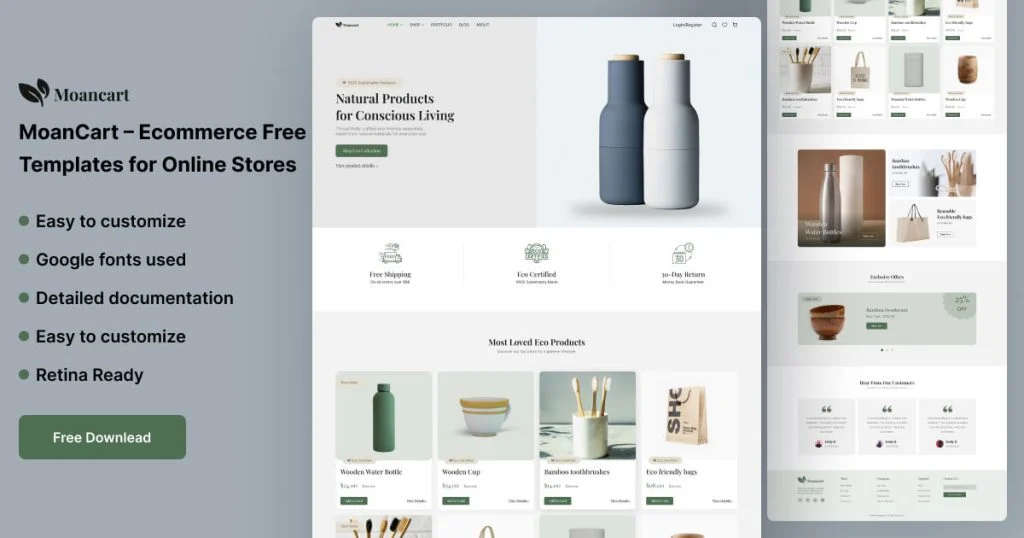

OrdainIT does not currently sell a dedicated WooCommerce theme, so none of our products is ranked above. For store designs, our free MoanCart Figma design is a starting point for a custom build, and our Medito pharmacy template includes shop pages for health stores.
WooCommerce stores are heavier than ordinary sites because of product images, filters, cart scripts and payment widgets. Choose hosting with enough memory and object caching, and exclude cart, checkout and account pages from page caching. Resize product images to the dimensions your theme uses and convert them to WebP. Load filters and quick-view features only where needed. Remove plugins you are not using, especially sliders and page builders running alongside a theme builder. Test category pages with many products and the checkout on a mobile connection, since those are the pages where slow loading costs sales.
The product page does most of the selling. Lead with a large, zoomable gallery and the price, then key details such as variations, stock and delivery estimate. Place the add-to-cart button where shoppers see it without scrolling on mobile, and consider a sticky version. Add clear shipping and returns information near the button, since uncertainty there is a common reason for abandoned carts. Show genuine reviews, and use structured data so search engines can display price and availability.
WooCommerce now offers block-based cart and checkout pages. Before choosing a theme, confirm it styles these blocks well and that your payment gateway and shipping plugins support them. Run a full test order with each payment method on a staging copy of the store. Keep checkout fields to what you need, offer guest checkout, and show trust signals such as accepted payment methods and a clear returns policy.
Switching store themes on a live shop is risky. Copy the store to staging, install the new theme, and check the shop page, category pages, product pages with variations, cart, checkout, account pages and order emails. Rebuild any theme-specific widgets or layouts, and test with real payment methods in test mode. Plan the switch for a quiet sales period and keep the old theme installed so you can roll back if needed.
A large catalogue needs different features from a small boutique. Stores with hundreds of products benefit from fast AJAX filters, attribute swatches, search with suggestions and mega menus, which premium store-focused themes usually include. Small stores with a dozen products need strong product storytelling, good photography and a simple path to checkout, which a free theme handles well. Stores selling digital products need fewer shipping features but clear licence and download information. Match the ecommerce WordPress theme to how many products you sell and how shoppers search, not to the most impressive demo.
Install the theme on staging, import only the shop demo you need, then add ten real products with real photos, variations and prices before judging the design. Set up shipping zones, taxes and payment gateways, place several test orders, and check the order emails. Review the store on a phone, then run PageSpeed Insights on a category page and a product page.
We recheck installs, sales and update dates in this guide regularly and update the table and date when they change.
Before paying for a premium theme, ask the author a pre-sale question about the WooCommerce block checkout or your payment gateway. A clear, fast answer is a good sign of the support you will need when WooCommerce releases a major update.
Before you buy, add a product to the cart on the demo and go through checkout on a phone. Count the steps, check how shipping costs are shown and make sure the theme supports the payment gateways you plan to use.
By sales in our check, Flatsome and WoodMart lead among WooCommerce-focused themes. Among free themes, Astra, Kadence and Blocksy are well rated and actively updated.
Not always. Well-built general themes support WooCommerce, but store-focused themes add shop layouts and features out of the box.
It works, but its last update was December 2025, so actively updated themes may serve you better.
It can. Test product and category pages, not only the home page, and keep plugins to what you need.
Yes, products and orders stay in WooCommerce, but layouts and theme-specific features need rebuilding.
Chosen a theme or template? The OrdainIT team, which designs and builds its own WordPress themes and templates, can also get your website live. Pick a fixed-price service:
Want a design to start from? Browse OrdainIT WordPress themes, each with free installation and lifetime updates, or see all WordPress services. Not sure what you need? Contact OrdainIT for a free, no-obligation quote.
See OrdainIT’s themes and customer ratings on OrdainIT’s ThemeForest profile.