A blog website template is a ready-made design for publishing articles, with layouts for the home page, post lists, single posts, categories, author pages and search already built. A good one makes long text easy to read, loads fast, shows related posts and gives you places for email sign-ups. Most people starting a blog today use a WordPress theme, because WordPress was built for publishing and makes adding new posts simple.
Key takeaways: pick a template for readability and speed first, design second; check the single-post layout, not only the home page; and make sure it works with your SEO plugin.
| Feature | Why it matters | What to check |
|---|---|---|
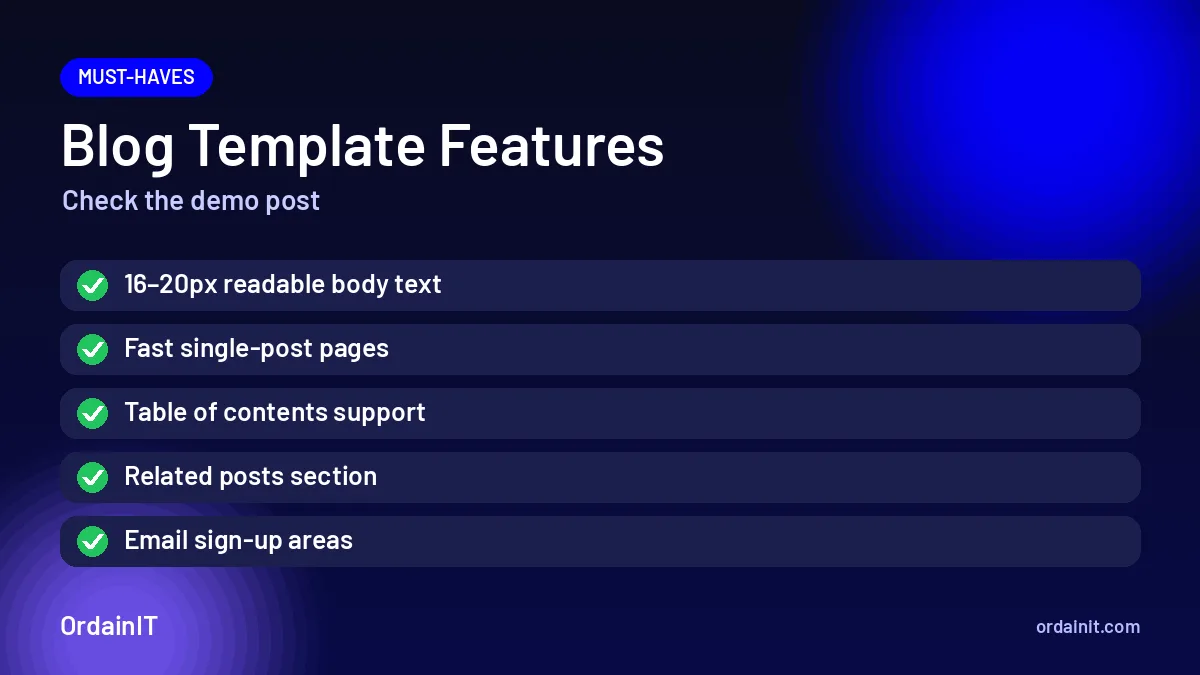
| Readable typography | People leave if text is tiring to read | 16–20px body text, 60–80 characters per line |
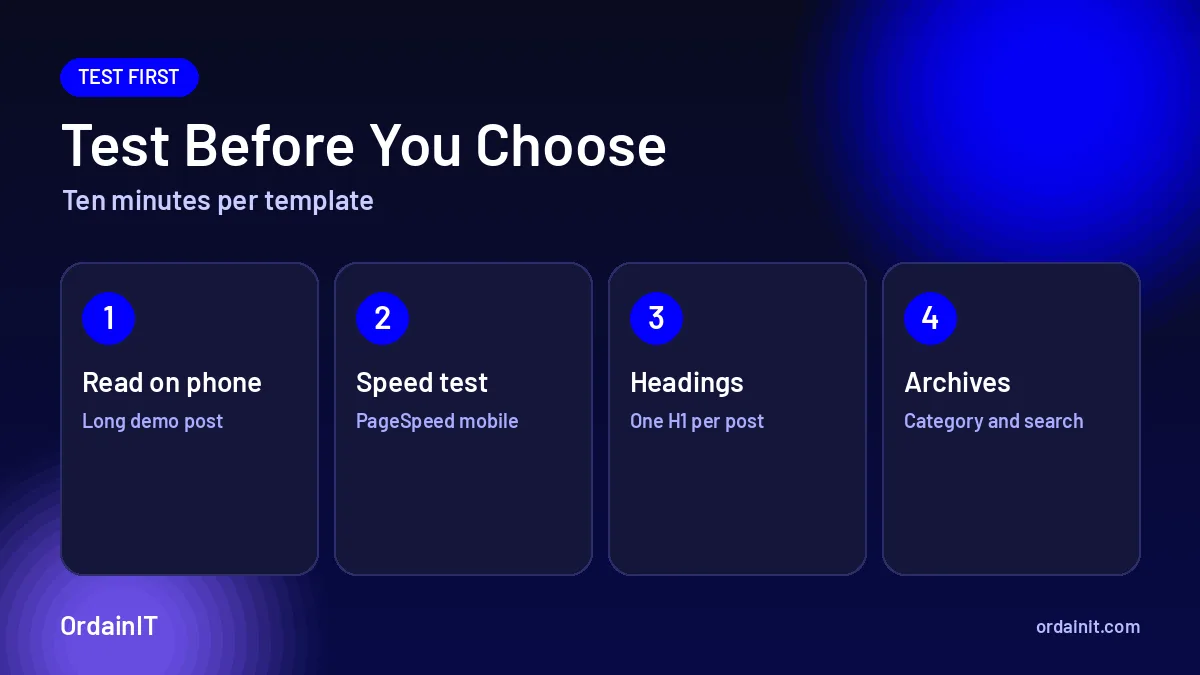
| Fast single-post pages | Most visitors land on a post, not the home page | Speed test a demo post |
| Table of contents support | Helps long guides and featured snippets | TOC block or plugin compatibility |
| Related posts | Keeps readers on the site longer | Related or “read next” section |
| Email sign-up areas | Turns readers into subscribers | Sidebar, in-post and footer forms |
| Author boxes | Shows who wrote it, which builds trust | Author bio and author archive pages |
Travel bloggers have their own needs, such as maps and destination categories; our guide to a travel blog template covers those in detail.
WordPress is the most common choice for blogs because writing, scheduling, categories, comments and SEO plugins are all built for publishing. An HTML template can work for a small blog, but every new post means editing code. Hosted builders are easy but give less control over SEO and design, and moving away later can be harder. If you are deciding, read our WordPress vs HTML comparison and our guide on how to install a WordPress theme.
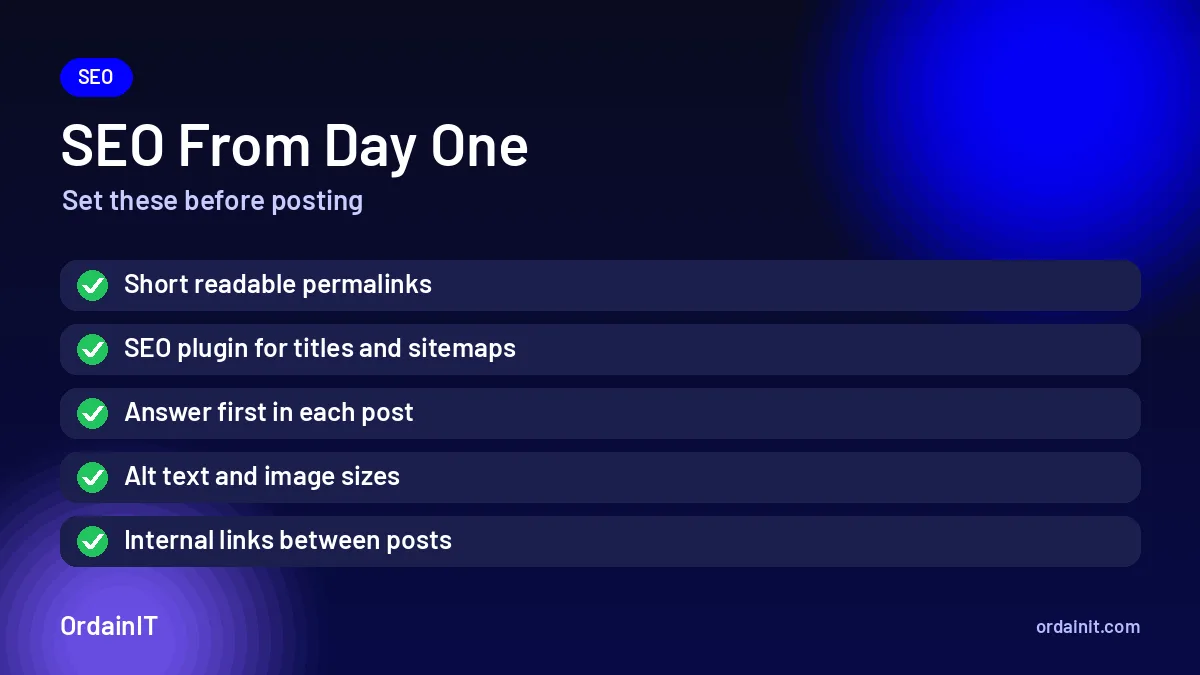
/blog-website-template/, set before you publish your first post.A free blog website template is a fine way to start, especially from the official WordPress theme directory, where themes are reviewed before listing. Premium templates usually add more layouts, built-in features such as advanced post grids or mega menus, regular updates and developer support. If the blog is part of a business, support and updates are often worth the small cost. Whichever you choose, avoid “free premium” downloads from unofficial sites, which can contain malicious code.
If you plan to earn from your blog, choose a template with space for it from the start. Display ads need clean ad slots in the sidebar and between paragraphs that do not push content around as they load. Affiliate content works best with comparison tables, product boxes and clear buttons. Selling your own products or services needs a strong call-to-action area at the end of posts. Planning these areas early avoids a redesign later and keeps ads from hurting your page speed and reading experience.
The template gets you started; consistent, useful content is what brings readers back and earns rankings. A simple routine works well for most new blogs:
As the blog grows, revisit your blog website template every year. Check that it is still fast, still updated by its developer and still matches the way your readers use the site, especially on phones.
Most OrdainIT WordPress themes include blog list and single-post layouts designed to match the rest of the site, which is ideal for a business blog that supports your services. Most cost $13. If you want both a company site and a content strategy, pick the theme that suits your industry and use its blog layouts for articles. Open the demo blog page on your phone and run a speed test yourself before you decide. Need it set up? Our Professional Website Setup service ($99) installs and configures everything.
One that is fast, easy to read on phones, has a clean single-post layout and works with your SEO plugin. Design style comes after those basics.
Yes. WordPress was built for publishing and offers scheduling, categories, comments and strong SEO plugins.
Yes. Many business themes include blog layouts, which works well when the blog supports your services.
Indirectly. Speed, mobile usability, heading structure and clean code influence how well posts perform in search.
Start with three to six clear categories based on your main topics, and add more only when you have enough posts.
Chosen a theme or template? The OrdainIT team, which designs and builds its own WordPress themes and templates, can also get your website live. Pick a fixed-price service:
Want a design to start from? Browse OrdainIT WordPress themes, each with free installation and lifetime updates, or see all WordPress services. Not sure what you need? Contact OrdainIT for a free, no-obligation quote.
See OrdainIT’s themes and customer ratings on OrdainIT’s ThemeForest profile.



We reply 24 hours a day, Monday to Saturday. Sunday is our day off.