A one page website template is a ready-made design that puts all of a site’s content on a single scrolling page, with the menu jumping to sections such as About, Services, Work and Contact instead of loading new pages. It is ideal for portfolios, events, product launches, landing pages and small businesses with a simple offer. It is less suited to sites that need many pages to rank for many different keywords.
Key takeaways: keep the page focused on one goal, order sections in the sequence visitors ask questions, and keep it fast, because everything loads at once.
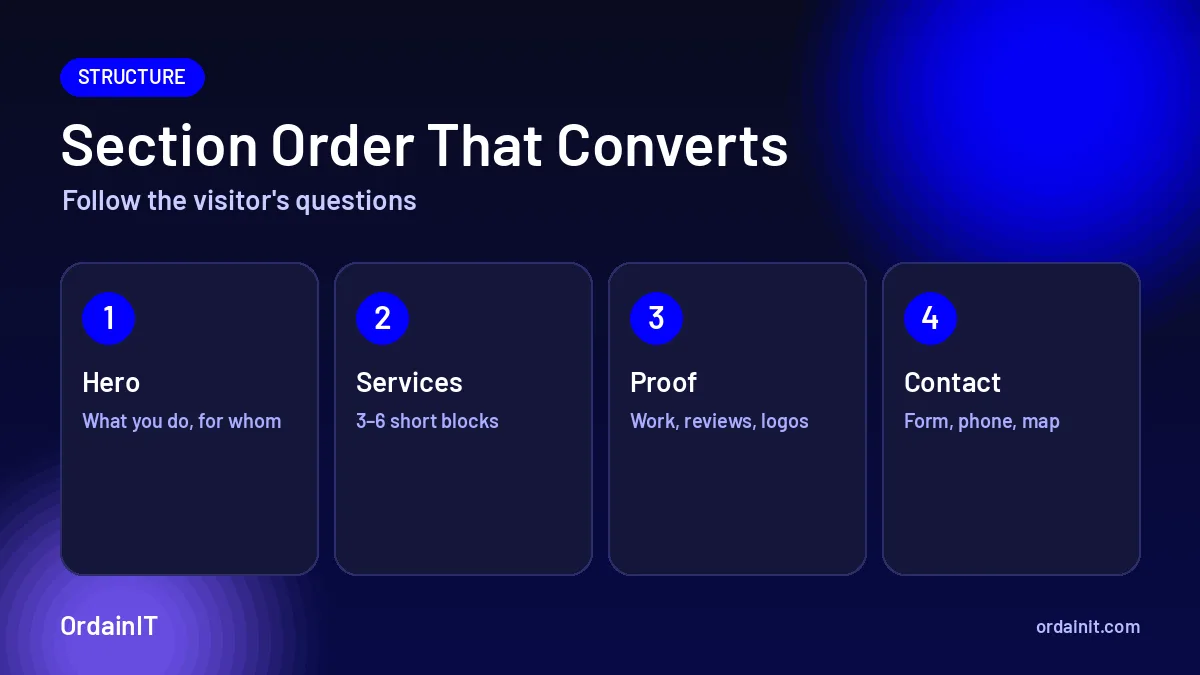
On a one-page site, the navigation links point to anchors on the same page, for example #services or #contact. Clicking a link scrolls smoothly to that section. The structure feels like a story: who you are, what you offer, proof that it works, and how to get in touch. Many templates also include a few optional inner pages, such as a blog or privacy policy, while keeping the main experience on one page. For the basics of how templates work, see our guide on what a website template is.
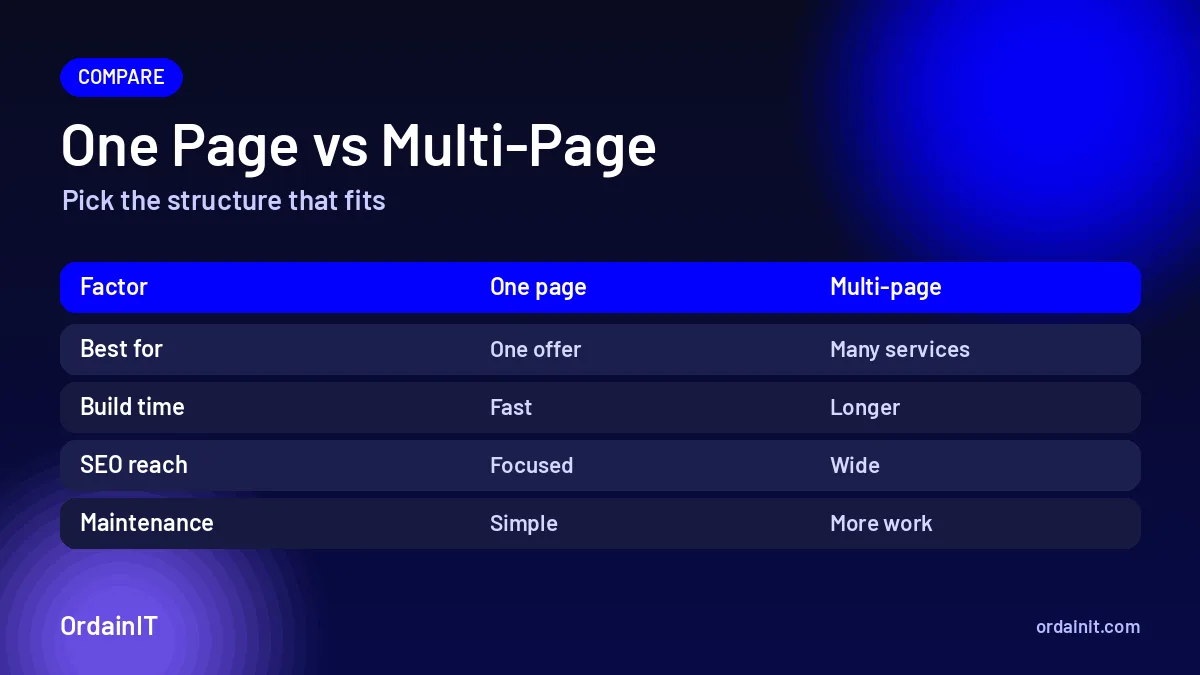
| Factor | One page | Multi-page |
|---|---|---|
| Best for | One offer, one audience, one action | Many services, products or topics |
| Build time | Fast | Longer |
| SEO reach | Targets a small set of keywords | One page per keyword or topic |
| User journey | Guided, story-like scroll | Visitors choose their own path |
| Maintenance | Simple | More pages to keep updated |
Choose a multi-page site instead if you offer many distinct services, plan to publish articles regularly, or want to rank in several cities or for many separate keywords.
Repeat the main call to action after the proof and pricing sections, so visitors who are ready do not have to scroll back up.
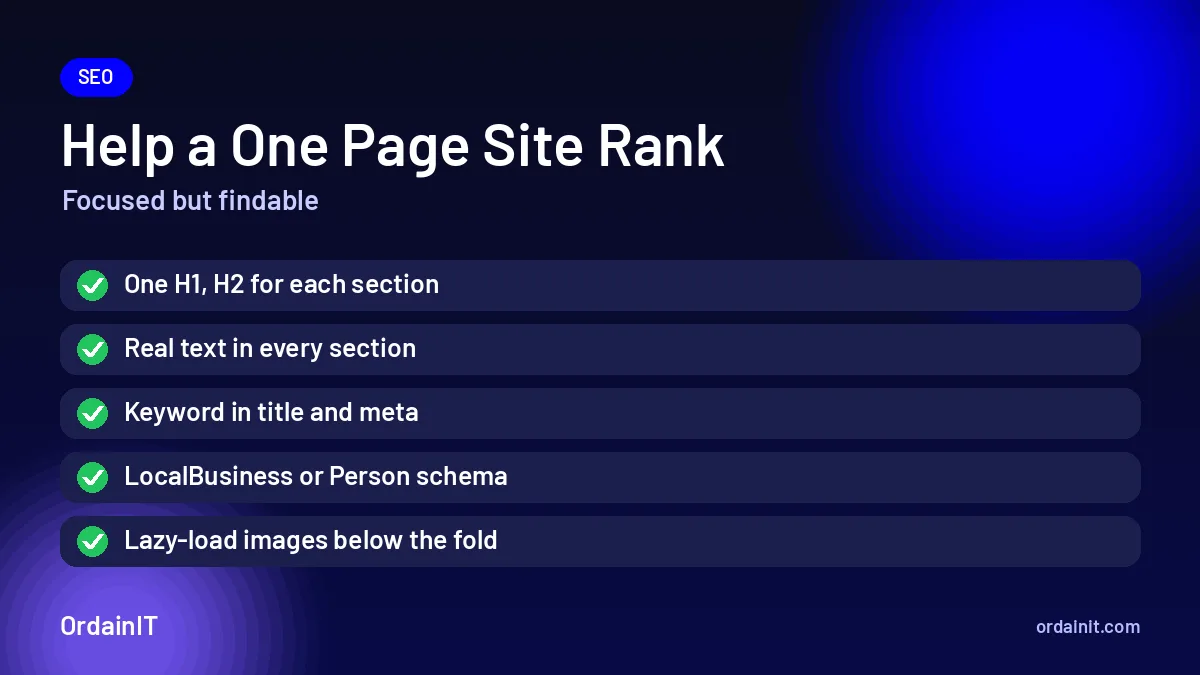
Yes, for a focused set of searches. A single page can rank well for your brand name, your main service and closely related phrases, especially in local search. It struggles when you want to rank for many unrelated topics, because one page can only have one title tag and one main topic. To give a one-page site its best chance:
Ask a friend to open the finished page on their phone and find your prices and contact details without help. If they hesitate, move that information higher or make the button clearer. A one page website template works best when a first-time visitor can understand the offer in five seconds and act within a minute.
An HTML single-page template is the lightest option and is easy to host anywhere; see our free HTML templates guide for setup steps. A WordPress theme with a one-page layout is better if you want to edit content without code or add a blog later. A React or Next.js template suits developers who want interactive features or plan to grow the page into a web app. Our WordPress vs HTML comparison explains the trade-offs in detail.
OrdainIT builds industry-specific HTML templates (most $9), WordPress themes (most $13) and React templates. Their home pages work well as focused single-page sites: keep the sections you need, remove the rest and point the menu links to section anchors. Our free personal portfolio template is a quick way to try the approach at no cost. Open any demo on your phone and run a speed test yourself before you choose.
A ready-made design that places all content on one scrolling page, with menu links that jump to sections instead of separate pages.
They can rank well for a focused topic, brand and local searches. For many different keywords, a multi-page site is stronger.
Freelancers, portfolios, events, product launches, startups and small businesses with a simple offer and one main call to action.
Long enough to answer key questions and short enough to stay focused, usually six to nine sections with clear headings.
Yes. Most templates and themes let you add a blog, service pages or legal pages while keeping the main single-page layout.
Chosen a theme or template? The OrdainIT team, which designs and builds its own WordPress themes and templates, can also get your website live. Pick a fixed-price service:
Want a design to start from? Browse OrdainIT WordPress themes, each with free installation and lifetime updates, or see all WordPress services. Not sure what you need? Contact OrdainIT for a free, no-obligation quote.
See OrdainIT’s themes and customer ratings on OrdainIT’s ThemeForest profile.



We reply 24 hours a day, Monday to Saturday. Sunday is our day off.