
A minimalist WordPress theme strips a site down to what matters: clear typography, generous white space, a simple layout and little decoration. Done well, it makes content easier to read and pages faster to load. This guide explains the principles of minimalist design, compares eight minimal themes using WordPress.org data from 14 November 2026 and our own preview-page measurements from 15 November 2026, and shows how to keep a minimal site from looking empty.
We chose themes with simple default designs and good maintenance records, recorded WordPress.org data from 14 November 2026 (ratings out of 100), and measured the HTML, CSS and JavaScript of official wp-themes.com previews on 15 November 2026 where possible. Preview content differs per theme, so weights are a rough guide. We earn nothing from these links. Test the demo and run a speed test yourself.
Installs and ratings (out of 100) from WordPress.org, 14 Nov 2026. Preview weight measured by OrdainIT on 15 Nov 2026; preview content differs per theme.
| Theme | Active installs | Rating | Preview weight | Type |
|---|---|---|---|---|
| Twenty Twenty-Five | 1,000,000+ | 80 | Not measured | Block |
| Ollie | 7,000+ | 100 | ~121 KB | Block |
| GeneratePress | 500,000+ | 98 | ~77 KB | Classic |
| Hello Elementor | 1,000,000+ | 84 | ~43 KB | Elementor |
| Blocksy | 300,000+ | 100 | ~150 KB | Classic |
| Neve | 200,000+ | 94 | ~179 KB | Classic |
| Ashe | 30,000+ | 98 | Not measured | Classic (blog) |
| Page Builder Framework | 10,000+ | 98 | Not measured | Builder base |
The current default block theme, 1,000,000+ installations, updated 20 May 2026. Clean typography and patterns you edit in the site editor. View Twenty Twenty-Five.
A block theme with 7,000+ installations, rated 100/100 from 36 ratings, updated 4 November 2026; about 121 KB on its preview with no scripts. View Ollie.
500,000+ installations, rated 98/100, updated 1 December 2025; about 77 KB on its preview. Its plain default look is a blank minimalist canvas. View GeneratePress.
1,000,000+ installations; about 43 KB on its preview. Minimal by design, leaving all styling to Elementor. View Hello Elementor.
300,000+ installations, rated 100/100 from 874 ratings, updated 13 November 2026; about 150 KB on its preview. Clean defaults with a header builder when you need more. View Blocksy.
200,000+ installations, rated 94/100, updated 6 November 2026; about 179 KB on its preview. View Neve.
A blog-focused theme with 30,000+ installations, rated 98/100 from 305 ratings, updated 23 October 2026. Suits minimal personal and lifestyle blogs. View Ashe.
10,000+ installations, rated 98/100 from 131 ratings, updated 13 April 2026. A lean base designed to pair with page builders. View Page Builder Framework.
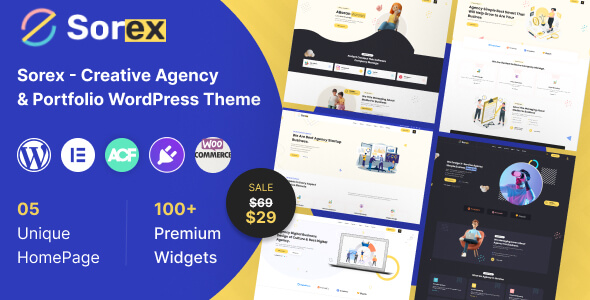
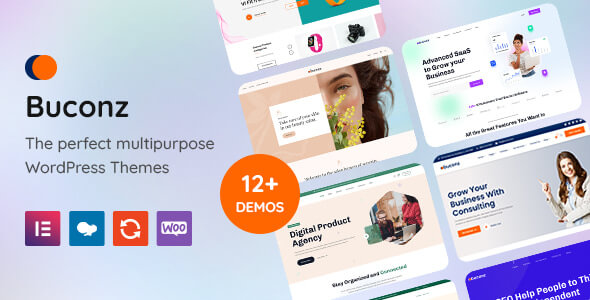
OrdainIT’s Sorex portfolio theme has clean, image-led layouts for creatives, and our free Buconz Starter gives small businesses a simple base. We check speed and demos before release. For more lightweight options, see our lightweight WordPress theme guide.
Typography carries most of a minimal design, so set it carefully. Choose a body size of at least 16 pixels, with 18 often better for long articles. Keep line length between roughly 50 and 75 characters by limiting the content width. Use a line height around 1.5 to 1.7 for body text. Create a clear scale for headings so H2 and H3 are easy to tell apart. A single variable font or a system font stack keeps the site fast. Most themes on this list let you set all of this once in global typography settings, so every page stays consistent.
Minimal does not mean low contrast. Light grey text on white may look elegant but is hard to read and can fail accessibility guidelines. Keep body text dark enough to read comfortably, make links clearly distinguishable from plain text, and give buttons enough contrast and size to tap on a phone. Check your colours with a contrast checker before launch.
It is easy to start minimal and slowly add clutter. Each time you want to add a widget, a pop-up, a slider or another menu item, ask whether it helps visitors do the main thing on that page. Review your home page every few months and remove anything that no longer earns its place. Keep plugin count low too, because many plugins add front-end code even when they show nothing on the page. A minimalist WordPress theme stays minimal only if your content and plugins stay disciplined.
White space is not wasted space. It separates sections, groups related items and draws attention to headlines and buttons. Use larger spacing between sections than within them, align content to a simple grid, and avoid boxes and borders where spacing alone can show structure. On mobile, reduce spacing slightly so content still appears above the fold without feeling cramped.
In a minimal layout, every image is noticed, so quality and consistency matter more than quantity. Choose images with a similar colour tone and style, crop them to consistent ratios, and avoid busy backgrounds behind text. Upload images at the size they display and convert large ones to WebP or AVIF, so a few big photos do not undo the speed advantage of a light theme. Add descriptive alt text for accessibility and search. If you use icons, pick one simple line style and use SVG icons rather than a full icon font.
We recheck installs, ratings and preview weights regularly and update the date when they change.
Before choosing, build one real page, such as your about page, with your top two themes on staging. Minimal themes look similar in demos; your own words and images show the difference quickly.
It is a theme with a simple, uncluttered design that focuses on typography, white space and content.
Usually, because they load less code. In our test, Hello Elementor and GeneratePress were the lightest.
Ashe, GeneratePress and Twenty Twenty-Five suit text-focused blogs well.
Yes. Clean designs build trust and make calls to action stand out.
Customise typography, colour and spacing in global styles, and use your own photography.
Chosen a theme or template? The OrdainIT team, which designs and builds its own WordPress themes and templates, can also get your website live. Pick a fixed-price service:
Want a design to start from? Browse OrdainIT free WordPress themes and templates, to start your project at no cost, or see all WordPress services. Not sure what you need? Contact OrdainIT for a free, no-obligation quote.
See OrdainIT’s themes and customer ratings on OrdainIT’s ThemeForest profile.
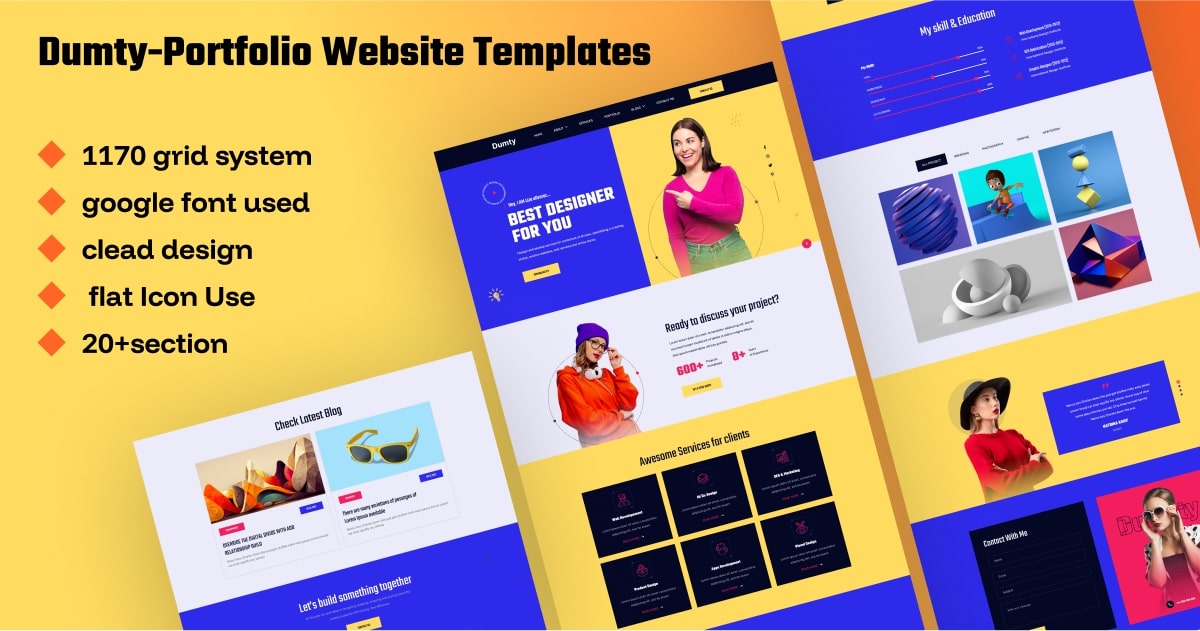




 New release: