New release: Solaar 2.0 is out now!

React.js is a tool created by Facebook that helps people make websites and apps fast and easy to use. It allows websites to load quickly and work smoothly. It breaks websites into small parts called components, like buttons or menus, making it easier to build and manage a website.
React.js also makes websites interactive. For example, when you click a button or type something, the page updates without reloading, making the website feel faster. React helps websites work well on phones, tablets, and computers.
React is easy to learn, especially if you know a little about HTML and JavaScript. Many people use it, and you can find a lot of help online. React is used to build personal websites, online stores, social media apps, and even mobile apps with React Native.
A React.js portfolio template is a ready-made design that helps you create your portfolio website. It is made with React.js, a tool that makes websites fast and easy to use. You can change the design and add your projects, skills, and pictures to make it your own. Some templates here include.
React.js is popular because it helps make websites fast and straightforward. It lets you reuse parts of your website, so you can easily change or update it. React also makes your portfolio interactive, meaning people can click on buttons and see cool animations, making it fun to use.
React.js templates are great for:
React.js portfolio templates help you create a fun, easy-to-use, professional website to show off your work.
Making a portfolio can be easy and fun with React.js templates. Here’s can see why they are a smart choice:
Saves Time: Starting from nothing takes a lot of work. React.js templates give you ready-made pieces. You can use these pieces to quickly build your portfolio without wasting time.
Easy to Change: You can make a React.js template look precisely how you want. Change the colors, layout, and design to match your style. It’s simple to make your portfolio memorable and show your best work.
Cool and Fun to Use: React helps you add fun things like animations and smooth effects. This makes your portfolio more exciting to look at and fun to use. It also shows you how to create interactive websites.
Looks Modern: Using a React.js template shows you can work with modern tools. Employers like this because it proves you’re good at web design. A nice-looking portfolio helps you stand out.
We’ve handpicked the top 6+ React.js Portfolio Templates that are fully responsive, mobile-friendly, and easy to customize. These templates are designed to help you create stunning portfolios quickly, without writing complex code.
Sorex is a modern and stylish React.js Portfolio Template built for creative agencies, design studios, startups, and freelancers. It helps you showcase your services, projects, and team in a clear and professional way. The layout is clean, well-organized, and designed to make a strong first impression.
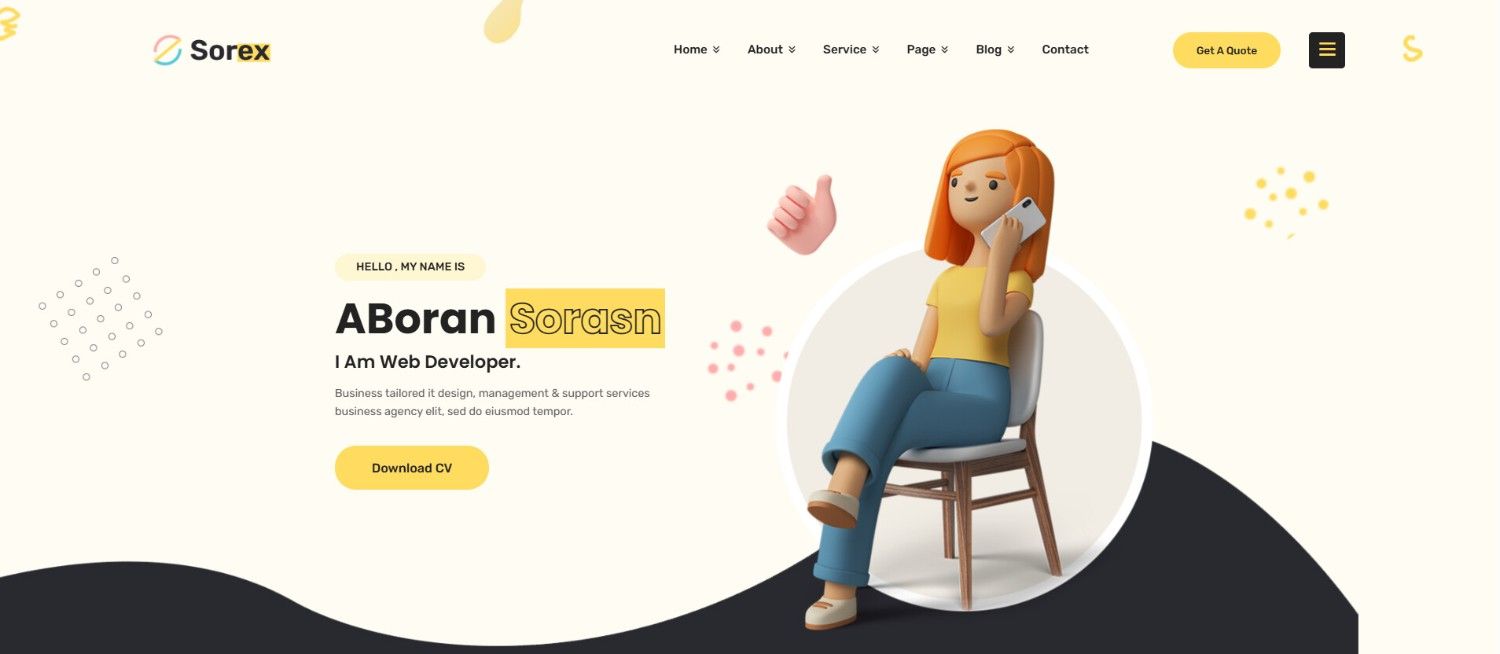
This template looks great on all devices, including mobile phones, tablets, and desktops. Smooth animations and fast loading speed keep visitors engaged and improve the overall user experience. Clear sections for portfolios, services, case studies, and contact details make it easy for users to explore your website.
Built as a flexible React.js Template, Sorex is simple to customize and easy to manage. You can update content, colors, and layouts without hassle. It is SEO-friendly, performance-optimized, and perfect for agencies that want a strong online presence with a modern and creative design.
Niko is a modern and easy-to-use React.js Portfolio Template made for developers, designers, and freelancers. It helps you show your skills, work experience, and projects in a clean and simple way. Every section is clearly placed, so visitors can quickly understand your work and background.
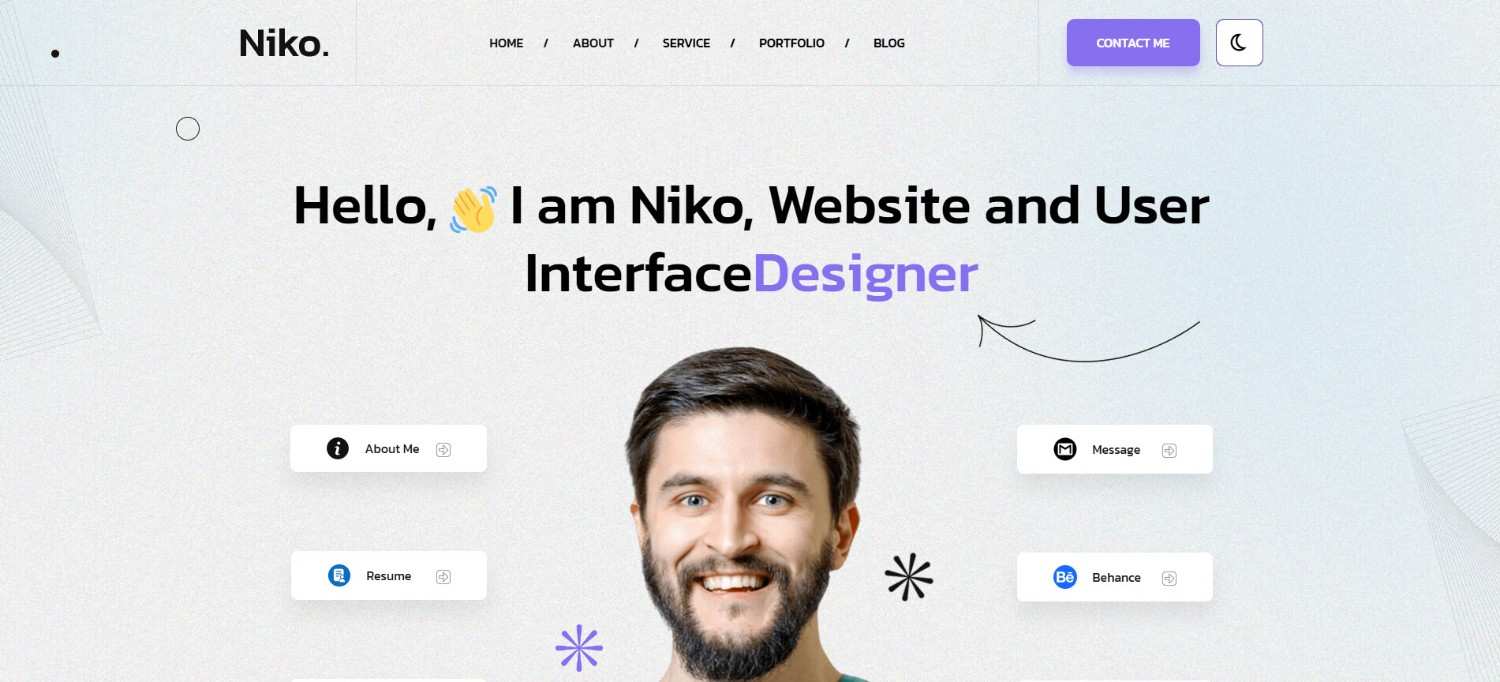
The design is fully responsive, which means your website looks great on phones, tablets, and desktop screens. Pages load fast and run smoothly, keeping visitors engaged longer. Built as a flexible React.js Template, Niko is easy to customize and works well for both beginners and experienced users. It’s a great choice for building a strong personal brand online.
Porichiti is a clean and professional React.js Portfolio Template created for online resumes, CVs, and personal websites. It includes simple sections for education, job experience, skills, and portfolio projects. This makes it easy for visitors to learn about your career in just a few minutes.
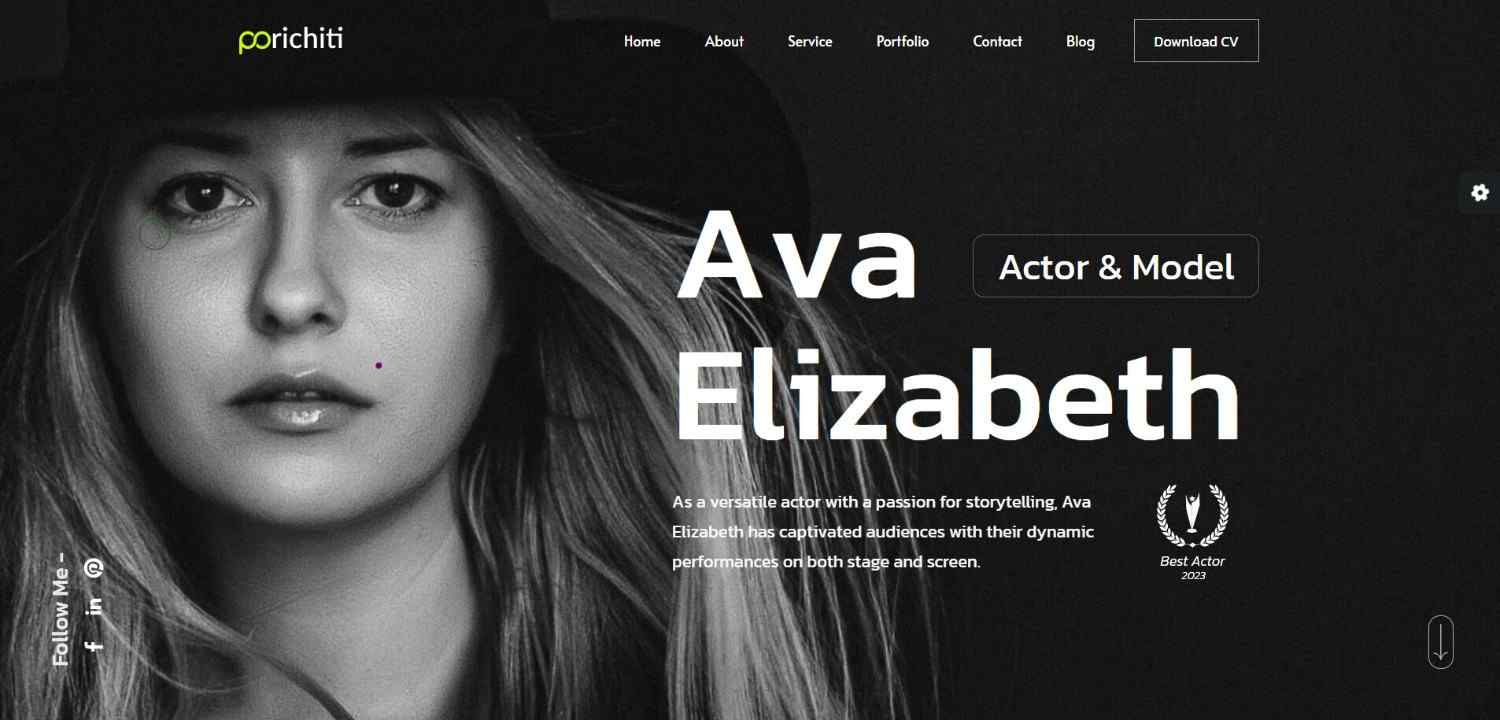
The layout is designed for easy reading and smooth navigation. It works perfectly on all screen sizes without losing quality. Developed as a modern React.js Template, Porichiti focuses on speed, clarity, and SEO performance. It’s ideal for job seekers, professionals, and freelancers who want a clear and trusted online profile.
Sandbox is a powerful and flexible React.js Portfolio Template built for creatives, startups, agencies, and businesses. It comes with ready-made layouts for portfolios, services, landing pages, and company websites. This makes it easy to create many types of websites using one design.
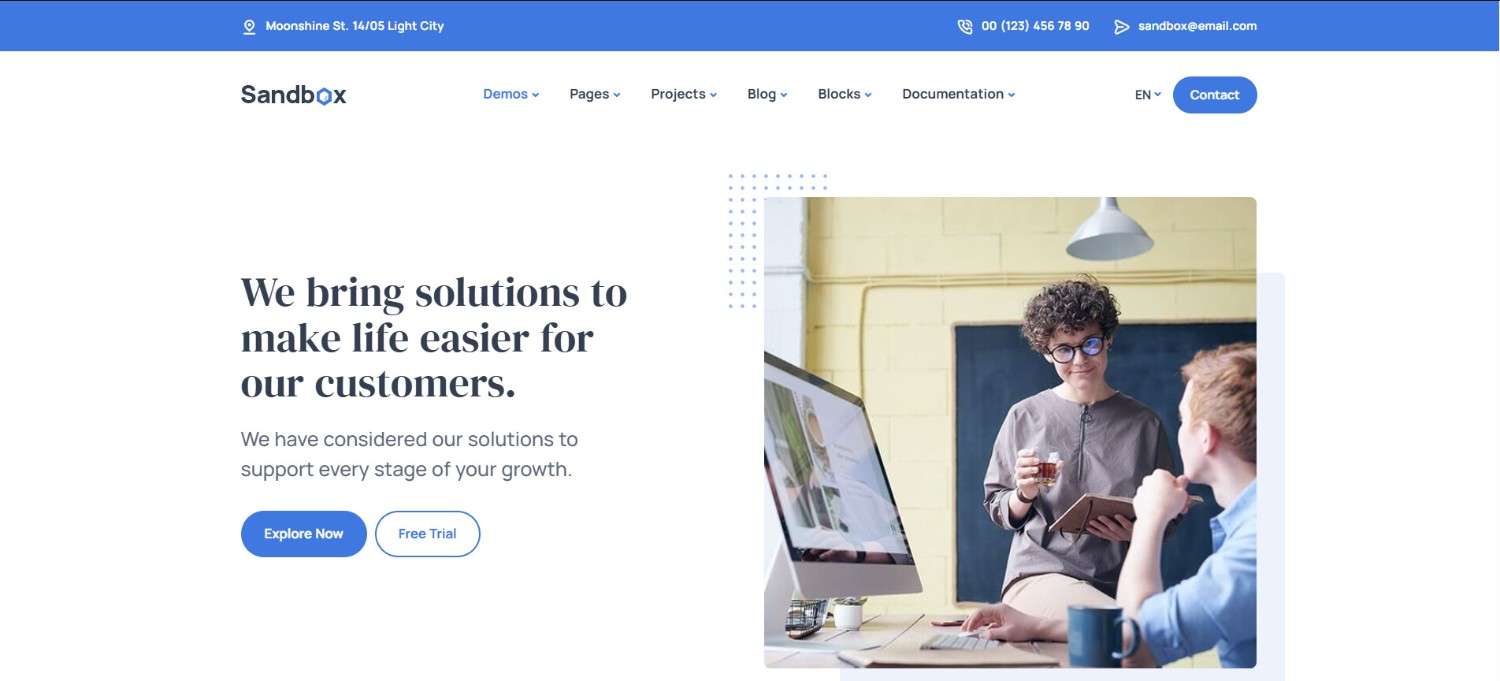
The structure is clean and easy to manage, allowing quick updates and changes. Pages load fast and look great on all devices. As a multipurpose React.js Template, Sandbox helps save time while delivering a modern and professional look. It’s perfect for users who want flexibility and long-term use.
Xeril is a simple and stylish React.js Portfolio Template built with the latest React 19 features. It uses a one-page layout where visitors can scroll smoothly through your profile, skills, and projects. This keeps the design clean and easy to follow.
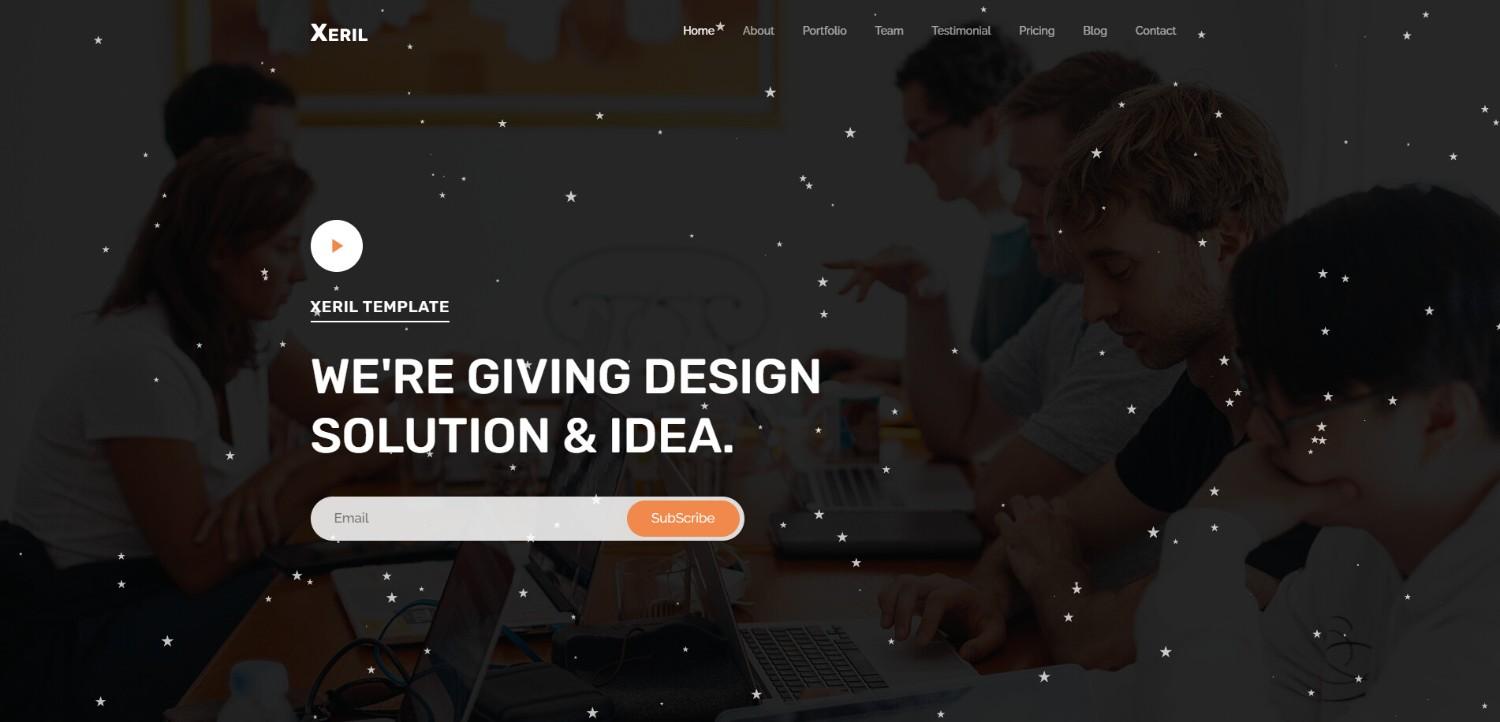
The template is lightweight and fast, which improves user experience and search rankings. It looks great on all devices and removes unnecessary clutter. Designed as a modern React.js Template, Xeril is perfect for freelancers and developers who want a fast and clean portfolio website.
Webcon is a professional React.js Portfolio Template designed for web design agencies and creative teams. It includes sections for services, projects, team members, testimonials, and contact details. These sections help build trust and turn visitors into potential clients.
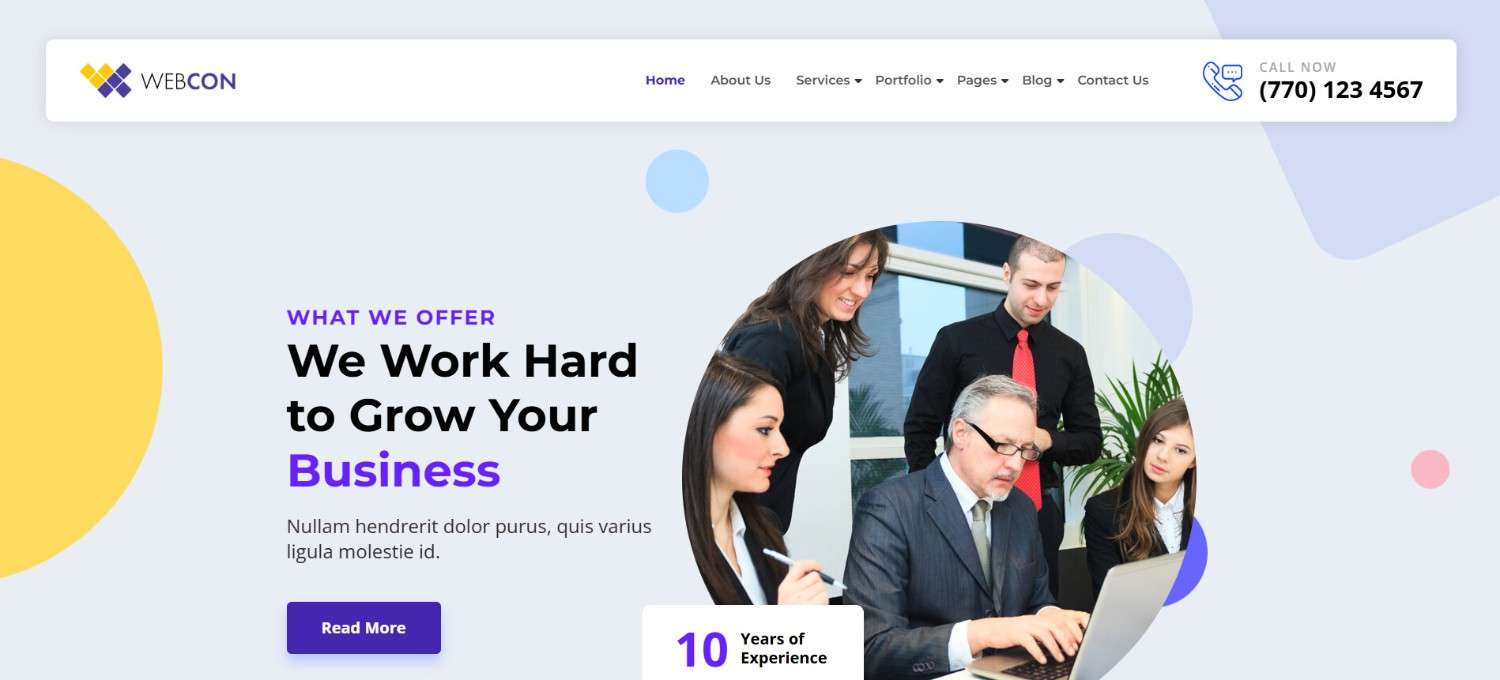
The layout is clean, clear, and focused on business growth. It works smoothly across all devices and loads quickly. Built as a high-quality React.js Template, Webcon supports SEO, performance, and easy customization. It’s ideal for agencies that want a strong and modern online presence.
A React.js portfolio template can help you show off your work in a simple and fun way. Top features to note;
Choosing the right React.js portfolio template is easy if you follow these simple steps. Don’t overlook these vital details.
Elevate your online presence with our sleek and modern React.js portfolio template! Designed for developers, designers, and creatives, this fully responsive and customizable template ensures your work stands out with a clean and professional design. Built using React.js, it delivers lightning-fast performance, dynamic components, SEO optimization, and a seamless user experience with light and dark modes. This template is ready for deployment on platforms like Vercel and Netlify and is perfect for showcasing your skills, projects, and testimonials. Find it now on Ordainit, ThemeForest, and take your portfolio to the next level today!
Here are some easy tips to help you make your React.js portfolio better and impress potential employers or clients.
Making a portfolio with React.js is fun, but there are mistakes you should avoid. Fixing these mistakes can help your portfolio stand out and impress people.
Too Many Features
Adding too many animations or effects can make your portfolio messy and slow. Please keep it simple and focus on showing your best work.
Not Working on Phones
Many people use their phones to look at websites. If your portfolio doesn’t work well on phones, people might leave. Test it on small screens to make sure everything looks good.
Missing Important Projects
Your portfolio should show your best work. Don’t include too many small or unfinished projects. Pick the ones that show your skills the most.
Hard to Navigate
If people can’t find what they need, they will leave. Make sure your portfolio has clear sections like “About Me,” “Projects,” and “Contact.”
Hiding Your Skills
People should see your skills right away. Create a section listing tools like React, JavaScript, or CSS. Link these skills to projects you have done.
Skipping SEO
SEO (Search Engine Optimization) helps people find your portfolio online. To improve your ranking, use the correct tags, make your site load quickly, and optimize your images.
No Contact Info
If visitors can’t contact you, you could miss out on jobs. Add a contact form, email address, and links to your LinkedIn or GitHub.
Too Much Text
Long paragraphs can be tedious. Use short, simple sentences. Focus on the most important details about your projects and skills.
Not Updating
An old portfolio with outdated projects doesn’t look good. Update it often with new skills and recent work.
If your portfolio is slow, they might leave the page, affecting the number of people visiting the site. Make sure your website load time is excellent; if not, work on optimizing it. As a rule, it should be made faster with the help of smaller images and clean code.
Why not try it? Check out some React.js templates and start making your portfolio today!
We’d love to hear from you! Tell us about your favorite templates or how you’ve used React.js in the comments below. Let’s share ideas and help each other!
1. What is a React.js Portfolio Template?
It’s a ready-made design built with React.js. You can use it to quickly make a website that shows your skills, projects, and more.
2. Why use React.js for my portfolio?
React.js is fast and easy. It helps you create a site that looks good and works great on phones, tablets, and computers.3. Do I need to know React.js to use these templates?
Not always! Some templates are easy to use, and you can follow guides to set them up.
4. Are the templates free?
Some are free, and some cost money. Free ones are great for starting, but paid ones may have more features.
5. Can I change the template?
Yes! You can change colors, fonts, and sections to make the website your own.
7. What do I need to start?
You need a computer with Node.js installed and a code editor like VS Code.
8. Can I share my portfolio online for free?
Yes! Use free platforms like GitHub Pages, Netlify, or Vercel to share your site.
9. Can I update my portfolio later?
Yes! You can edit the code anytime to add new projects or change details.
10. What if I need help?
There are many online guides and communities to help you, like Stack Overflow or GitHub Discussions.