

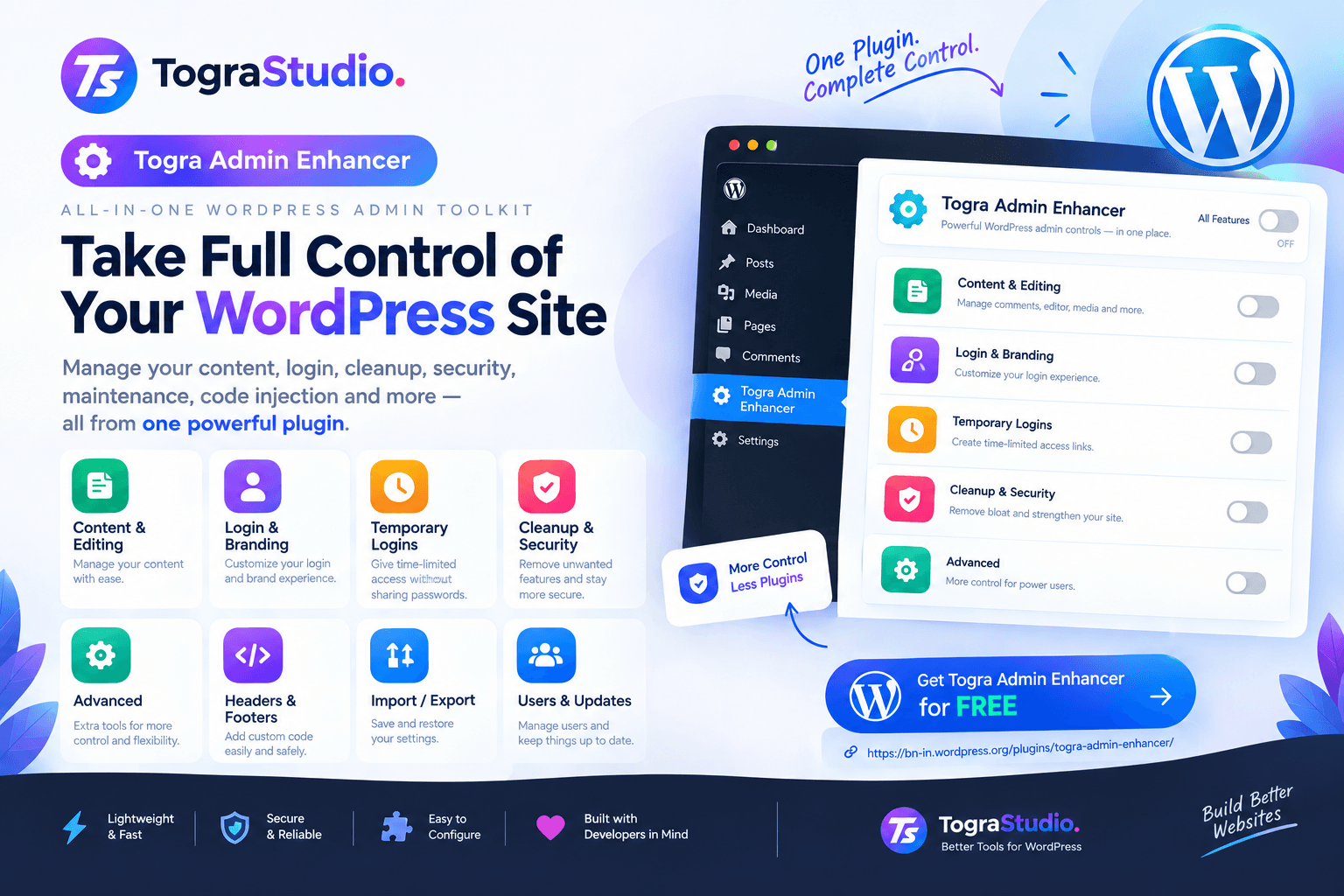
WordPress Admin Customization Plugin – Togra Admin Enhancer Pro
Take Your WordPress Admin Experience Further
Togra Admin Enhancer Pro is a powerful premium add-on that extends the capabilities of the free Togra Admin Enhancer plugin with advanced customization, security, and management tools.
Whether you manage a personal website, client projects, or multiple WordPress installations, Pro gives you more control over how WordPress features behave, where custom code runs, and who can access your website.
From role-based feature targeting and conditional code snippets to temporary login monitoring and IP access rules, everything is managed through your existing Togra Admin Enhancer settings interface.
The best part? Pro works alongside the free plugin without modifying its core files. Your existing settings and functionality remain intact.
Why Choose Togra Admin Enhancer Pro?
- More Control: Target selected WordPress features to specific user roles.
- Flexible Code Management: Add HTML, CSS, JavaScript, and PHP snippets with advanced display conditions.
- Better Login Oversight: Monitor temporary login links, control usage limits, and receive access alerts.
- Additional Login Security: Restrict access using IP allow and deny lists.
- Update Management: Control automatic updates for WordPress core, plugins, and themes.
- Seamless Integration: All Pro features work within the existing Togra Admin Enhancer interface.
Powerful Pro Features
1. Advanced Feature Targeting
The free plugin lets you enable or disable supported WordPress features globally. Pro takes that control further.
Target 22 supported features to specific user roles, allowing different admin experiences for administrators, editors, authors, and other selected roles.
For example:
- Hide the admin bar from selected user roles.
- Restrict editor-related features to specific roles.
- Customize the media library experience for different users.
- Apply supported admin enhancements only to the users who need them.
Feature targeting can only narrow an already-enabled feature. It cannot activate a feature that has been disabled in the free plugin.
2. Advanced Code Snippets Manager
Manage custom code directly from your WordPress dashboard without editing theme files.
Add and manage:
- HTML snippets
- CSS snippets
- JavaScript snippets
- PHP snippets
Choose where each snippet runs:
- Document Head
- Immediately After Opening Body Tag
- Footer
- Shortcode
Each snippet has its own enable/disable switch, making it easy to manage custom functionality without deleting your saved code.
Additional snippet management tools:
- Custom loading priority
- Optional CSS and JavaScript minification
- Individual snippet controls
- Shortcode-based placement
- Nine ready-to-use snippet presets
- Safer handling of snippet errors
3. Conditional Snippet Display
Control exactly where and when your custom snippets run.
Available conditions include:
- Visitor Status: Logged-in visitors, logged-out visitors, or everyone.
- User Roles: Run snippets for selected WordPress roles.
- Post Types: Target individual posts of selected post types.
- Page Types: Front page, single pages, archives, search results, and 404 pages.
- URL Patterns: Include or exclude specific URL paths using wildcard patterns.
- Device Targeting: Desktop or mobile.
- Date Scheduling: Set optional start and end dates using your site’s timezone.
Conditions work together using AND logic, while multiple selections within an individual condition use OR logic.
Leave conditions empty to run a snippet everywhere its placement applies.
4. Ready-to-Use Snippet Presets
Get started faster with nine built-in snippet presets.
Available presets include:
- Google Analytics
- Google Tag Manager
- Current Year Shortcode
- Reading Time Shortcode
- External Link Marking
- Print Stylesheet
- Lazy-Loaded Iframes
- Signed-In Body Class
- Additional ready-to-use snippet preset
Select a preset to populate a new snippet entry, then customize and save it yourself.
5. Temporary Login Monitoring
Get more control and visibility over temporary login access.
The free plugin already provides temporary login links with automatic expiration and usage tracking. Pro adds additional monitoring and access controls.
Usage Limits
Set a maximum number of times each temporary login link can be used. Once the limit is reached, further access attempts are refused.
Access Email Alerts
Receive an email whenever a temporary login link is used. Notifications include the account, originating IP address, and usage progress.
Activity History
View what a temporary account does while signed in, including:
- Admin screens opened
- Posts saved
- Plugins and themes changed
- Users created
- Logout activity
Activity records are displayed under their associated temporary login and are capped at 200 entries per account.
6. Login Protection with IP Rules
Add another layer of protection to your WordPress login system.
Use IP-based access rules to control who can reach the password verification stage.
- IP Allow List
- IP Deny List
- Email alerts for refused login attempts
- Alert frequency limited to once per hour per IP address
The protection uses the connecting address from REMOTE_ADDR and does not trust forwarded IP headers.
7. Automatic Update Management
Take control of WordPress automatic updates from a dedicated settings tab.
Manage automatic updates independently for:
- WordPress Core
- Plugins
- Themes
You can also disable the entire automatic update system using a dedicated switch.
When a specific update control is disabled, WordPress’s original value is preserved, allowing existing per-plugin update preferences to continue working.
8. Premium Updates & Licensing
Togra Admin Enhancer Pro includes a per-site licensing system connected to the TograStudio activation service.
- Activate your purchase code directly from the WordPress dashboard.
- Manage site activations.
- Deactivate a site to free its activation slot.
- Receive Pro updates through the standard WordPress Plugins screen.
- Install available updates using the familiar WordPress update process.
Your Pro features remain active after license expiration. An expired license stops access to new updates and support, but does not automatically disable your existing Pro functionality.
License responses are verified using Ed25519 digital signatures. If the activation service becomes temporarily unavailable, the last verified license response remains trusted for up to 14 days.
Built for Compatibility and Reliability
Togra Admin Enhancer Pro extends the free plugin through its public extension hooks. It does not edit, replace, or remove any free plugin files or functionality.
- No modifications to free plugin core files.
- Existing free plugin settings remain compatible.
- Pro settings are integrated into the existing settings interface.
- Deactivating Pro restores the free plugin’s original behavior.
- Pro snippets require the WordPress
unfiltered_htmlcapability to save. - Importing settings follows the same permission checks.
Requirements
- WordPress 6.0 or later
- PHP 7.4 or later
- Togra Admin Enhancer Free 1.0.0 or later
- An active TograStudio Pro license for updates and support
Installation Guide
- Install and activate the free Togra Admin Enhancer plugin.
- Upload the Togra Admin Enhancer Pro plugin ZIP file.
- Activate the Pro add-on.
- Open Togra Enhancer → License.
- Enter your purchase code and activate your license.
- Explore the available Pro features from the existing settings interface.
Frequently Asked Questions
Do I need the free plugin?
Yes. Togra Admin Enhancer Pro is an add-on and requires the free Togra Admin Enhancer plugin to be installed and activated.
Will Pro replace the free plugin?
No. Pro extends the free plugin through its public extension hooks. It does not replace or modify the free plugin’s core files.
What happens if I deactivate Pro?
The free plugin continues working as it did before Pro was installed. Pro-specific functionality becomes inactive.
Can I target features to specific user roles?
Yes. You can narrow 22 supported features to selected WordPress user roles. Feature targeting cannot enable a feature that is disabled in the free plugin.
Why can’t I save code snippets?
Saving snippets requires the WordPress unfiltered_html capability. This is a security requirement because PHP and raw markup can execute code on your website.
Can I add PHP snippets?
Yes. You can add HTML, CSS, JavaScript, and PHP snippets. Only trusted users with the required capability should be allowed to save them.
What happens when my license expires?
Your existing Pro features continue working. You will no longer receive new Pro updates or support until your license is renewed.
Can I transfer my license to another website?
Yes. Deactivate the license on the old website to free its activation slot, then activate it on the new website. You can also manage activations from your TograStudio account.
How do I receive Pro updates?
Licensed websites receive available Pro updates directly through the WordPress Plugins screen, using the standard update process.
Does Pro store additional settings separately?
Most settings are stored in the free plugin’s existing settings option. License information is stored separately, while temporary login usage and activity records are stored as user metadata.
Documentation & Support
Need assistance with installation, configuration, or troubleshooting?
Visit our support center:
https://tograstudio.com/support/
Developed by TograStudio
Make WordPress administration more flexible, secure, and manageable with Togra Admin Enhancer Pro.


Reviews
There are no reviews yet.