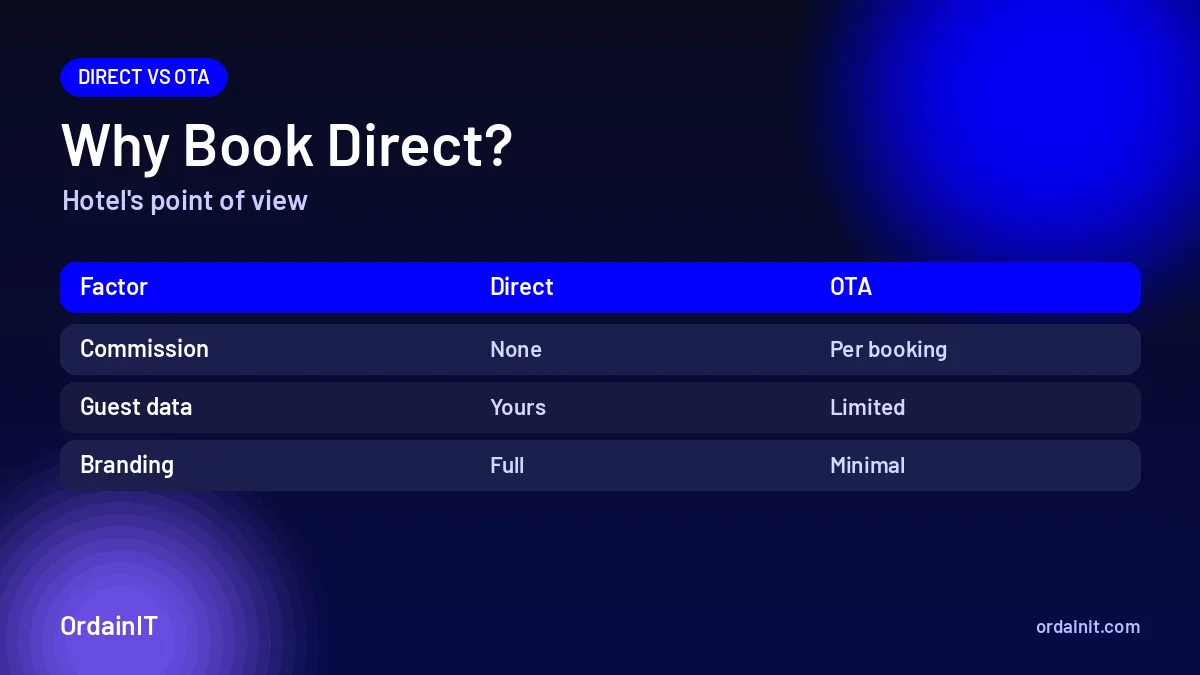
A hotel website template is a ready-made design for hotels, resorts, guesthouses, B&Bs and holiday rentals, with layouts for rooms, rates, amenities, gallery, location, reviews and a booking form or booking engine link. The goal of a hotel site is simple: persuade visitors to book direct instead of through online travel agencies, which charge commission on every reservation.
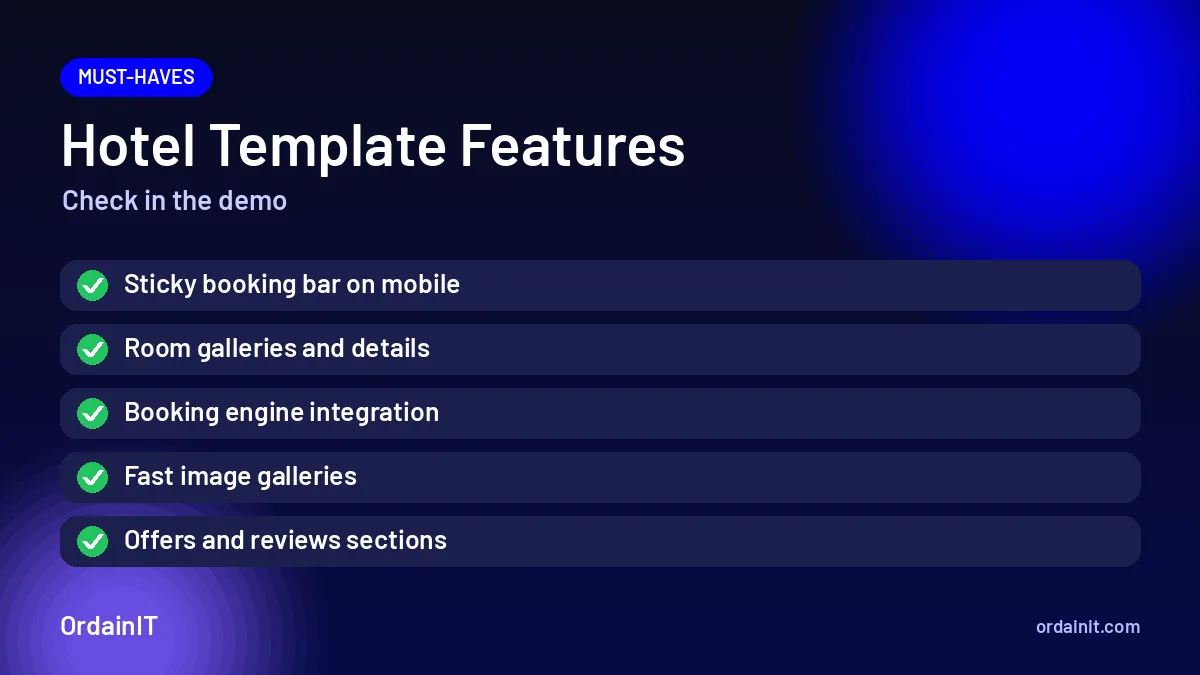
Key takeaways: make the “Book now” button and date picker visible on every page, show real photos of every room type, and connect the site to a booking engine or channel manager so availability is always accurate.
| Page | What guests look for | Include |
|---|---|---|
| Home | First impression and quick booking | Hero photo, date picker, key selling points |
| Rooms and suites | Size, beds, view, price | One page per room type, photos, amenities |
| Offers | Reasons to book direct | Packages, direct-booking perks |
| Dining and facilities | Restaurant, spa, pool, meeting rooms | Opening hours, menus, photos |
| Location | How to get there, what is nearby | Map, transport, local attractions |
| Gallery and reviews | Proof of quality | Real photos, guest reviews |
| Contact and policies | Check-in times, cancellation, pets | Phone, email, clear policies |
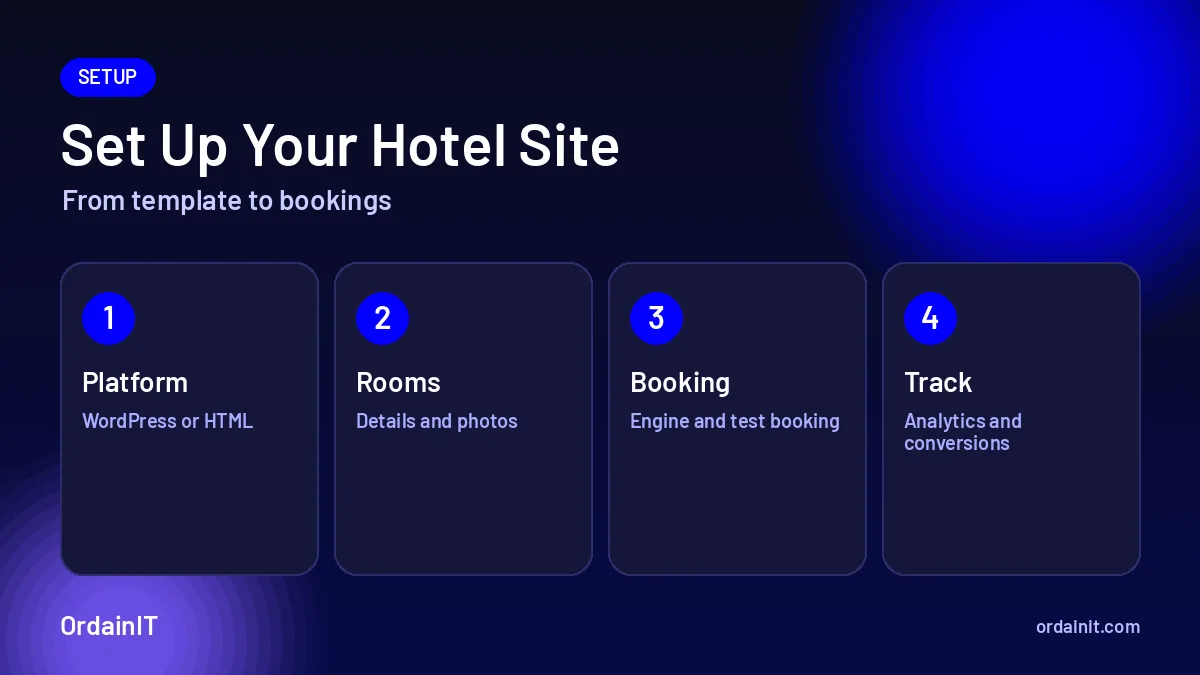
A template provides the design; the booking engine handles availability, rates and payments. Many hotels use a booking engine from their property management system or a third-party provider, embedded or linked from the template. A channel manager keeps room availability in sync between your website and online travel agencies, which prevents double bookings. When you choose a hotel website template, check that it has space for a booking widget in the header and on room pages, and that the layout still looks clean once the widget is added.
Online travel agencies bring visibility but take commission on each booking, often a significant percentage of the room rate. Every guest who books on your own website saves that commission and gives you their contact details for future stays. Encourage direct booking with clear benefits: best-rate guarantees, free breakfast, late checkout, room upgrades or flexible cancellation. Show these benefits near the booking button on every page.
Room pages are where guests decide. Give each room type its own page with a short, specific description: who the room suits (couples, families, business travellers), what makes it different, and exactly what is included. List the bed configuration, room size, maximum occupancy, view, bathroom type and key amenities such as air conditioning, workspace or kitchenette. Add six to ten photos, a “from” price, and a booking button that opens the booking engine with that room already selected. Close with answers to common questions, such as whether extra beds are available or the room is accessible. Unique, detailed room pages help guests choose and help search engines understand what you offer.
Many travellers research and book on their phones, sometimes the same day they arrive. Test your site’s full booking path on a phone: open the home page, pick dates, choose a room, enter guest details and reach the payment step. Count the taps and note anything that is slow or confusing. Date pickers should be easy to use with a thumb, forms should use the right keyboard for phone numbers and emails, and the total price, including taxes and fees, should be clear before payment. A smooth mobile booking flow is one of the biggest advantages a hotel website template can give you over a clunky older site.
Hotel guests search by destination and type, such as “boutique hotel in Lisbon” or “family resort near Orlando”. To compete with travel agencies and directories:
OrdainIT does not currently sell a dedicated hotel theme, but our travel and tour designs share many of the same layouts: galleries, packages, booking-style forms and destination pages. Look at the tour website template (HTML) and the travel website template (React), and browse our full HTML templates and WordPress themes. Open the demos on your phone and run a speed test yourself before choosing. Wherever you buy, use the checklist in this guide to judge any hotel website template.
Before you commit, compare at least two or three designs side by side using the same checklist: booking bar visibility on mobile, room page layout, gallery speed and how easily staff can update offers. The best choice is the one your team can maintain every week, not just the one that looks best in the demo.
Room pages with photos and rates, a booking engine, offers, facilities, location, reviews, policies and clear contact details.
Most templates connect to a booking engine or plugin that handles availability, rates and payments.
Yes. WordPress makes it easy to update rooms and offers, and it works with many booking engines and plugins.
Offer direct-booking perks, keep the booking button visible, show real photos and make the booking process fast on mobile.
Use location keywords, unique room and facility pages, local guides, reviews, hotel schema and fast mobile pages.
Chosen a theme or template? The OrdainIT team, which designs and builds its own WordPress themes and templates, can also get your website live. Pick a fixed-price service:
Want a design to start from? Browse OrdainIT WordPress themes, each with free installation and lifetime updates, or see all WordPress services. Not sure what you need? Contact OrdainIT for a free, no-obligation quote.
See OrdainIT’s themes and customer ratings on OrdainIT’s ThemeForest profile.



We reply 24 hours a day, Monday to Saturday. Sunday is our day off.