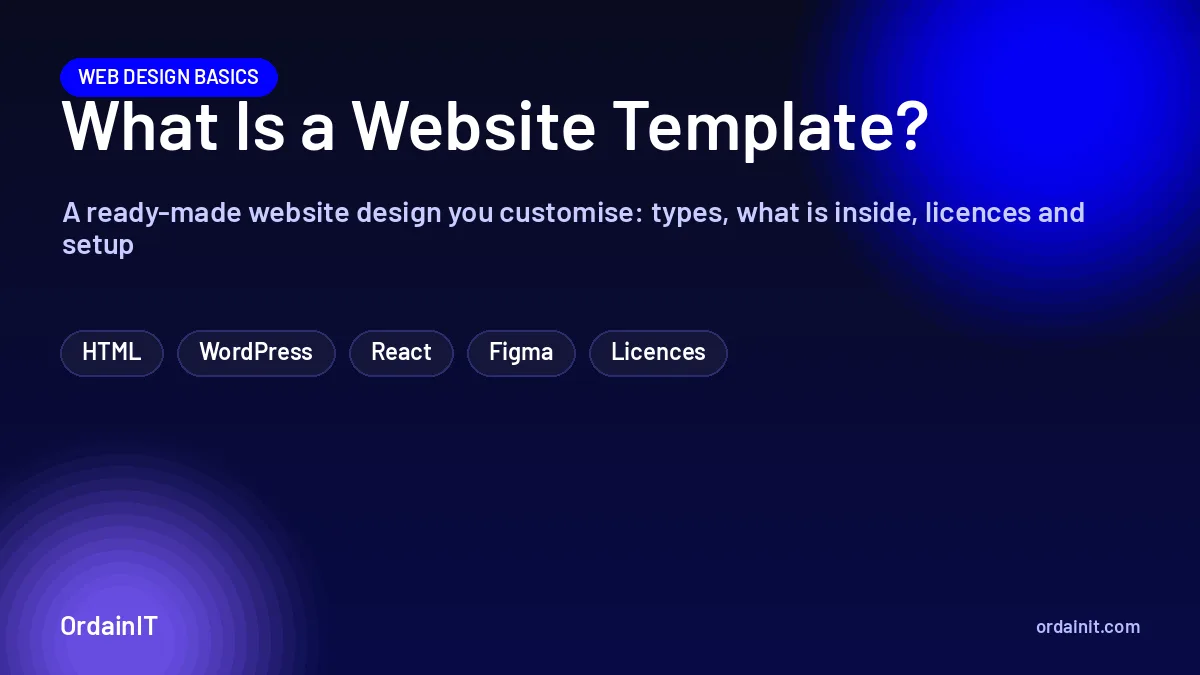
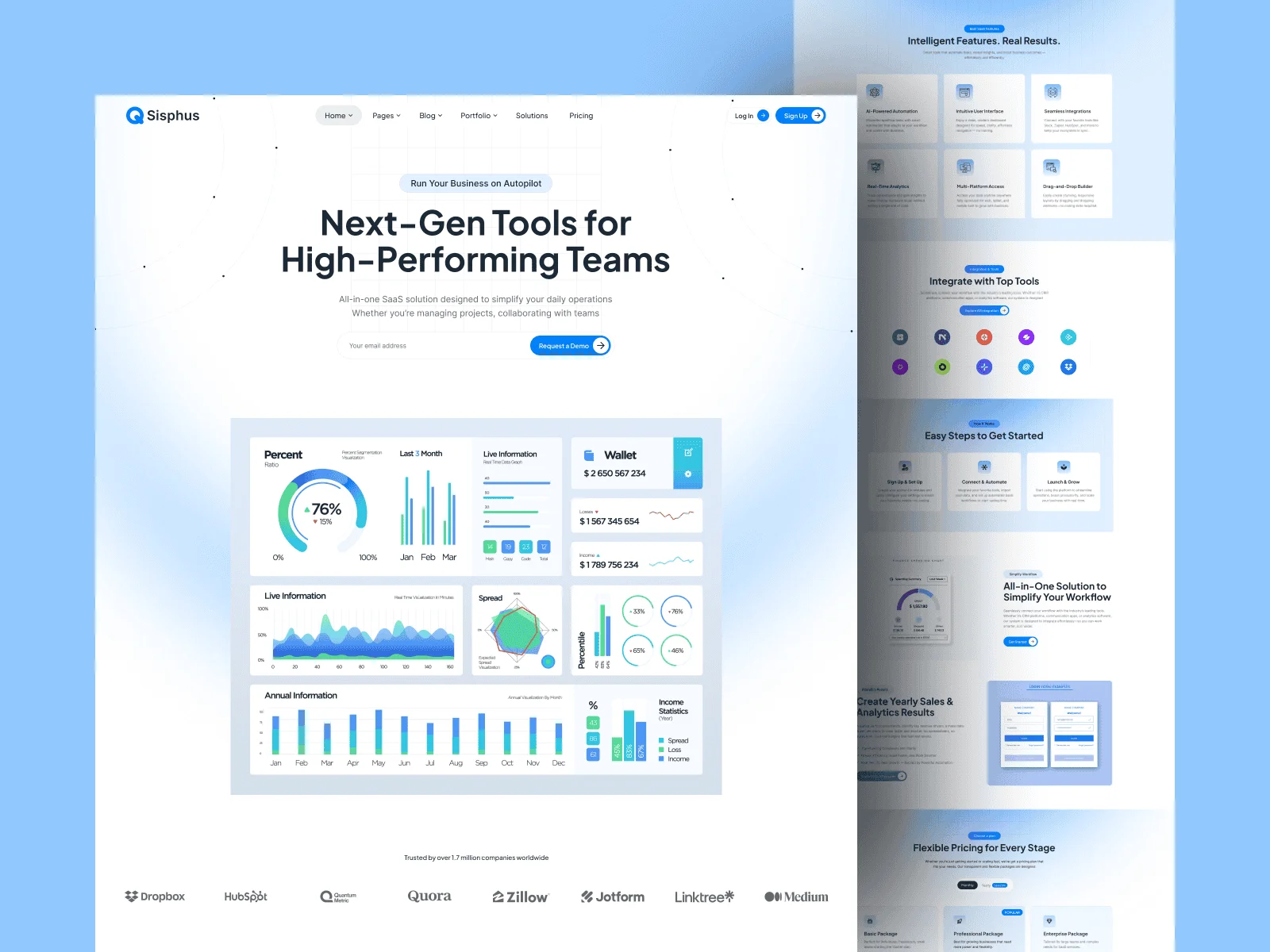
A website template is a ready-made website design, with page layouts, styles and placeholder content, that you customise with your own text, images and brand instead of designing and coding every page from scratch. So what is a website template in practice? It can be a set of HTML files, a WordPress theme, a React or Next.js project, a Figma design file, or a layout inside a website builder such as Wix, and each type gives you a different amount of ownership and control.
Key takeaways: a template saves most of the design and front-end work, the format decides who can edit it and where it can be hosted, and the licence decides how many websites you may build with it.
When you download a template from a theme shop, you usually get a package with more than the pages themselves:
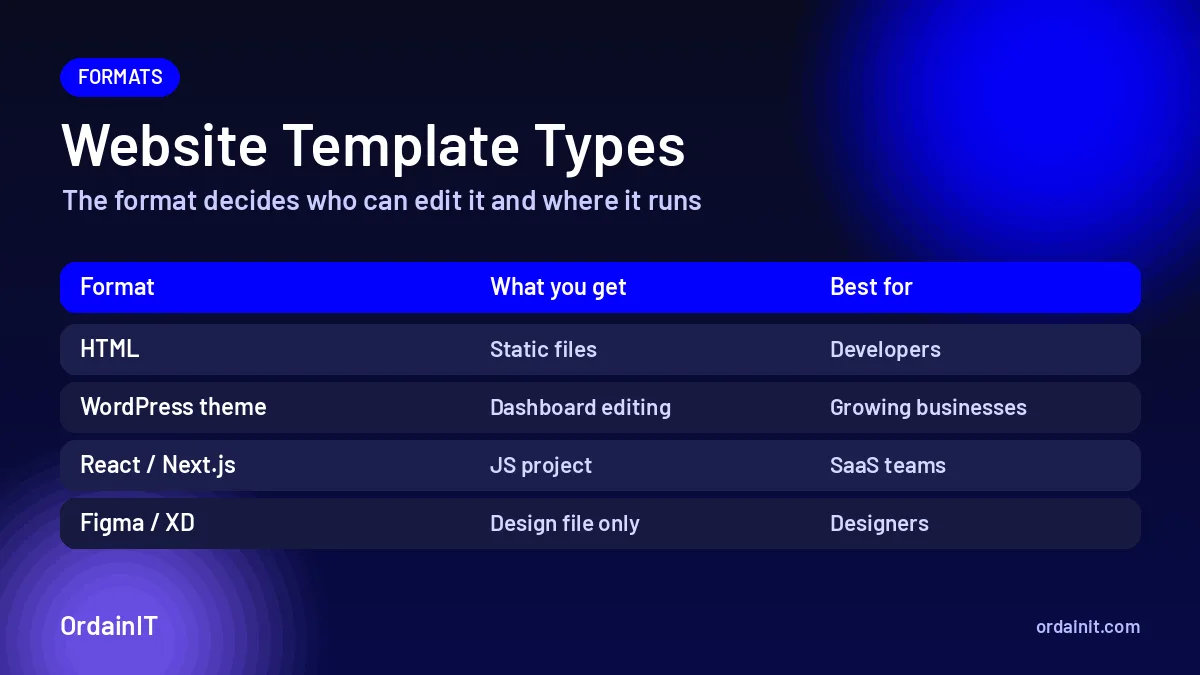
| Format | What you get | Who it suits |
|---|---|---|
| HTML template | HTML, CSS and JavaScript files, often on Bootstrap | Developers building fast static sites |
| WordPress theme | A theme you install in WordPress, edited in a dashboard | Businesses that update content often |
| React / Next.js template | A JavaScript project with components | Developers and SaaS teams |
| Figma / XD / PSD design | A design file, not a working website | Designers, or developers coding a design |
| Website builder template | A layout inside Wix, Squarespace or similar | Beginners who want hosting included |
The big difference is ownership. A file-based template (HTML, WordPress, React or Figma) is yours to host anywhere under its licence. A builder template only works inside that builder’s paid plan.
A common middle path is to start from a template and customise colours, fonts, images and a few sections, which gives a unique look at a fraction of the cost of a custom build.
Pros:
Cons:
A quick rule: if a template has every page you need, was updated recently and loads fast on a phone, its downsides are small. If it needs heavy changes to fit your business, a different template or a custom design may cost less in the end.
A licence says where and how often you may use a template. Read it before you buy, especially for client work:
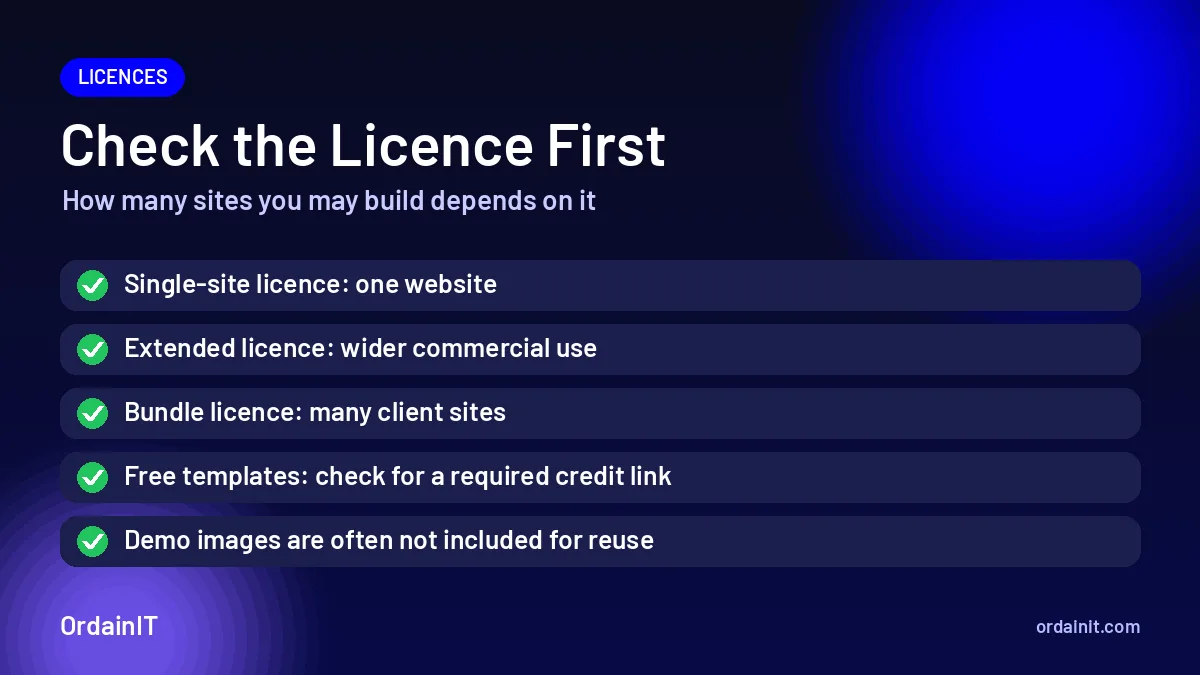
As one example, the OrdainIT HTML template bundle covers unlimited client websites, while the WordPress theme bundle covers up to 100 client sites in total.
Prices vary by format and shop. Free templates exist in every format, usually with fewer pages and a credit requirement. Premium HTML and WordPress templates are commonly a one-time payment that costs far less than a custom design. On OrdainIT, for example, most WordPress themes are $13, single Figma designs are $9, and there are free HTML, Figma and WordPress templates too. Builder templates are free to pick, but you pay the builder’s monthly plan to keep the site online.
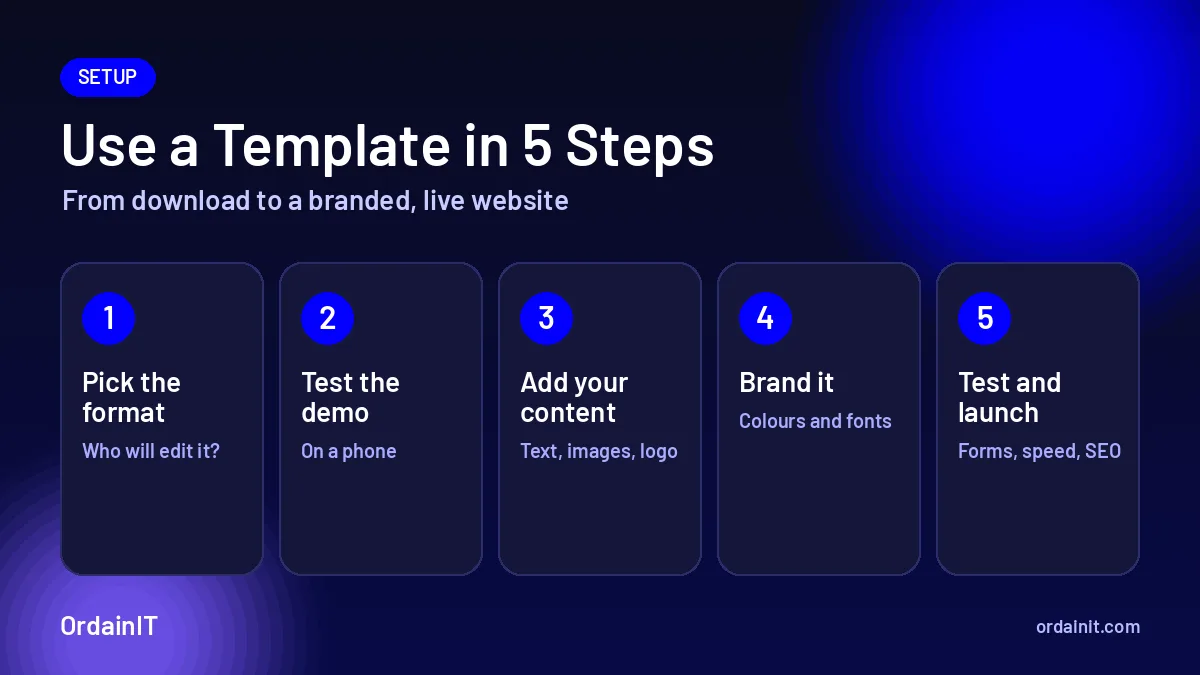
A template is a good SEO starting point when its code is clean, it loads quickly and it uses one H1 per page with logical headings. What ranks, though, is the content you add: unique text, real images with alt text, page titles and meta descriptions written for your keywords, and internal links. Remove sliders and sections you do not need, compress your images and test the speed after you add your content, not only on the demo.
Niche templates come with the pages a business type expects, which saves the most time:
Look for templates that show a recent update date, clear documentation, a live demo you can test and a stated licence. OrdainIT makes website templates in every main format: HTML templates, WordPress themes, React and Next.js templates and Figma designs, plus free templates. Open a demo and run a speed test yourself before you decide, and read our guide on how to choose a WordPress theme for a full checklist.
It is a ready-made website design that you fill with your own content, so you do not have to design and code every page yourself.
A theme is a type of website template made for a content management system such as WordPress. “Template” is the broader term.
Yes, as long as the licence allows commercial use. Most paid templates do; some free templates need a credit link.
Not for WordPress or website builder templates. HTML and React templates need basic coding skills to edit.
Only if you keep the demo content. Changing colours, fonts, images and a few sections makes a template look like your own brand.
Chosen a theme or template? The OrdainIT team, which designs and builds its own WordPress themes and templates, can also get your website live. Pick a fixed-price service:
Want a design to start from? Browse OrdainIT WordPress themes, each with free installation and lifetime updates, or see all WordPress services. Not sure what you need? Contact OrdainIT for a free, no-obligation quote.
See OrdainIT’s themes and customer ratings on OrdainIT’s ThemeForest profile.



We reply 24 hours a day, Monday to Saturday. Sunday is our day off.