

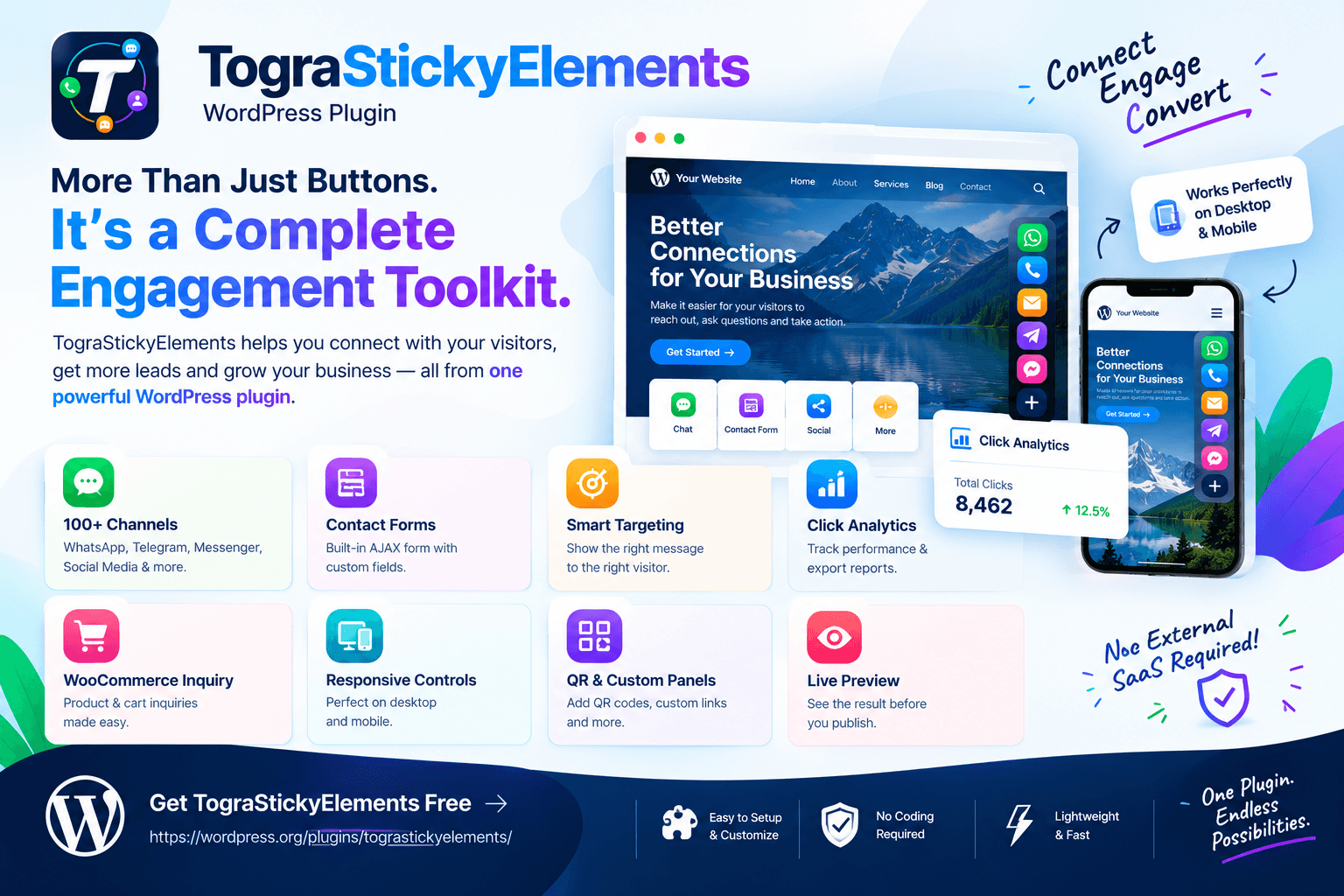
Sticky Contact Bar Plugin – TograStickyElements Pro
Turn Website Visitors into Leads. Manage Every Enquiry. Measure Every Conversion.
TograStickyElements Pro is a powerful WordPress lead generation and customer communication plugin designed to help businesses capture enquiries, manage conversations, connect with customers and measure the performance of their website contact channels.
Built as a premium add-on for the free TograStickyElements plugin, it transforms a simple sticky contact bar into a complete lead management and conversion tracking solution.
Go beyond displaying contact buttons. Create multiple sticky bars, assign enquiries to team members, collect callback requests, manage leads from a dedicated inbox, automate visitor confirmations, connect external marketing tools, track conversions and optimize performance with A/B testing.
Whether you run a business website, digital agency, service company, online store or WooCommerce shop, TograStickyElements Pro gives you the tools to turn more visitors into meaningful enquiries.
Why Choose TograStickyElements Pro?
Most contact bar plugins focus on displaying buttons. TograStickyElements Pro focuses on what happens after a visitor interacts with them.
- Multiple Sticky Bars: Create up to five additional sticky bars alongside your main contact bar, each with independent channels, colors, placement and targeting.
- Team Agents & Smart Routing: Assign enquiries to individual team members with their own contact numbers, availability schedules and round-robin distribution.
- Powerful Leads Inbox: Store, search, filter, organize, annotate and export enquiries from a dedicated lead management interface.
- Automated Visitor Replies: Send instant confirmation emails when visitors submit an enquiry.
- Advanced Spam Protection: Protect your inbox with honeypot fields, minimum submission time, blocked words, reCAPTCHA v3 and Cloudflare Turnstile.
- Marketing Integrations: Connect your leads with Google Sheets, Mailchimp, Brevo, HubSpot, Zapier, Make, n8n and custom webhook endpoints.
- WooCommerce Enquiry Tools: Capture basket details, order information and product enquiries with advanced WooCommerce integration.
- Conversion Analytics: Track impressions, clicks and enquiries with visual reports, device breakdowns and page-level analytics.
- A/B Testing: Compare two contact bar variations and identify which one performs better.
- Callback Requests: Let visitors request a callback by selecting their preferred day and available time slot.
- Conditional Multi-Step Forms: Create interactive forms with multiple steps and fields that appear based on visitor answers.
- AI-Powered Answering Assistant: Offer automated answers using your own business information and your own Anthropic or OpenAI API key.
- Multilingual Support: Configure language-specific wording and reporting with WPML and Polylang.
- Inline Contact Buttons: Display contact channels anywhere using a Gutenberg block, Elementor widget or shortcode.
Free + Pro: One Connected WordPress Plugin
TograStickyElements Pro is a premium add-on, not a standalone replacement for the free plugin.
The free version of TograStickyElements is available on the official WordPress.org plugin directory.
Get the Free Plugin:
https://wordpress.org/plugins/tograstickyelements/
Install and activate the free plugin first, then install TograStickyElements Pro. The Pro add-on integrates directly into the existing plugin dashboard and adds its own Pro and License tabs.
Your existing free plugin settings, contact channels, display rules and functionality continue working as before.
The free plugin handles the sticky bar rendering, while Pro extends it with advanced management, lead storage, integrations, analytics and additional features.
Powerful Pro Features
1. Multiple Sticky Contact Bars
Create up to five additional sticky bars alongside your main bar.
Each additional bar can have its own:
- Contact channels
- Placement and appearance
- Color settings
- Page targeting
- Display configuration
The additional bars inherit the shared functionality of the free plugin, so you do not need to configure every setting from scratch.
Create different contact experiences for different pages, services, audiences or business departments.
2. Team Agents & Smart Lead Distribution
Turn your contact channels into a team communication system.
Create multiple agents and assign each one their own:
- Display name
- Contact number
- Availability schedule
- Working hours
- Channel assignment
Agents who are off duty can automatically be removed from the contact bar or remain visible with their availability information.
Round-Robin Distribution
Distribute enquiries between available agents automatically, taking turns so that incoming enquiries can be shared across your team.
Keep your communication organized and make sure the right people receive the right enquiries.
3. Advanced Leads Inbox
Stop losing track of customer enquiries.
TograStickyElements Pro provides a dedicated leads inbox that stores submissions in a separate database table instead of relying on a limited collection of recent submissions.
Manage your leads with:
- Search by name, email, phone number or message
- Filter by submission date
- Filter by lead status
- Individual lead notes
- Bulk actions
- CSV export
- Configurable data retention
- Persistent lead storage
Unlike the free plugin’s limited submission history, Pro provides a dedicated lead storage system that does not discard older leads when new submissions arrive.
Keep customer enquiries organized and accessible from your WordPress dashboard.
4. Automated Replies & Advanced Spam Protection
Improve the customer experience with automatic confirmation messages.
When a visitor submits an enquiry, they can receive an instant confirmation email letting them know their message has been received.
Protect your lead inbox with multiple spam prevention options:
- Honeypot protection
- Minimum form submission time
- Blocked-word list
- Google reCAPTCHA v3
- Cloudflare Turnstile
Choose the protection methods that work best for your website.
5. Powerful Marketing & CRM Integrations
Connect your lead generation workflow with the tools you already use.
Webhook Integration
Forward leads to custom webhook endpoints, including automation platforms such as:
- Zapier
- Make
- n8n
- Custom API endpoints
Webhook requests support HMAC-SHA256 signing for additional request verification.
Google Sheets
Send collected enquiries to Google Sheets to maintain an accessible record of incoming leads.
Email Marketing Integrations
Connect your lead collection workflow with:
- Mailchimp
- Brevo
CRM Integration
Send enquiries to HubSpot to connect your website lead generation with your CRM workflow.
Delivery Monitoring
- Integration delivery logs
- Automatic retry for failed deliveries
- One retry for an unsuccessful delivery
- Background delivery after the visitor receives the submission confirmation
Integrations run after the visitor sees the successful submission message, so external requests do not hold up the visitor’s experience.
6. Boost: Attention Effects & Proactive Contact
Make your contact bar more noticeable with additional engagement features.
- Attention effects for contact tabs
- Unread notification badge
- Proactive contact bubble
- Time-based bubble display
- Scroll-triggered bubble
- Exit-intent detection
The proactive bubble can appear after a configured delay, when visitors reach a selected scroll position or when their cursor moves towards the top of the browser window.
Exit-intent detection is designed for desktop devices rather than touchscreens.
7. Callback Request System
Give visitors another way to contact your business without starting a live chat.
With callback requests, visitors can:
- Submit their phone number
- Select a preferred day
- Choose an available time slot
- Send a callback request
Requests are saved in the leads inbox, and your business receives an email notification.
This is useful for service businesses, consultants, agencies and customer support teams that prefer scheduled phone conversations.
8. Advanced Multi-Step Forms
Build more flexible enquiry forms with conditional fields.
Features include:
- Multi-step contact forms
- Conditional field visibility
- Fields that appear based on previous answers
- Dynamic form requirements
- Conditional required-field handling
When a field is hidden because of a previous answer, it no longer blocks form submission by remaining required.
Create more relevant enquiry experiences and avoid asking visitors unnecessary questions.
9. Advanced WooCommerce Enquiry Integration
Take your WooCommerce product enquiries beyond a simple contact button.
TograStickyElements Pro adds advanced enquiry options directly under the free plugin’s WooCommerce settings tab.
Cart & Checkout Enquiries
Include basket information in enquiry messages on the cart and checkout pages.
Order Enquiries
Display order-related enquiry options on the order confirmation page and inside the My Account area, including the order number.
Out-of-Stock Enquiries
Display an enquiry button only when a product is out of stock.
Category-Based Routing
Send product enquiries to different departments based on product categories.
Unlock the Full Product Enquiry System
Pro also unlocks the free plugin’s product enquiry button functionality beyond WhatsApp.
You get:
- All available contact channels
- Unlimited message templates
- Product variation information control
- Quantity information control
- Currency information control
- Coupon information control
Manage product enquiry behavior from the existing WooCommerce settings tab without navigating to a separate settings screen.
10. Advanced Conversion Analytics
Understand how visitors interact with your contact bar and which pages generate enquiries.
The free plugin counts contact clicks. Pro takes analytics further by tracking:
- Contact bar impressions
- Contact clicks
- Enquiry submissions
- Conversion performance
Visual Analytics & Reports
- Charts for views, clicks and enquiries
- Custom date range filtering
- Page-level view breakdown
- Device-type breakdown
- CSV report export
Marketing Analytics Integration
Forward contact click events to:
- Google Analytics 4 (GA4)
- Meta Pixel
- Google Tag Manager dataLayer
All Pro analytics appear under the existing Analytics tab, alongside the free plugin’s click reports.
Measure engagement and make more informed decisions about your website’s lead generation strategy.
11. A/B Testing
Test different contact bar variations to understand what works best for your visitors.
- Create two bar variations
- Split visitors between both versions
- Count performance separately
- Compare engagement results
- Identify better


Reviews
There are no reviews yet.