
The fastest WordPress theme is the one that sends the least code to the browser while still giving you the layouts you need. To compare themes on evidence rather than marketing claims, we downloaded the official WordPress.org preview page of ten popular free themes on 15 November 2026 and measured how many kilobytes of HTML, CSS and JavaScript each one loaded. This guide shares the results, explains their limits, and shows what matters more than the theme for real speed.
For each theme we requested its official preview on wp-themes.com, then downloaded every stylesheet and script the page linked to and added up the bytes, including inline styles. We counted bytes uncompressed and noted how many CSS and JavaScript files each page loaded, because each file is a separate request. The preview content differs between themes, and the preview server adds some WordPress core files, so the numbers are a fair rough comparison, not a laboratory benchmark. We could not measure Twenty Twenty-Five or Sydney because their previews returned errors, and we excluded one theme whose files did not download correctly.
HTML + CSS + JS of each theme’s official wp-themes.com preview, uncompressed, measured by OrdainIT on 15 November 2026. Preview content differs per theme.
| Theme | Total weight | CSS files | JS files |
|---|---|---|---|
| Hello Elementor | ~43 KB | 3 | 0 |
| GeneratePress | ~77 KB | 1 | 1 |
| Twenty Twenty-Four | ~119 KB | 0 (inline) | 0 |
| Ollie | ~121 KB | 2 | 0 |
| Blocksy | ~150 KB | 3 | 1 (tiny) |
| OceanWP | ~161 KB | 4 | 13 |
| Neve | ~179 KB | 3 | 2 |
| Kadence | ~184 KB | 4 | 1 |
| Astra | ~238 KB | 2 | 1 |
| Hestia | ~278 KB | 6 | 7 |
Lighter pages generally load faster, especially on phones and slow connections.
Hello Elementor loaded 3 CSS files and no JavaScript. It is a near-blank base designed for building everything in Elementor, so the theme itself adds very little; Elementor will add its own assets when you build pages.
GeneratePress loaded 1 CSS file and 1 small script. It is the lightest full-featured theme we measured and has a long reputation for performance.
The 2024 default block theme loaded no external CSS or JavaScript files; its styles are inline and generated by the block editor.
Ollie, a block theme, loaded 2 CSS files and no scripts.
Blocksy loaded 3 CSS files and almost no JavaScript, impressive for a theme with a full header builder.
OceanWP loaded 4 CSS files and 13 script files, the most requests in our test, although the scripts were small in total.
Neve loaded 3 CSS files and 2 tiny scripts, with a large share of inline CSS.
Kadence loaded 4 CSS files and 1 script.
Astra loaded 2 CSS files and 1 script, but over 130 KB of inline CSS on its preview, which raised the total.
Hestia loaded 6 CSS files and 7 scripts, the heaviest in our test.
The difference between the lightest and heaviest theme here is around 235 KB uncompressed, which compresses to much less on a real server. That matters on slow mobile connections, but it is smaller than a single unoptimised hero image. In practice, the fastest WordPress theme for you is the lightest one that has the features you would otherwise add with plugins. A tiny theme plus five layout plugins can end up heavier than a richer theme alone.
Google’s Core Web Vitals treat a Largest Contentful Paint within 2.5 seconds, an Interaction to Next Paint within 200 milliseconds and a Cumulative Layout Shift below 0.1 as good. Test your real pages against those targets.
OrdainIT builds premium themes such as Buconz, Sassty and Sorex on Elementor and checks speed and demos before every release. Premium themes include more layouts and widgets than the free themes above, so import only the demo you need and remove unused widgets to keep pages light. Our free Buconz Starter is available on WordPress.org.
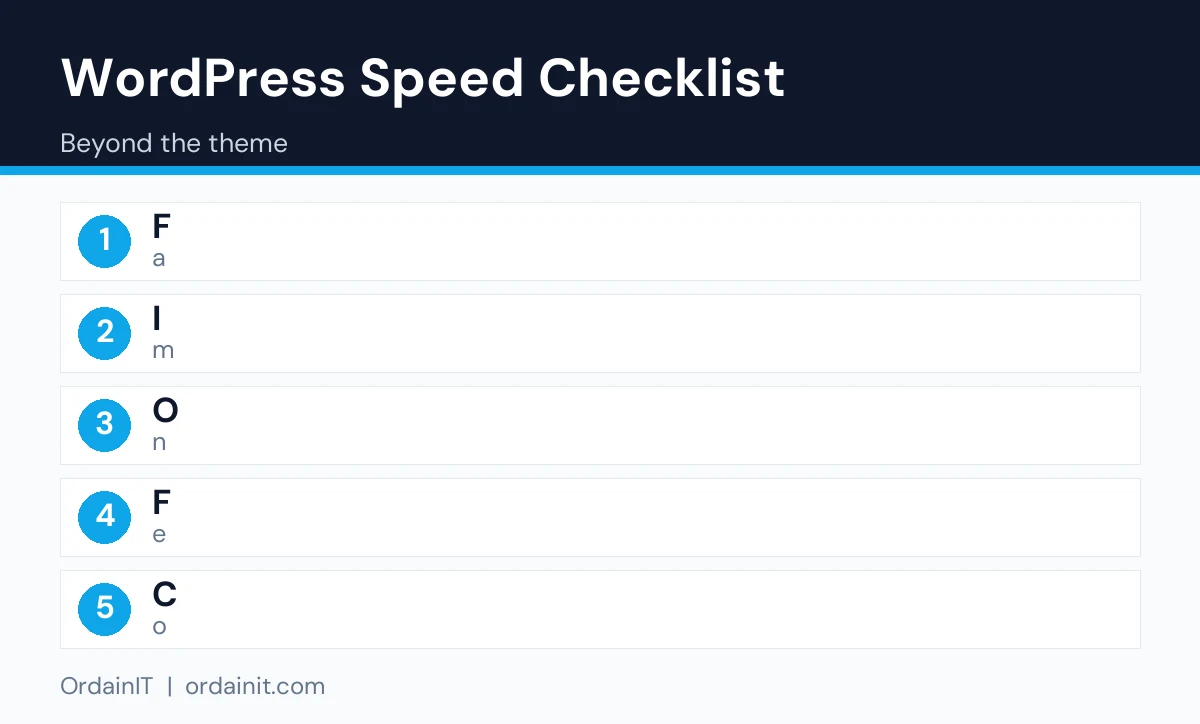
A fast theme only helps if the rest of the stack is set up well. Start with hosting that uses current PHP, server-level caching and enough memory for your traffic. Add a page cache, either from your host or a caching plugin, and enable compression. Put static files behind a CDN if visitors come from several countries. Then work on images: upload them at the size they display, convert large ones to WebP or AVIF, and lazy-load anything below the first screen. Next, review plugins; remove the ones you do not use and replace heavy ones with lighter alternatives. Load fonts locally and only the weights you use. Finally, delay or remove third-party scripts that are not essential on every page. Re-run PageSpeed Insights after each step so you can see which change helped.
Premium multipurpose themes include many demos, widgets and options, so their full packages are larger than the free themes measured here. That does not have to make your pages slow: most load assets only for the features a page uses. After importing a demo, delete pages, sections and widgets you do not need, disable optional modules in the theme settings, and test again. A premium theme set up carefully can be as quick as a free one with the same content, while giving you ready layouts that would otherwise need extra plugins.
If you choose a page builder, its assets will outweigh the theme. Hello Elementor is light because it leaves design to Elementor, so measure a finished Elementor page, not the empty theme, before comparing it with a classic theme. The fastest WordPress theme on paper is not always the fastest finished site.
We plan to repeat this measurement as themes release new versions, and we will update the table and the date when results change.
In our preview-page test, Hello Elementor (about 43 KB) and GeneratePress (about 77 KB) were the lightest. Real speed depends on your hosting, images and plugins.
Yes, but hosting, images, plugins and third-party scripts usually have a bigger effect.
Often. The block themes we measured loaded few or no script files, but inline styles still add weight.
Only after fixing images, caching and plugins. Switching themes means rebuilding layouts.
Not if you add many plugins to replace missing features. Choose the lightest theme that covers your needs.
Chosen a theme or template? The OrdainIT team, which designs and builds its own WordPress themes and templates, can also get your website live. Pick a fixed-price service:
Want a design to start from? Browse OrdainIT free WordPress themes and templates, to start your project at no cost, or see all WordPress services. Not sure what you need? Contact OrdainIT for a free, no-obligation quote.
See OrdainIT’s themes and customer ratings on OrdainIT’s ThemeForest profile.





 New release: